






4K Outdoor Wi-Fi Camera 8MP Dual Lenses AI Face Recognition Auto-Tracking 4x Digital Zoom Wireless IP66 Waterproof IP CCTV ICSee
湖北虹瞳视讯科技有限公司




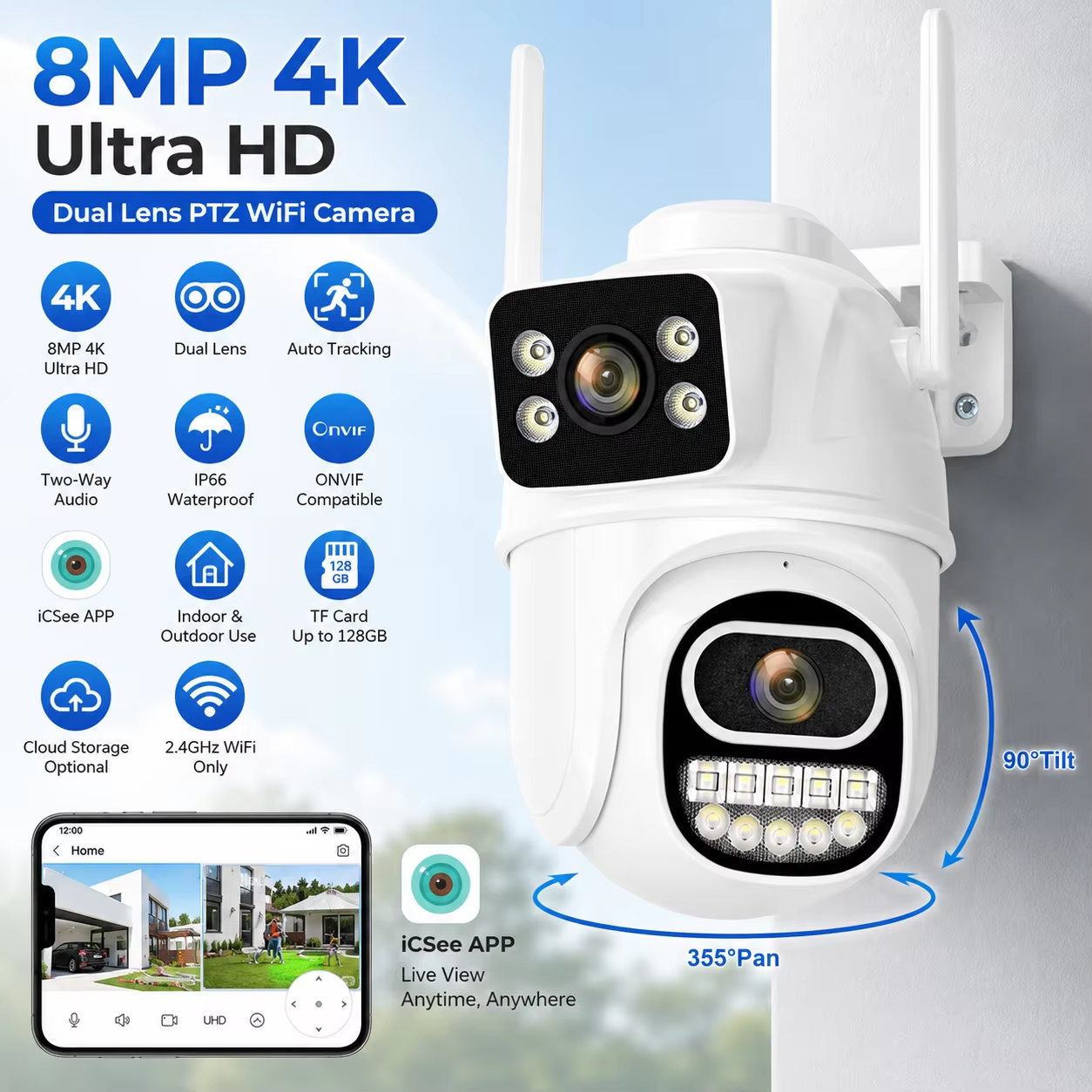
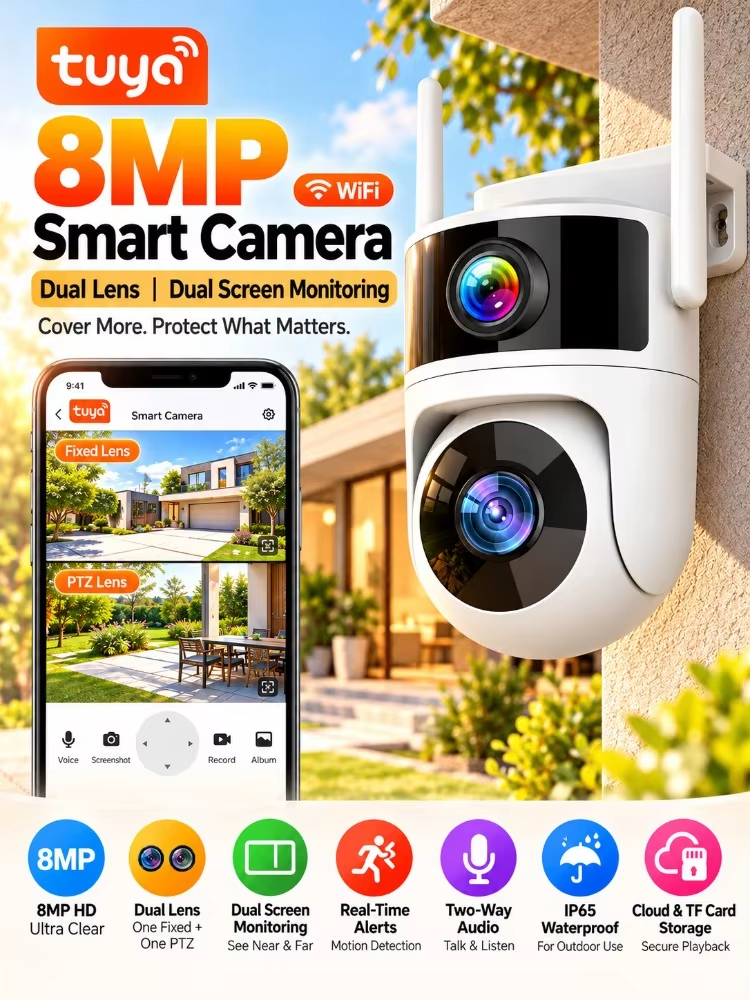
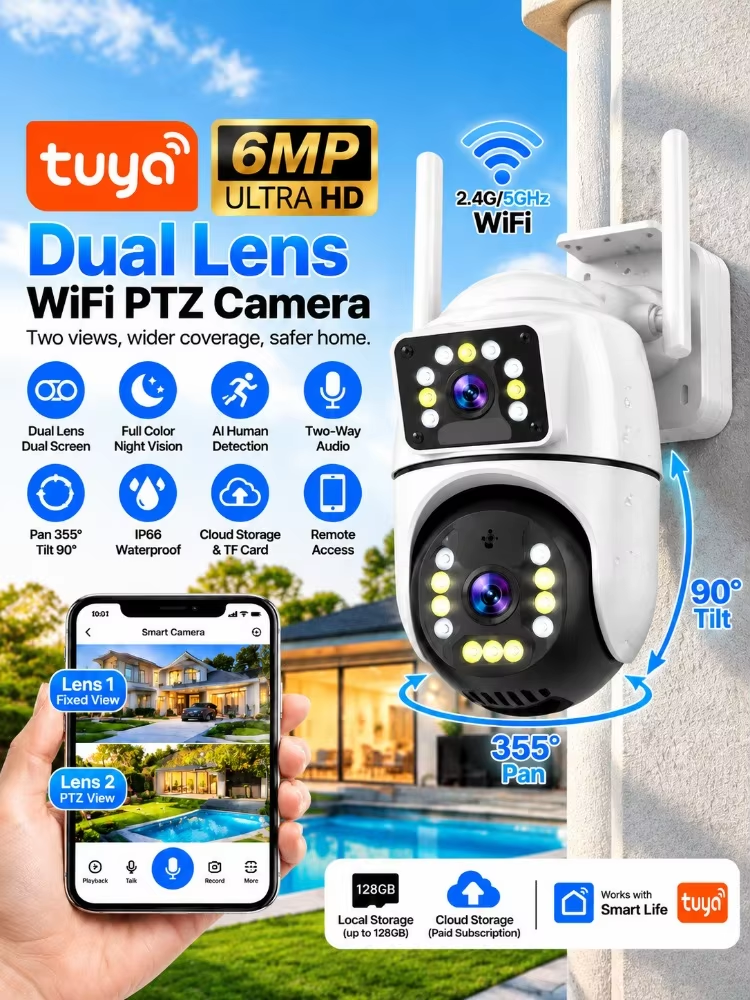
Dual Lens Dual Screen Auto Tracking PTZ WIFI Camera
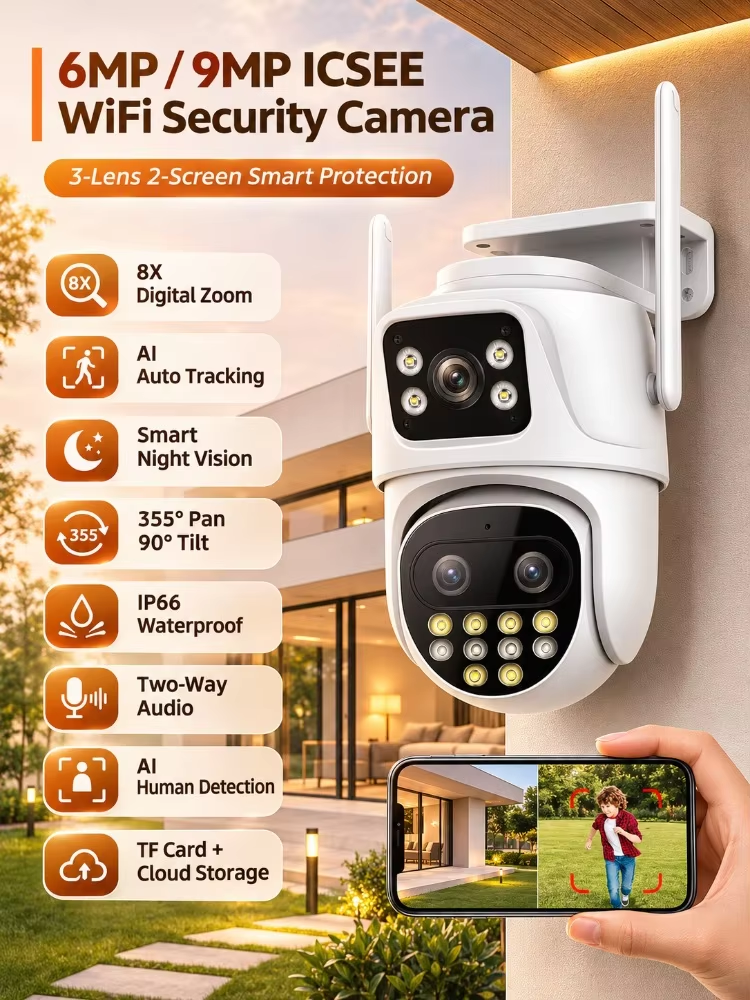
Dual lens, dual screen, alarm notifications, humanoid tracking, two-way voice intercom 360 monitoring, full color night vision, IP66 waterproof, remote cell phone monitoring, video sharing, SD card memory, 24 hours video recording

Notice before purchase:
Except for the mold, all features are the same between the old and new version.
NOTE: If you order now, we will RANDOMLY ship you new or old cameras!

Main Features:
- Camera with two lenses. Top lens is 3.6mm; bottom lens is 3.6mm.
- Dual screen with dual lens and dual sensor, wide angle view + long distance view to achieve clear monitoring from far and near;
- Dual light source design, built-in infrared light + white light, infrared night vision and night vision full color can be set;
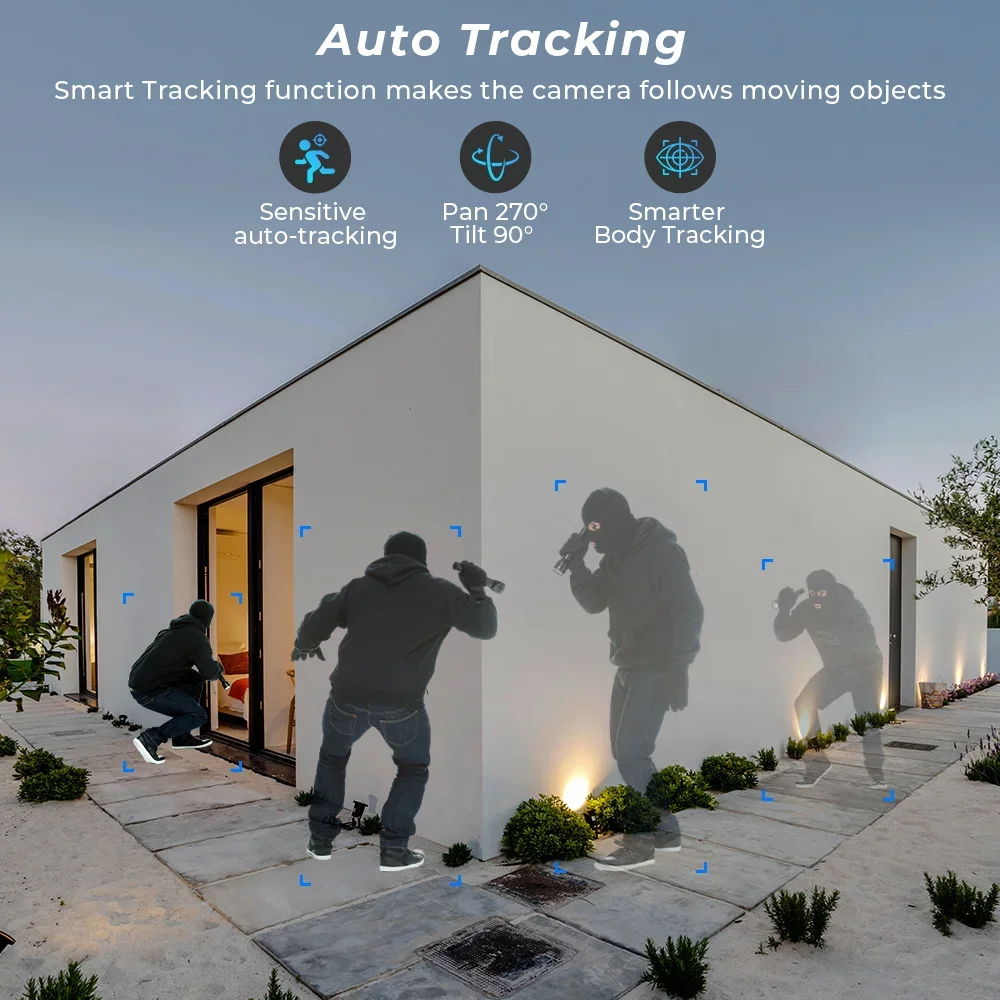
- Pan Tilt Move: bottom lens: horizontal: 270 degrees; vertical: 90 degrees.
- 2.4G WIFI + RJ45 network port for internet access;
- TF storage and cloud storage support (need to pay in iCSee app);
- Two-way voice intercom, two-way video synchronous recording and playback
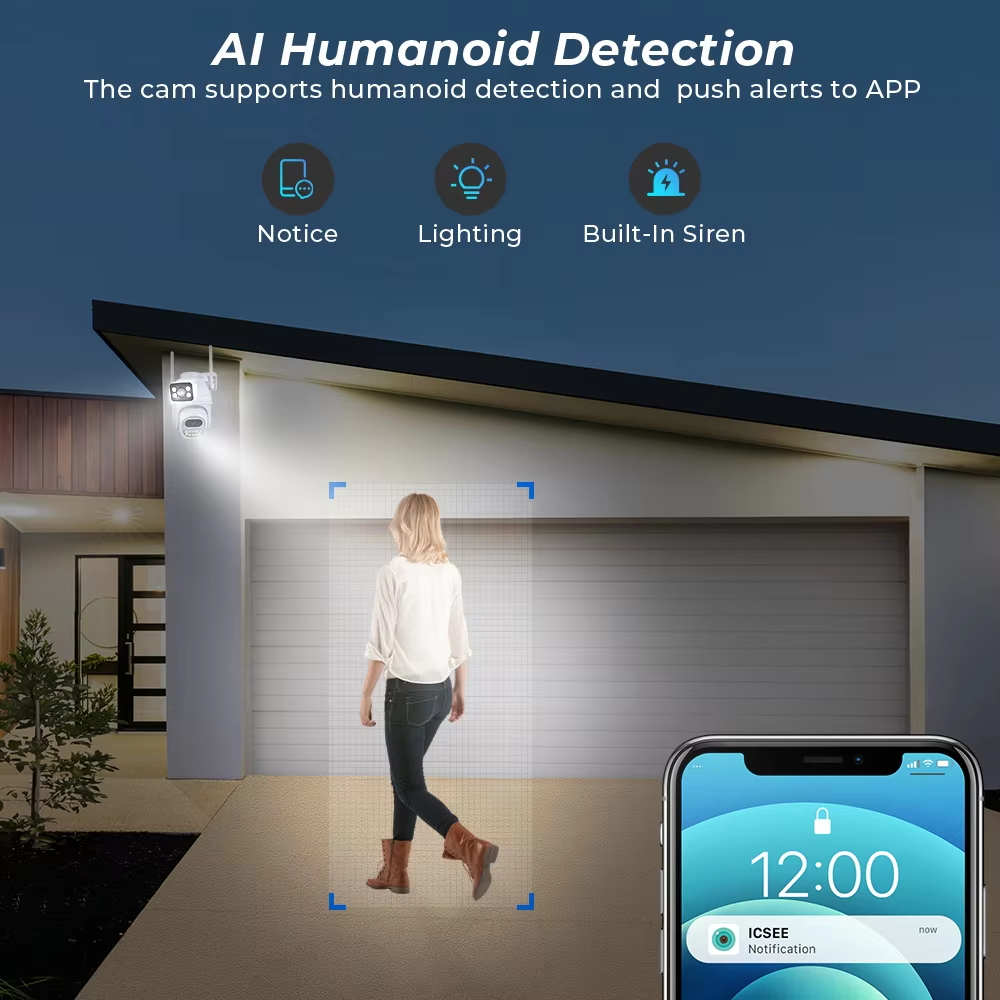
- Humanoid detection Smart Alert: Motion Triggered with alarm, APP Push notification and alarm recording
- Auto Tracking: When the ip camera detects a moving object, it will automatically follow the object.
-Smartphone App Name: “iCSEE” from Google Play or iOS APP Store
Packing List:
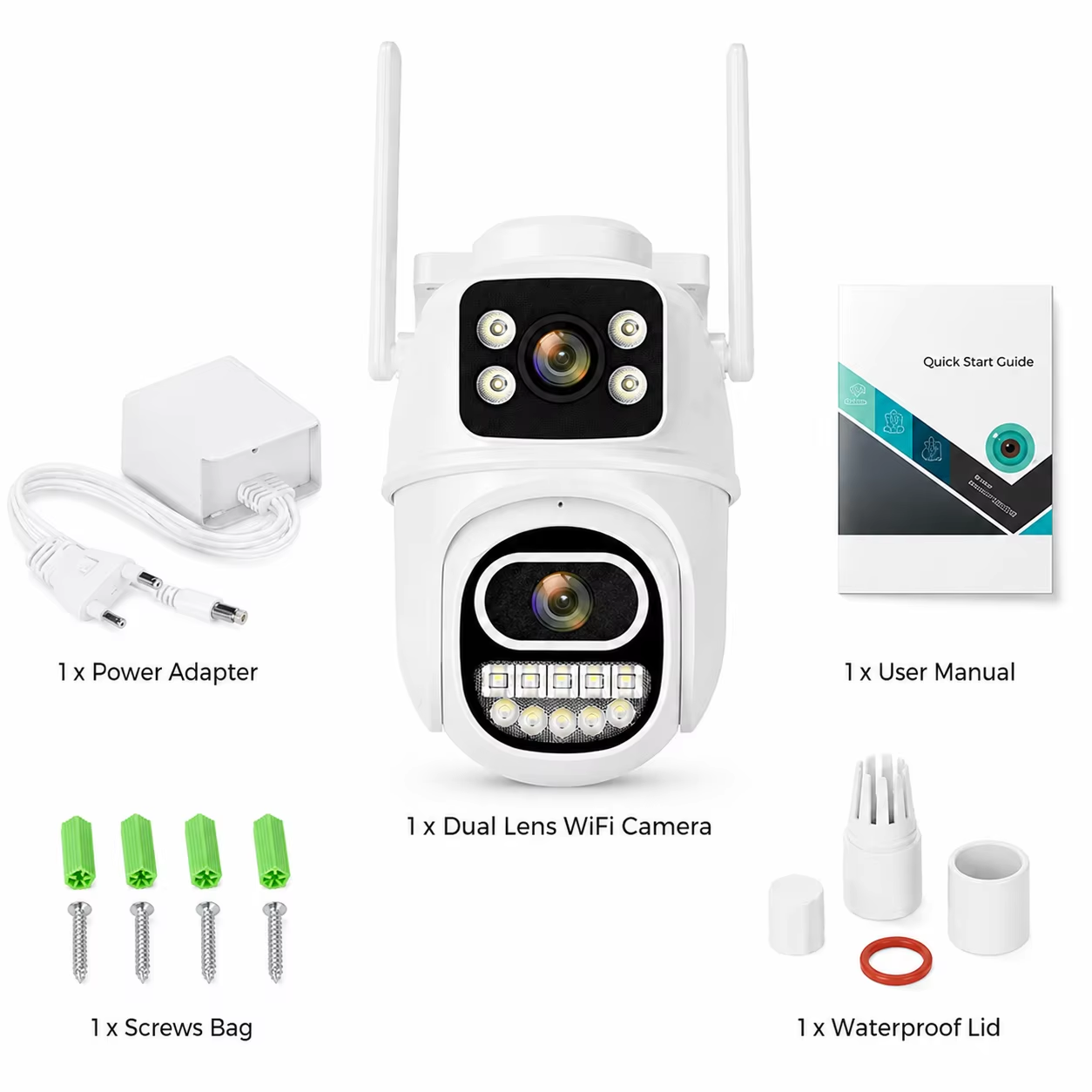
1x PTZ camera
1x User Manual
1x Power supply unit
1x Bag with screws

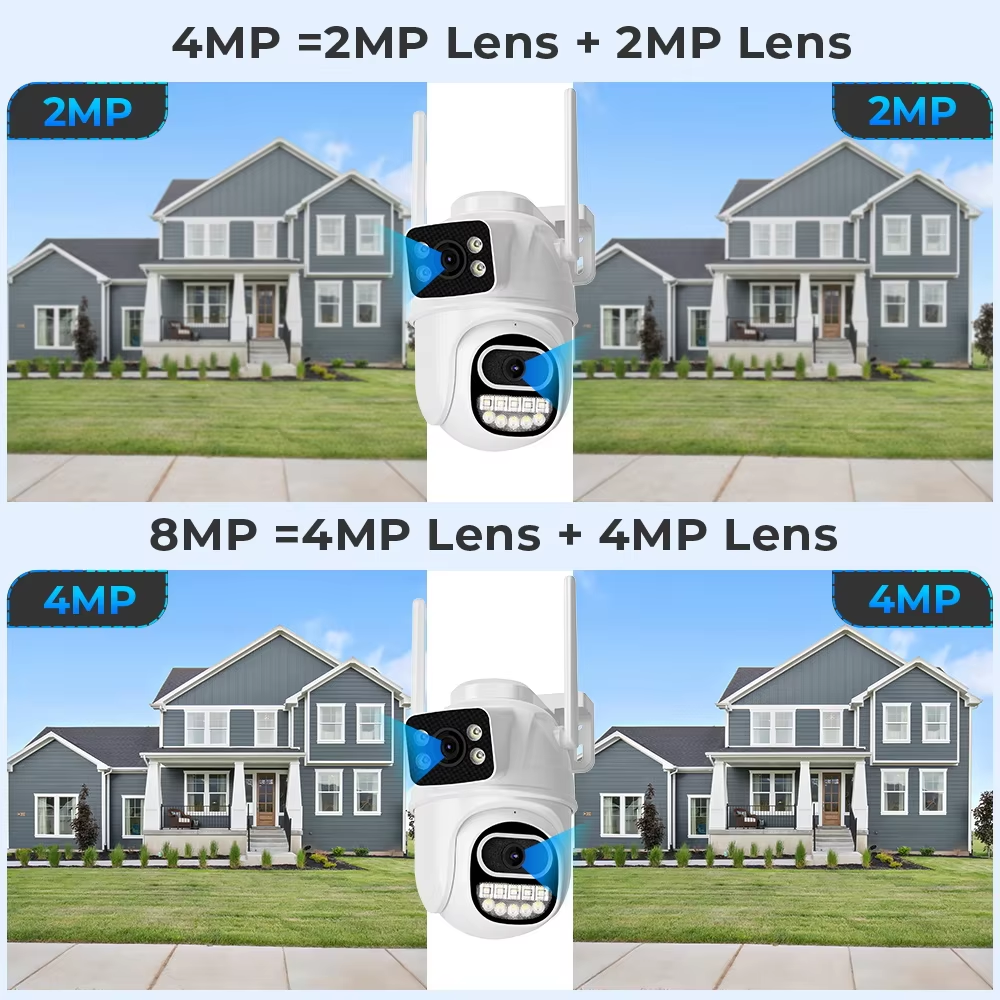
4MP 8MP Comparison
Version with 4MP camera:
Means the single lens is 2MP and the dual lens is 2MP+2MP=4MP.
Version with 8MP camera:
Means the single lens is 4MP and the dual lens is 4MP+4MP=8MP.

Dual lens and dual screen
There are 2 video screens in the APP: the top one is a fixed position camera and the bottom one is a PTZ camera.

270° panning and 90° rotation
With 270° horizontal and 90° vertical, you can remotely control the wifi outdoor camera to view every angle via your cell phone.

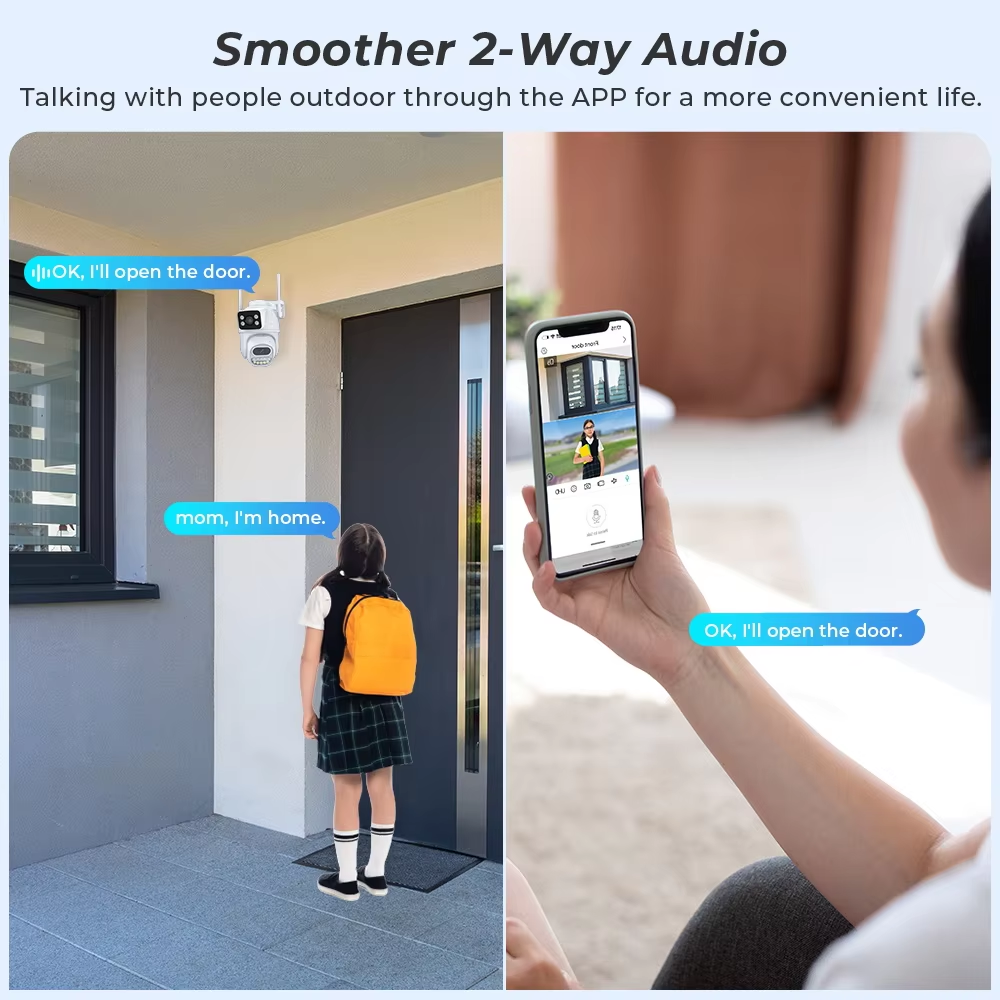
True two-way audio
Built-in microphone and speaker, live video support, allowing you to talk to your visitor in real time wherever you are.

Smart night vision
Built-in white LED and infrared LED, you can choose color night vision or infrared black and white night vision.

IP66 Waterproof/Dustproof
The camera is equipped with IP66 housing which is waterproof, sunproof and dustproof. It is suitable for any environment.

Ai Human Detection
Quickly finds human targets and immediately sends App notifications to your phone so you can see what's going on anywhere.

Automatic AI tracking
When someone walks through a protected area, the camera detects the person's movement and follows them.
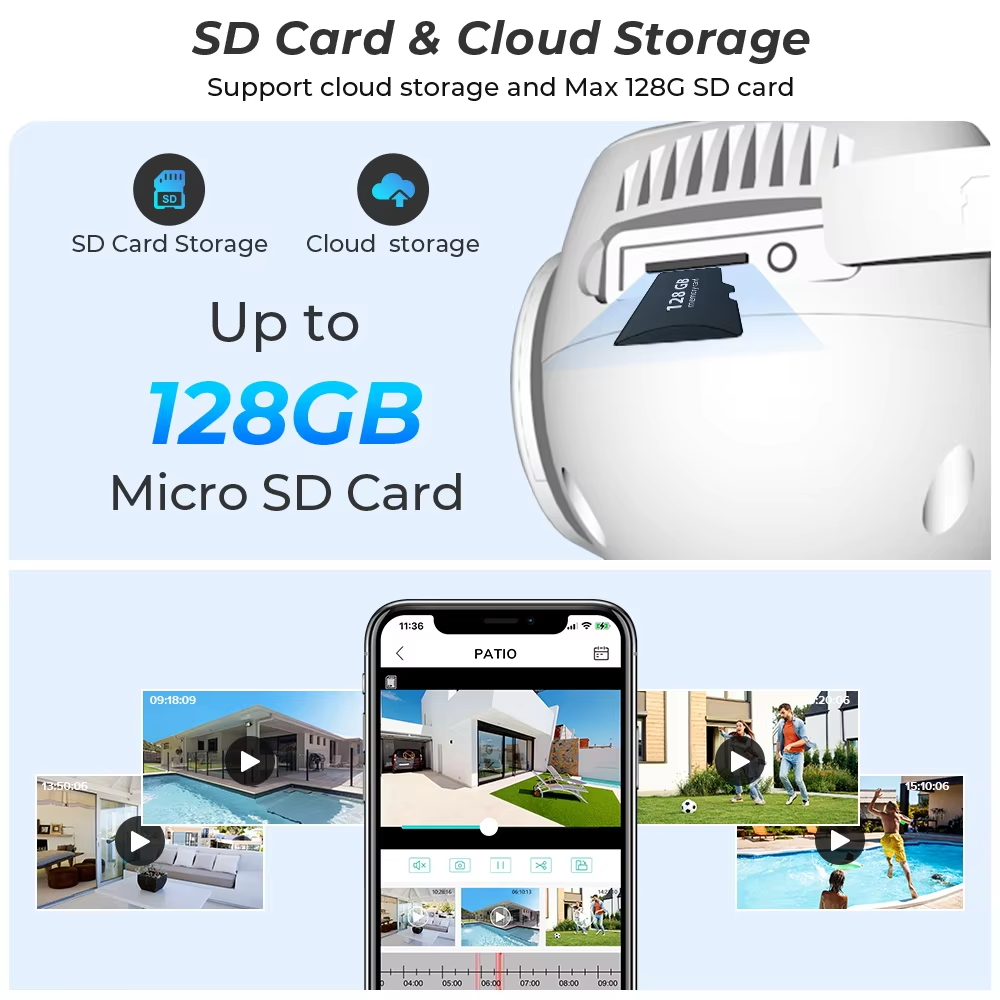
TF Card Storage and cloud storage support (payment required)
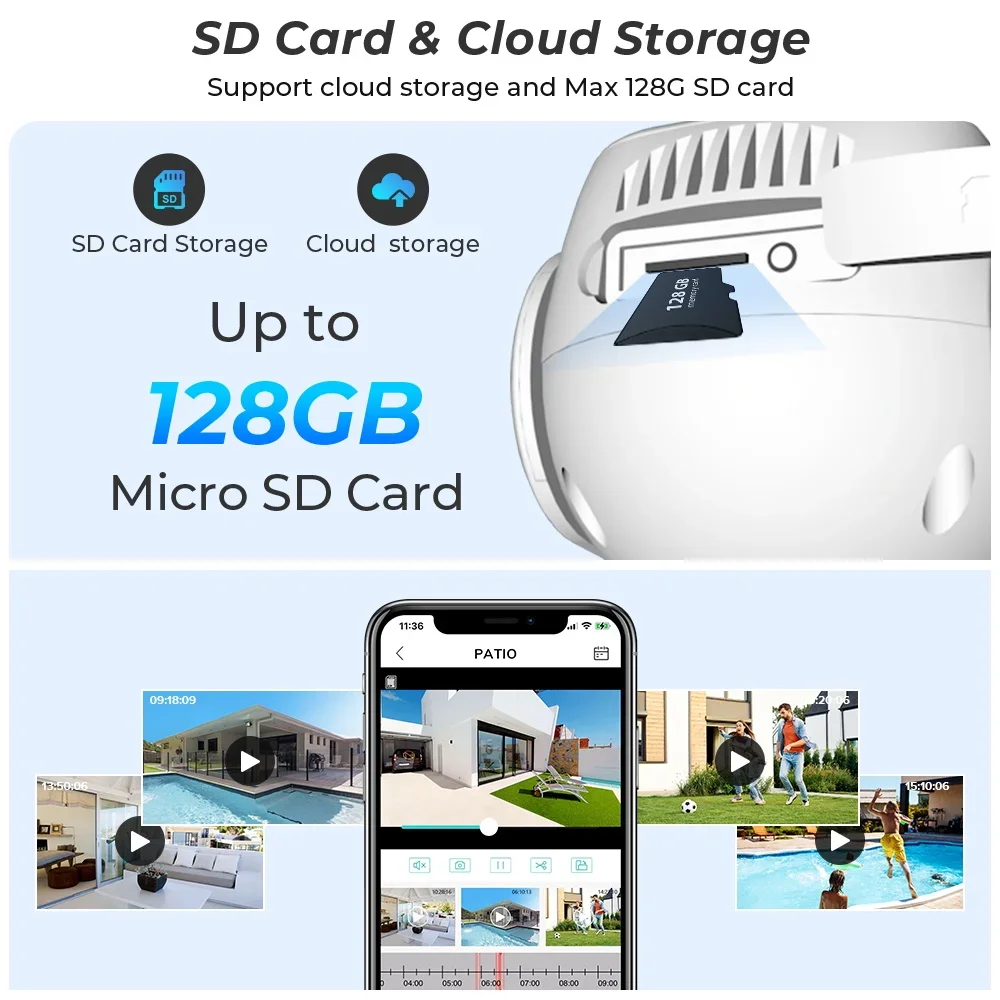
The camera supports local backup to a TF card with a capacity of up to 128GB, and also provides a cloud storage service (for an additional fee).
2.4Ghz Wifi connection and LAN connection
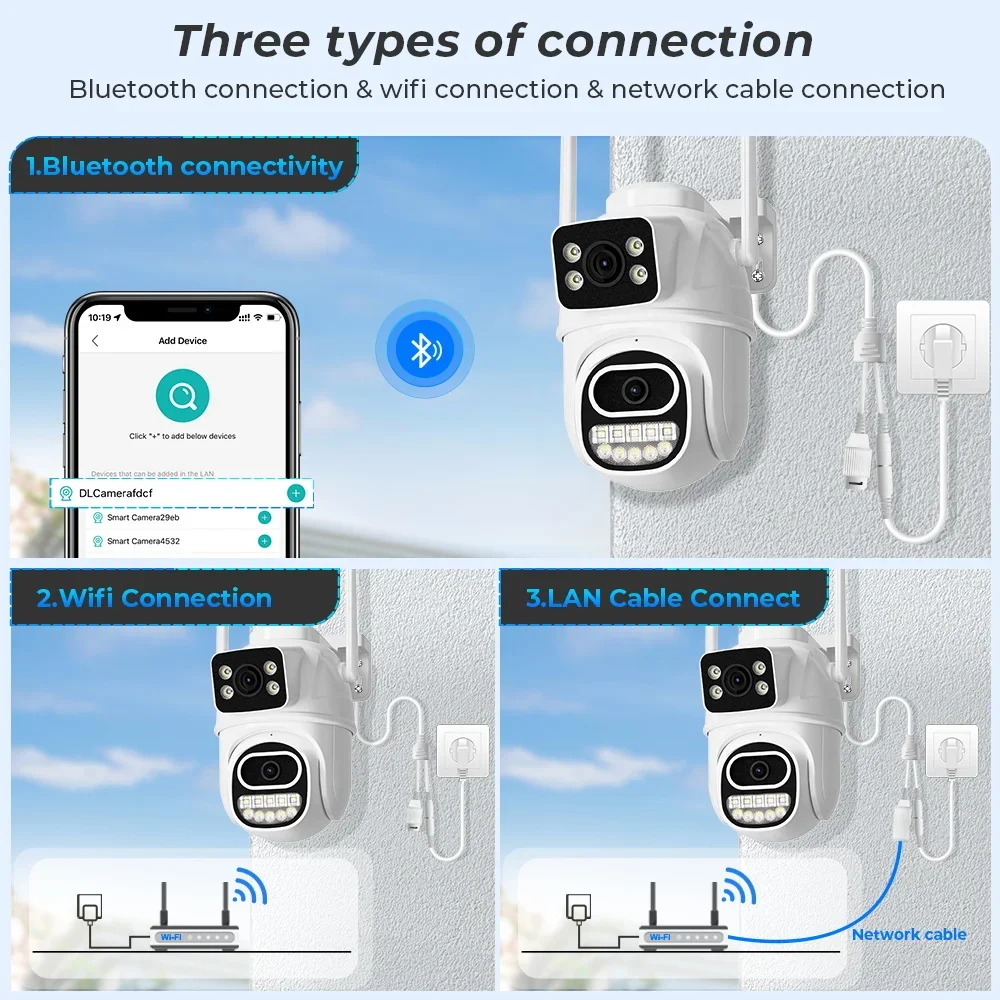
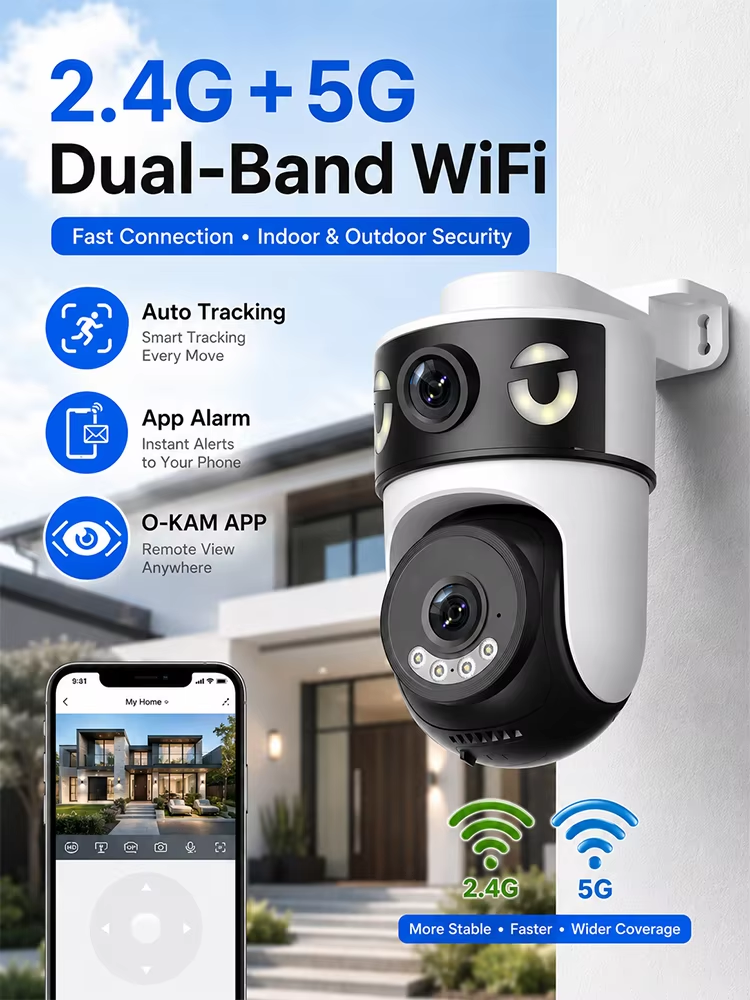
Powered by DC12V adapter, you can connect the camera to Wi-Fi network.You can set up Wi-Fi connection of the camera or LAN Search with network cable connected to router, work with 2.4G Wi-Fi only (Does not support 5G).
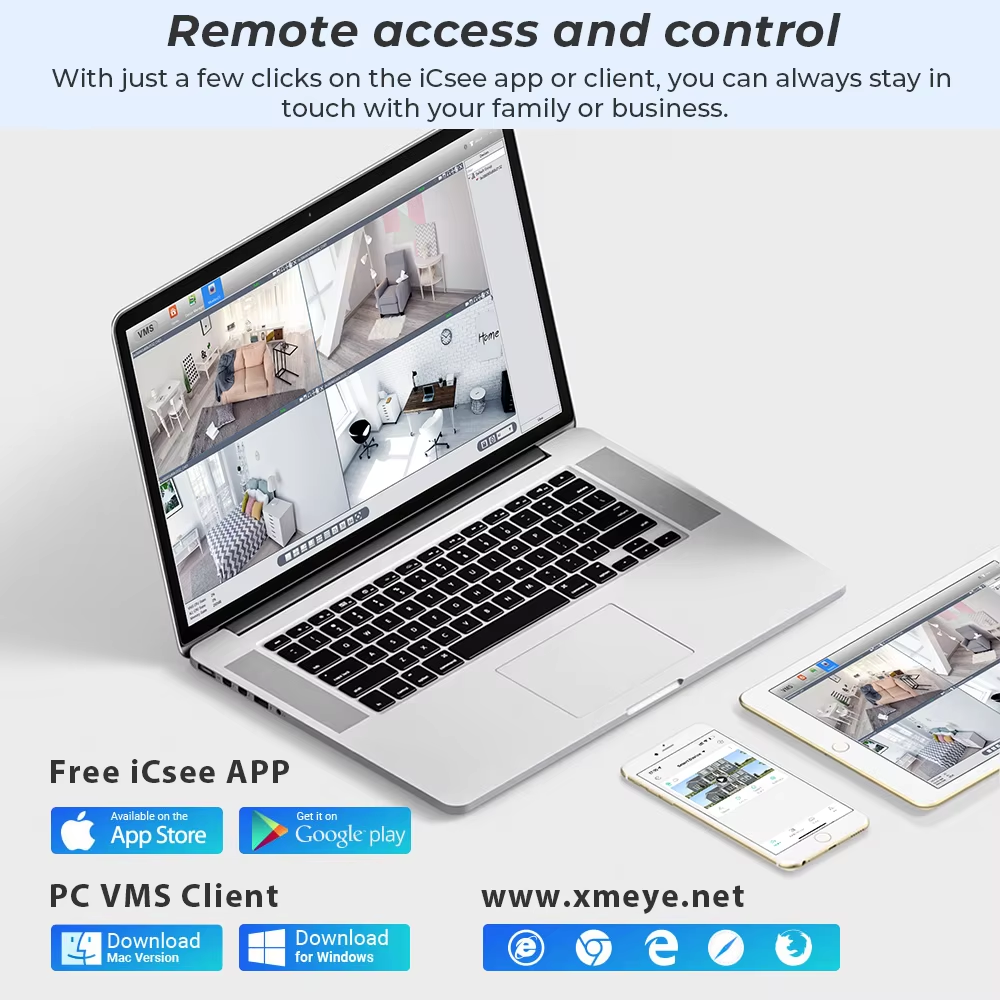
Remote access to the ICSEE application
You can get live video capture broadcast anytime and anywhere. Support multiple users viewing live video simultaneously through the phone APP.

How to set up the camera in iCSee application
① Download the icsee app from Google Mall or other program centers.
② There is a reset button at the bottom of the camera. Press and hold the reset button for 10 seconds. When you hear a successful reset sound, it means the camera has been successfully reset.
③ Connect the camera to 2.4G HZ Wifi network, follow the 6 steps in the picture to connect, and you can set up the camera successfully.

How to configure the camera in the VMS software
① The user name and password of the VMS software is admin
② Find the complete serial number, password and username in icsee application, enter them into VMS software and add it successfully
③ Double-click the serial number to watch online in real time

Related products



Contact Info
- Address: Victoria Noble Cente, Plot No. 89, Block No. 45B, Kijitonyama, Dar es SalaamTanzania, Dar es Salaam, China Road & Bridge Corporation Tower, 1503
- Phone: +255756661888
- Email: ccomtv@126.com