






Home PTZ WiFi 2MP Camera Tuya Indoor Cam Easy Installation Two Way Audio Night Vision Remote View Cameras Security Surveillance
安徽旭虹电子科技有限公司

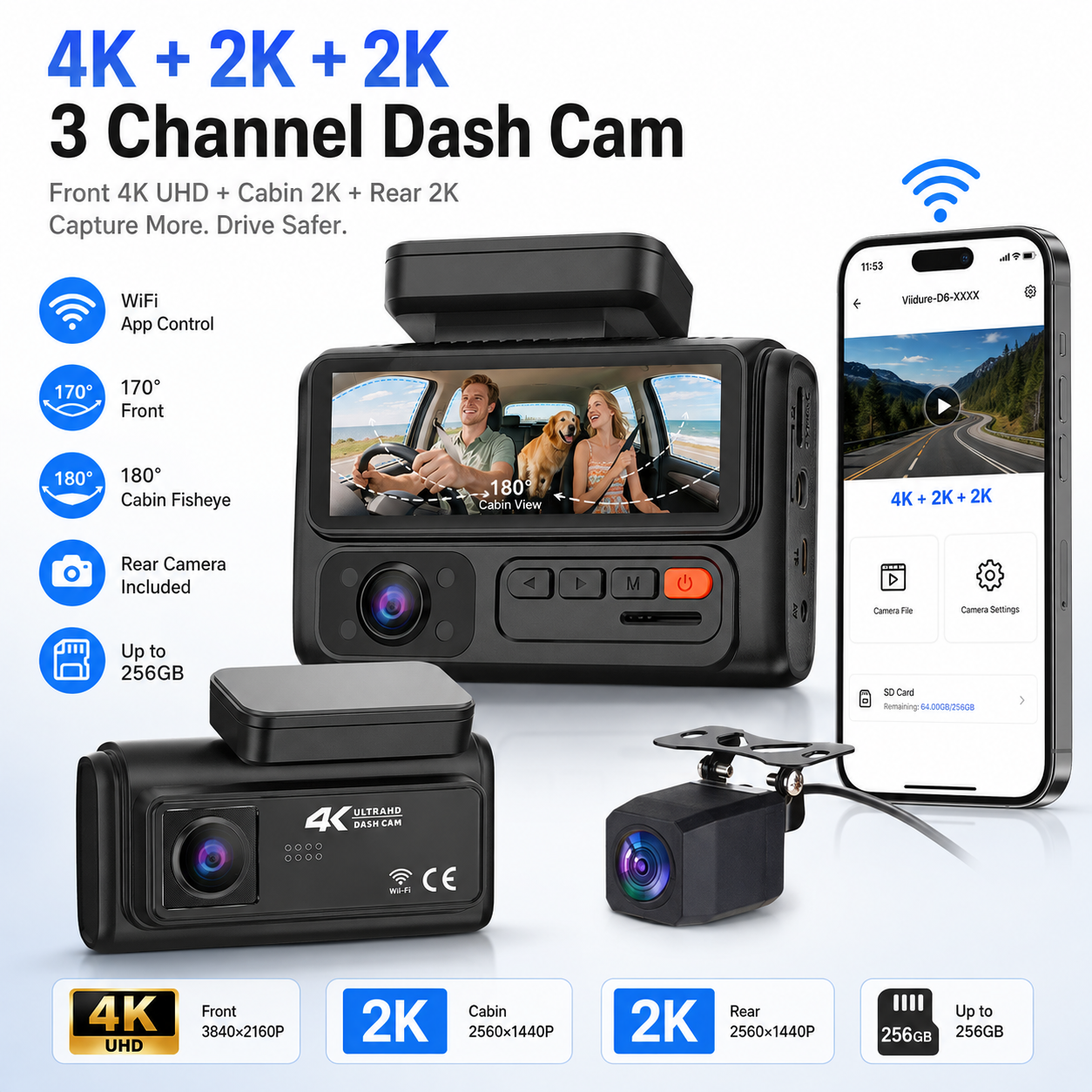
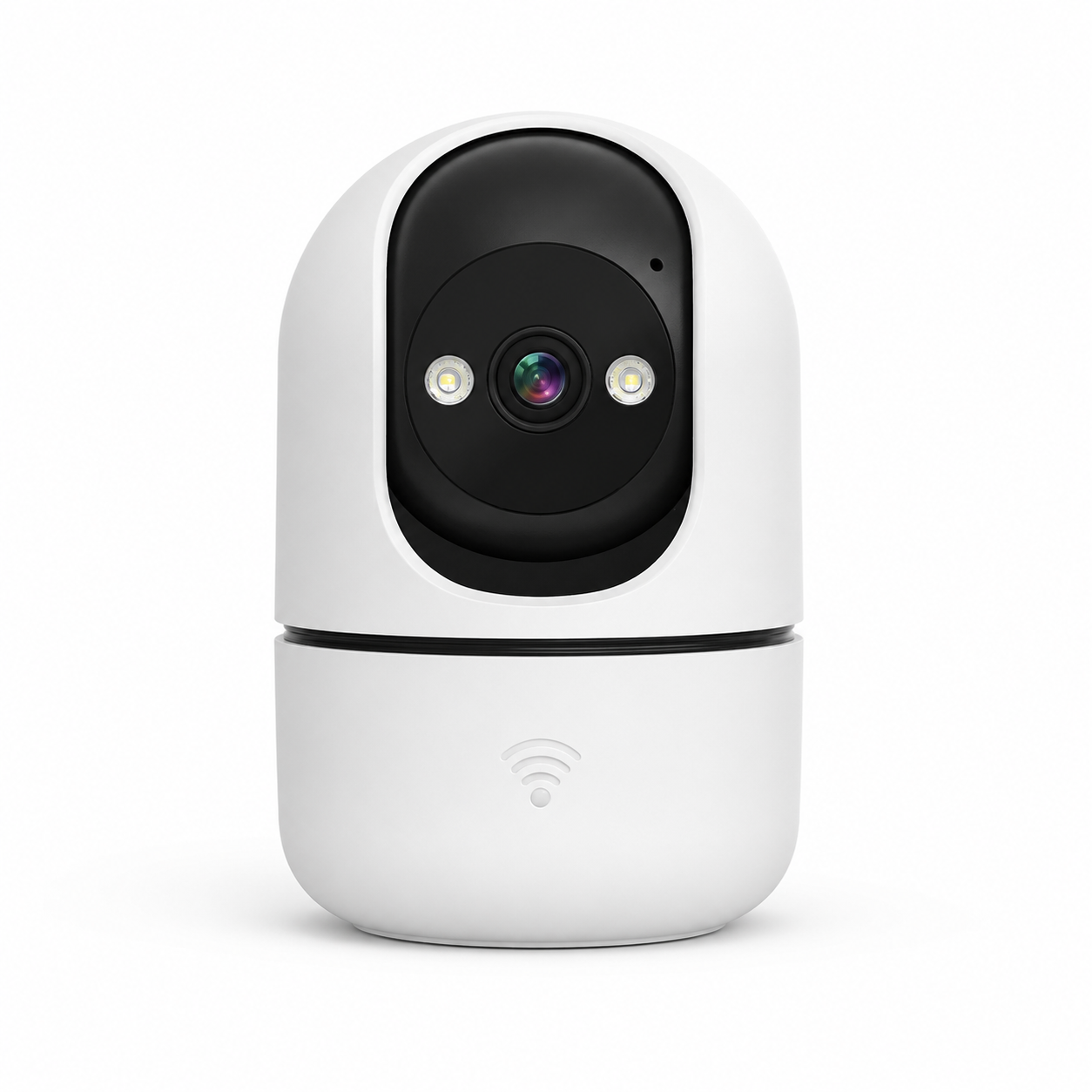
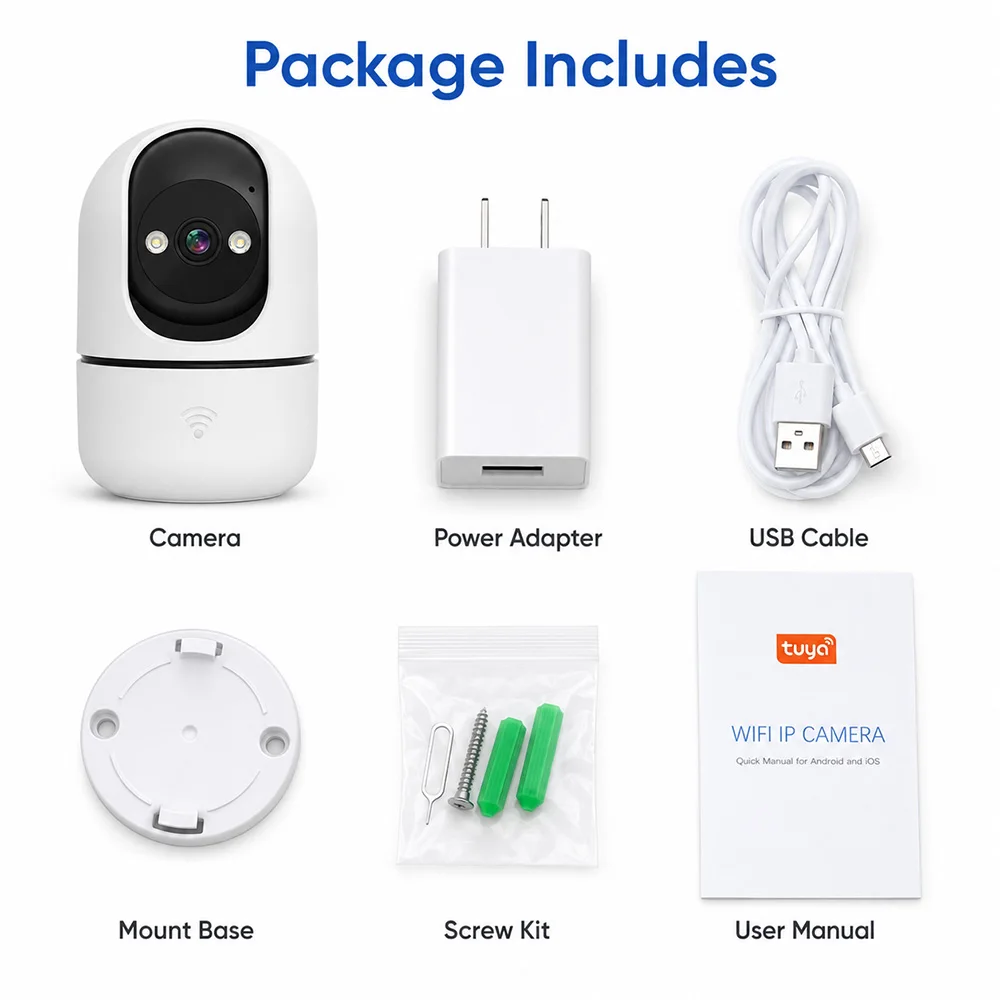
Smart Indoor PTZ WiFi Camera All-in-one home security camera for easy indoor protection.
2MP HD video, TUYA APP control, two-way audio, motion alerts, and flexible desktop or wall installation help you monitor your home with confidence.
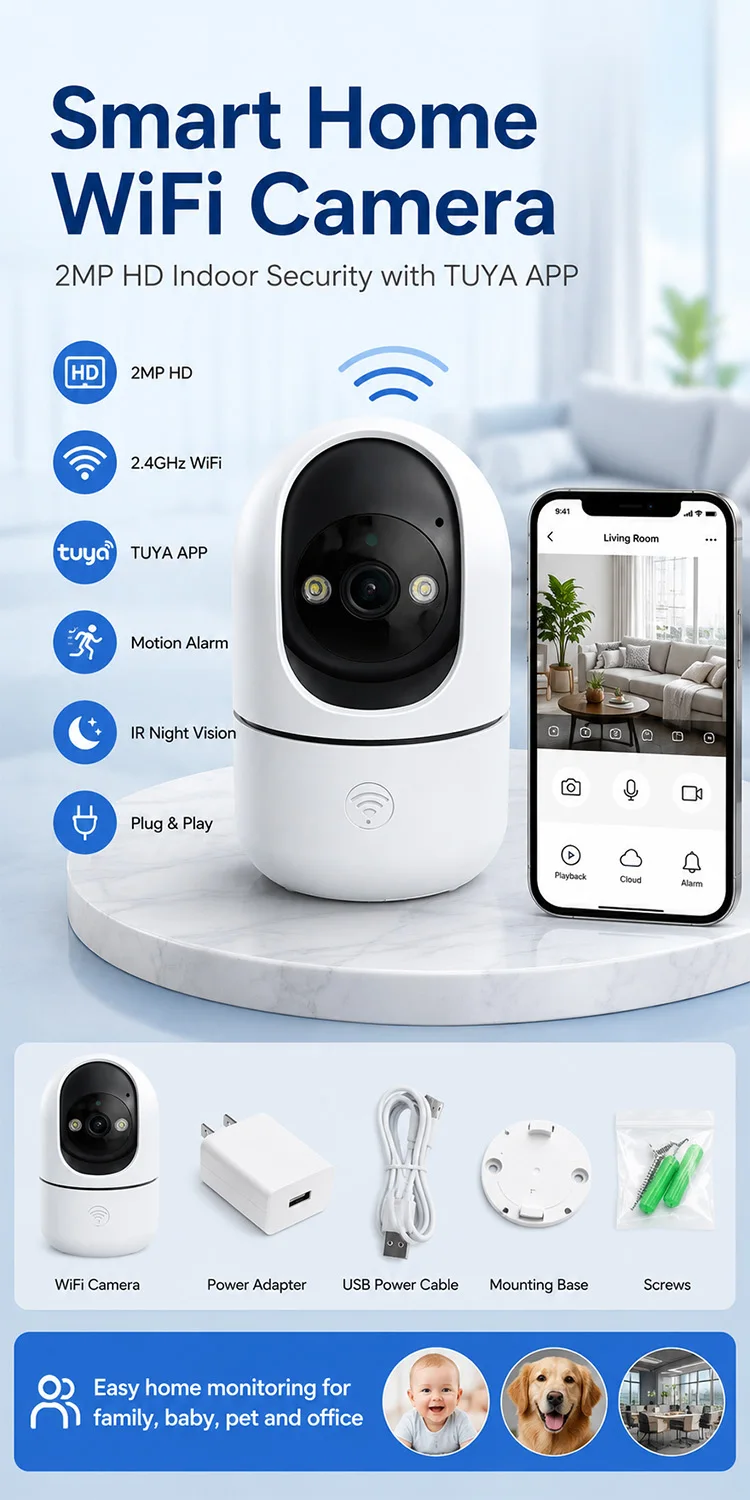
One Camera, Many Uses
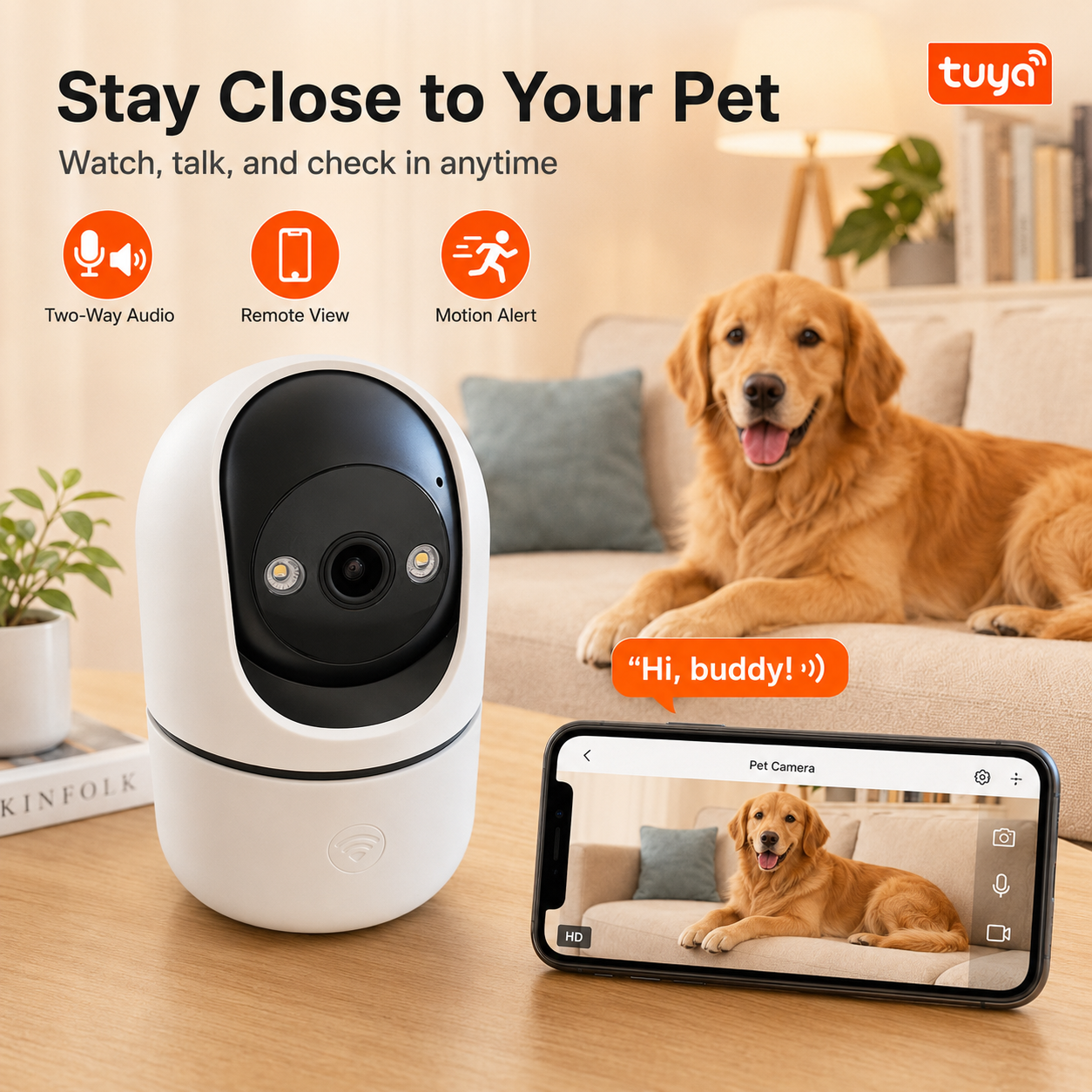
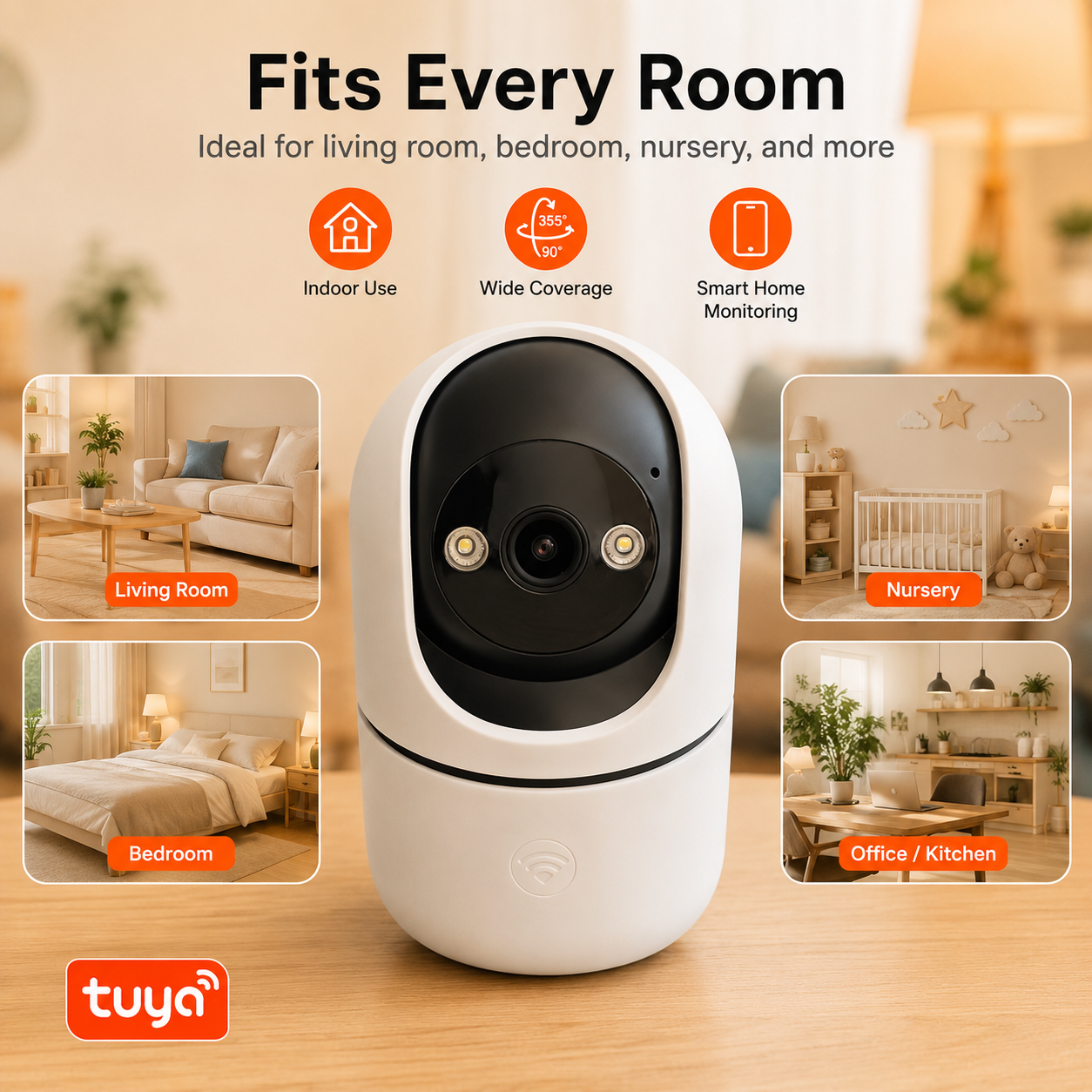
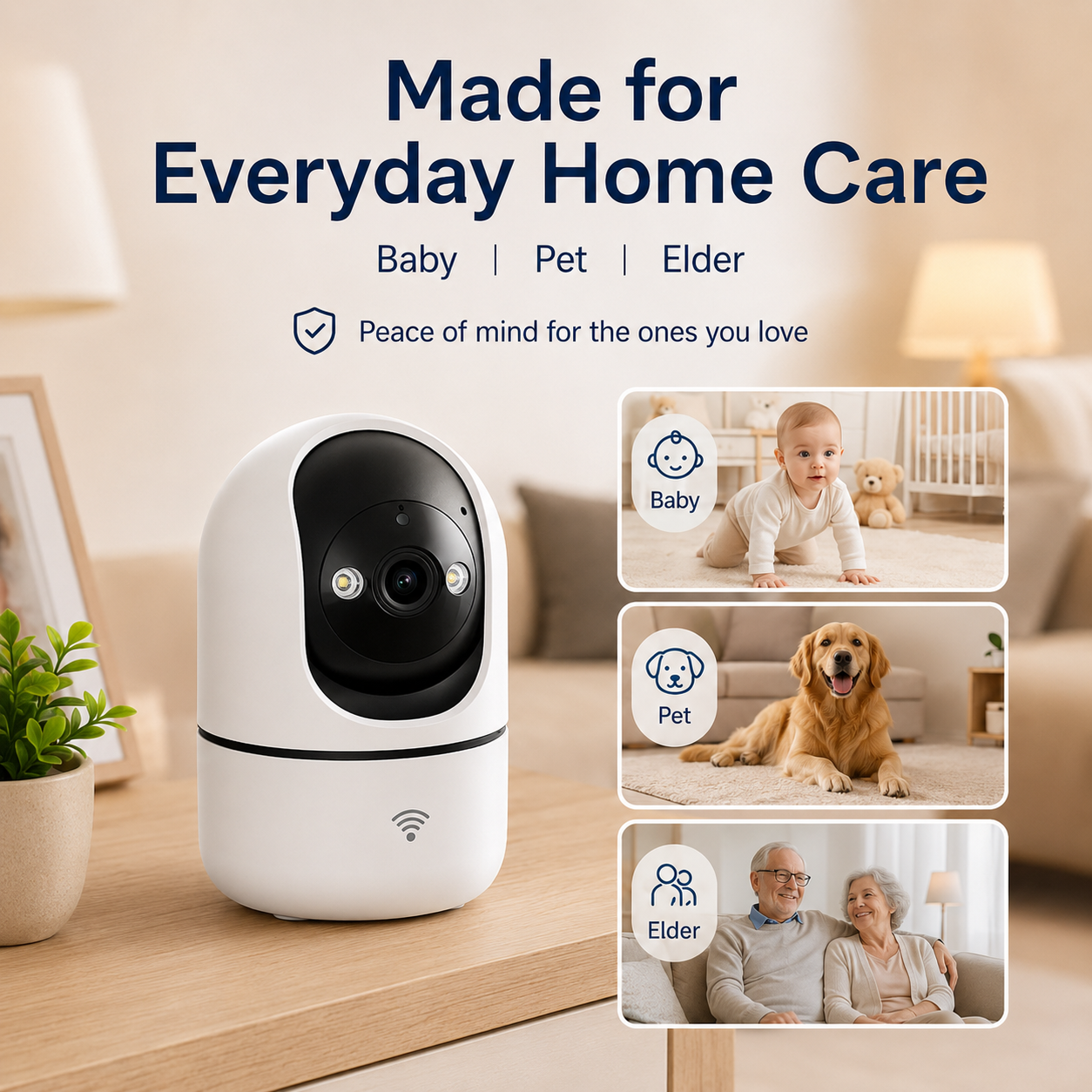
Suitable for different indoor spaces to fit all your home monitoring scenarios. This versatile indoor camera works perfectly in multiple rooms, supporting baby monitoring, pet watching, home security and small business guarding with its portable compact build. Multi-Scene Flexible Placement Living Room & Bedroom: Daily home safety monitoring Baby Room: Real-time infant care surveillance Pet Care: Remote check on your pets Office & Shop Counter: Workplace and store security
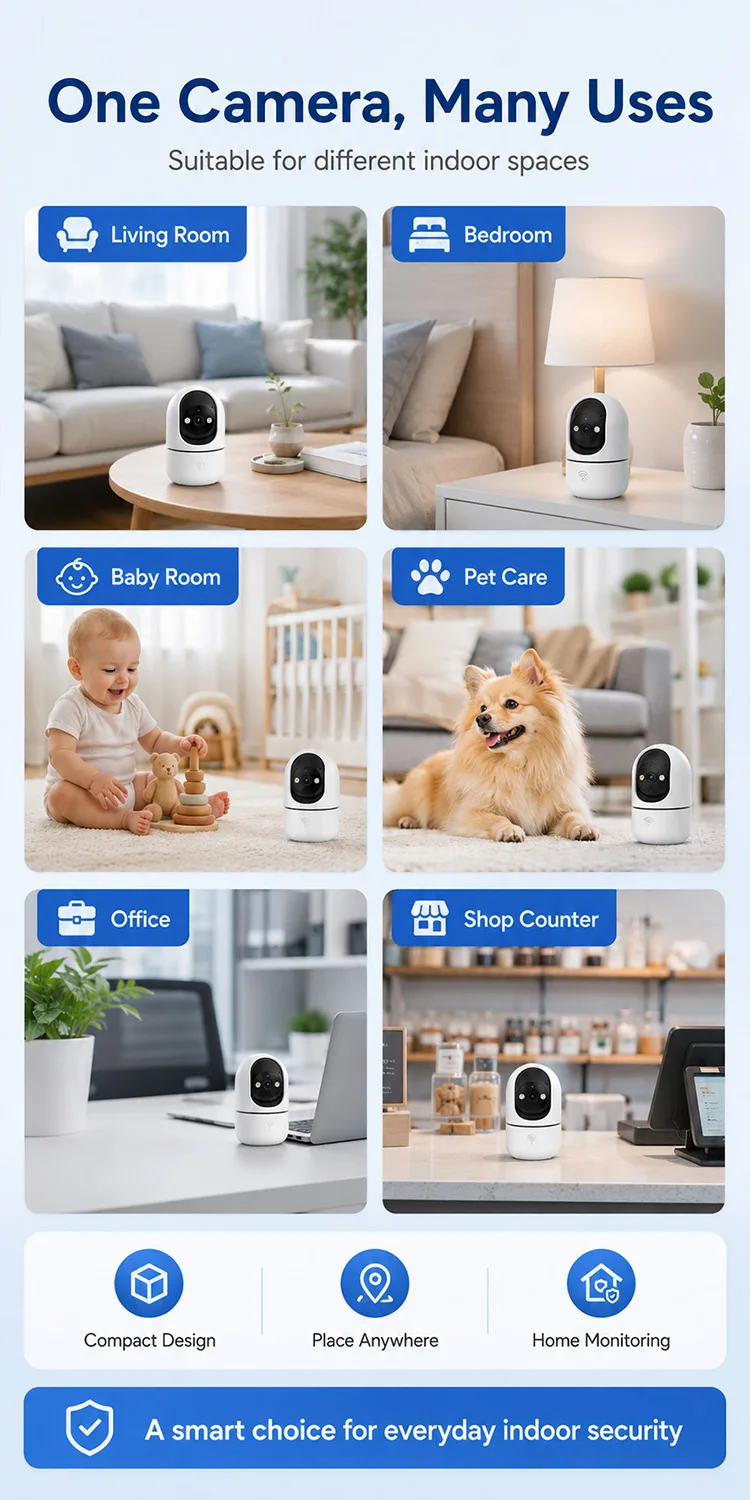
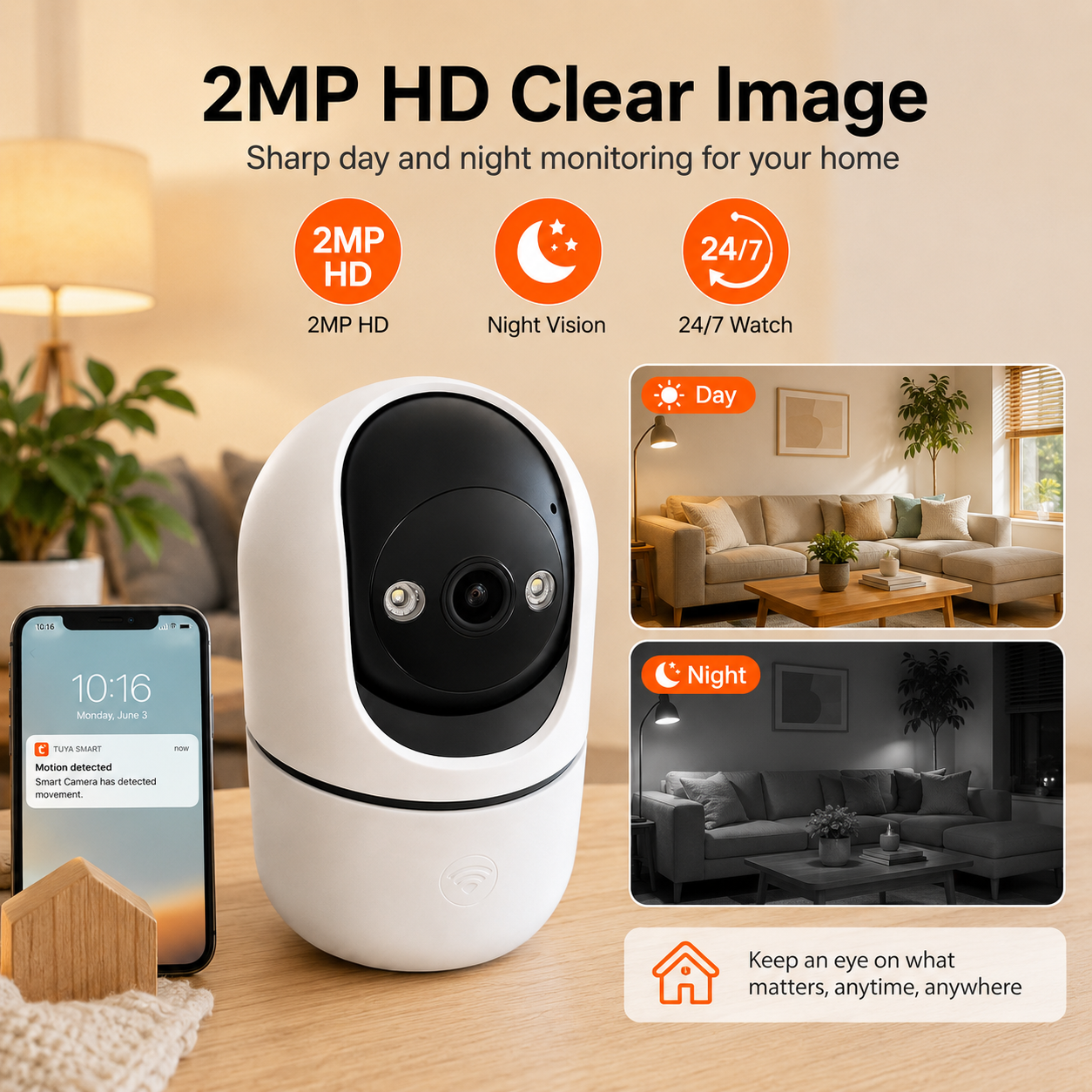
2MP HD Clear Image Capture clear details day and night with 2MP HD vision.
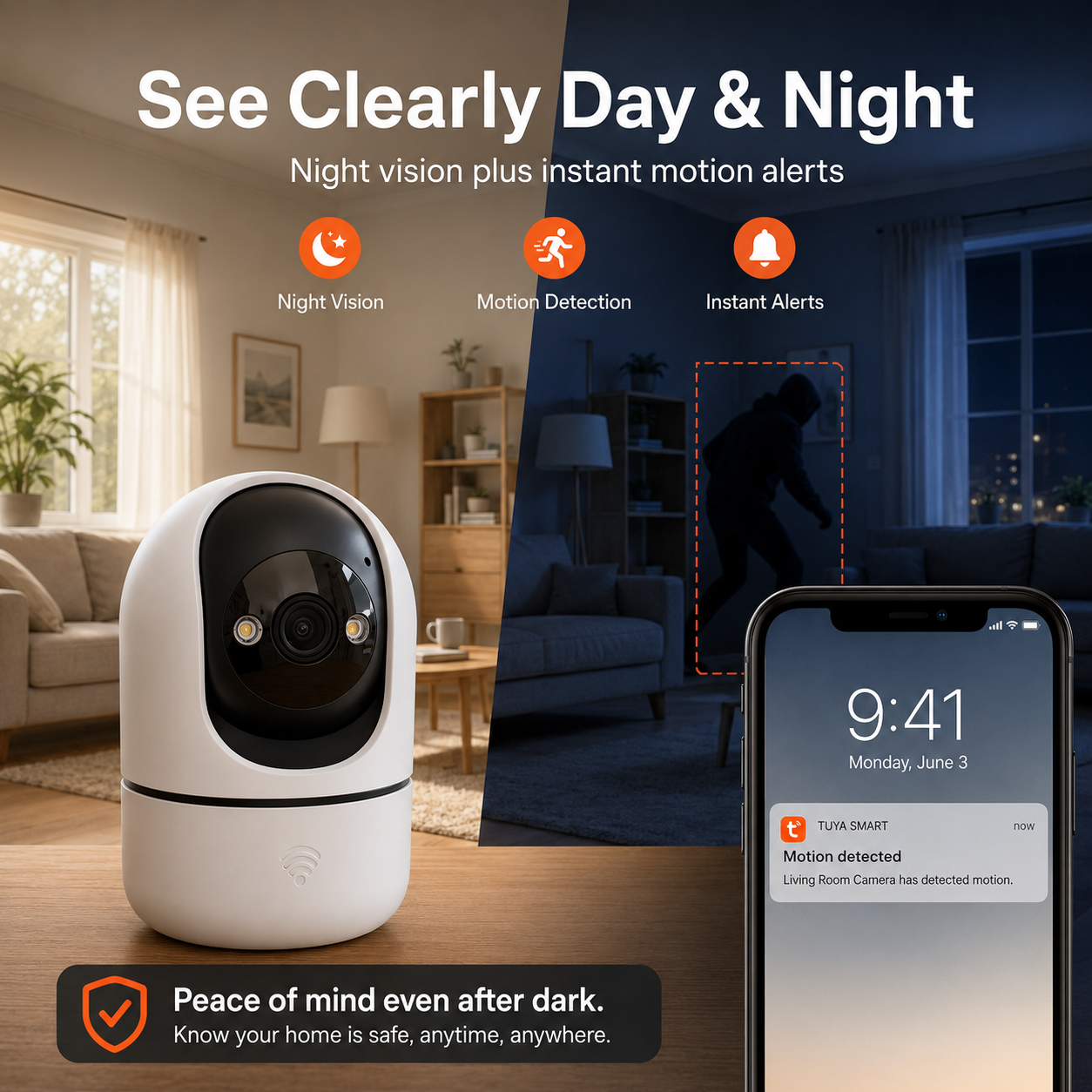
The camera delivers sharp live video for daily home monitoring and supports infrared night vision for clearer viewing in low-light environments.
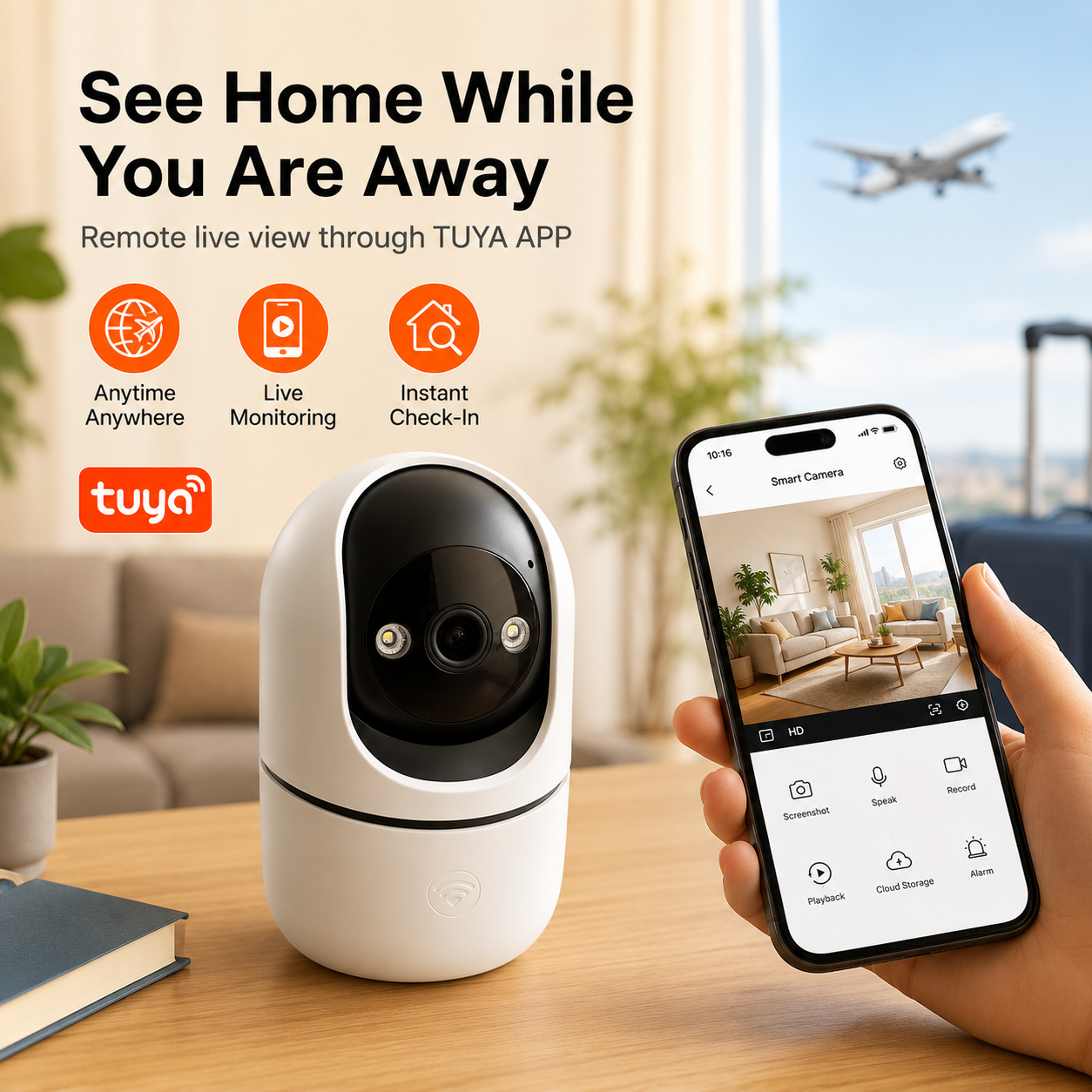
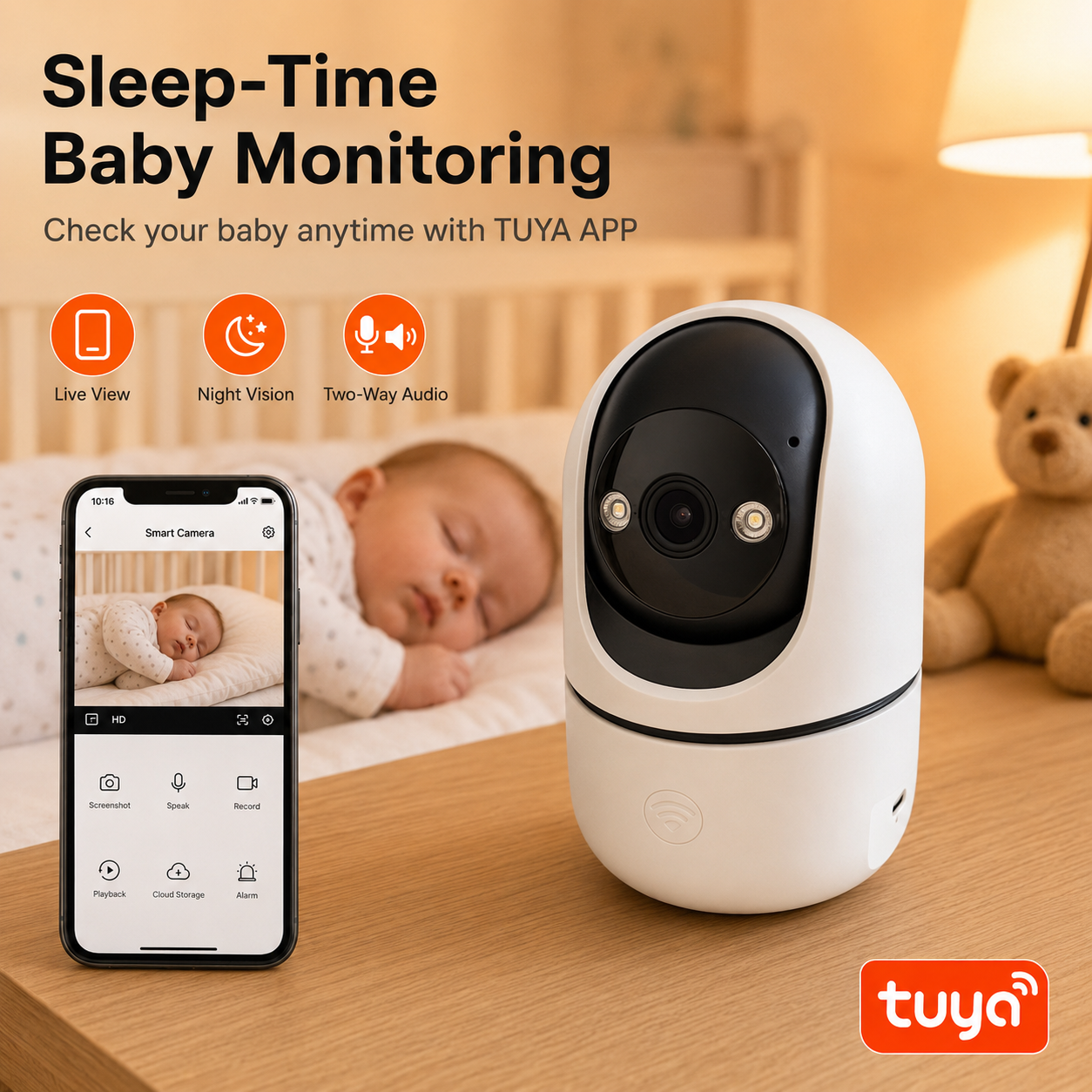
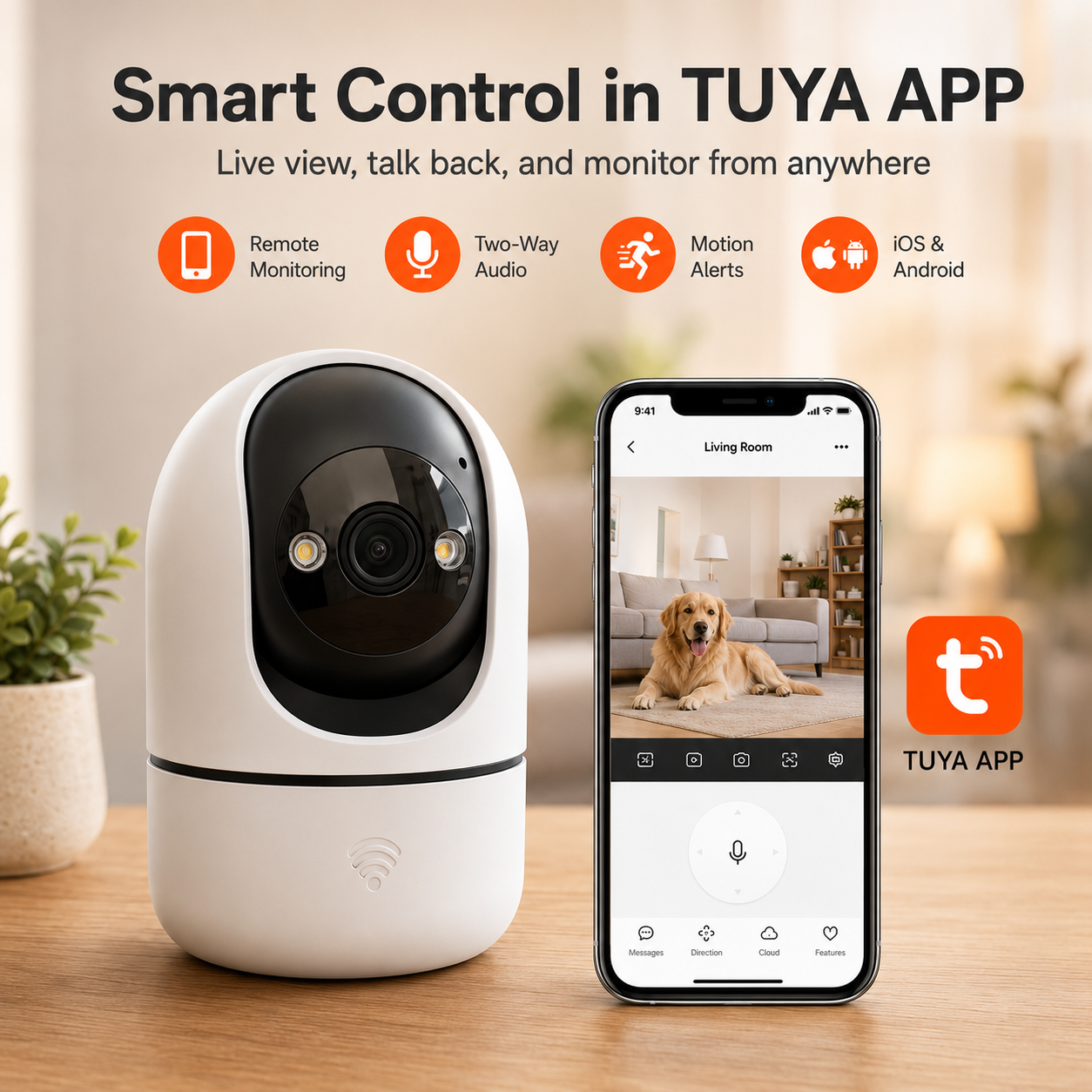
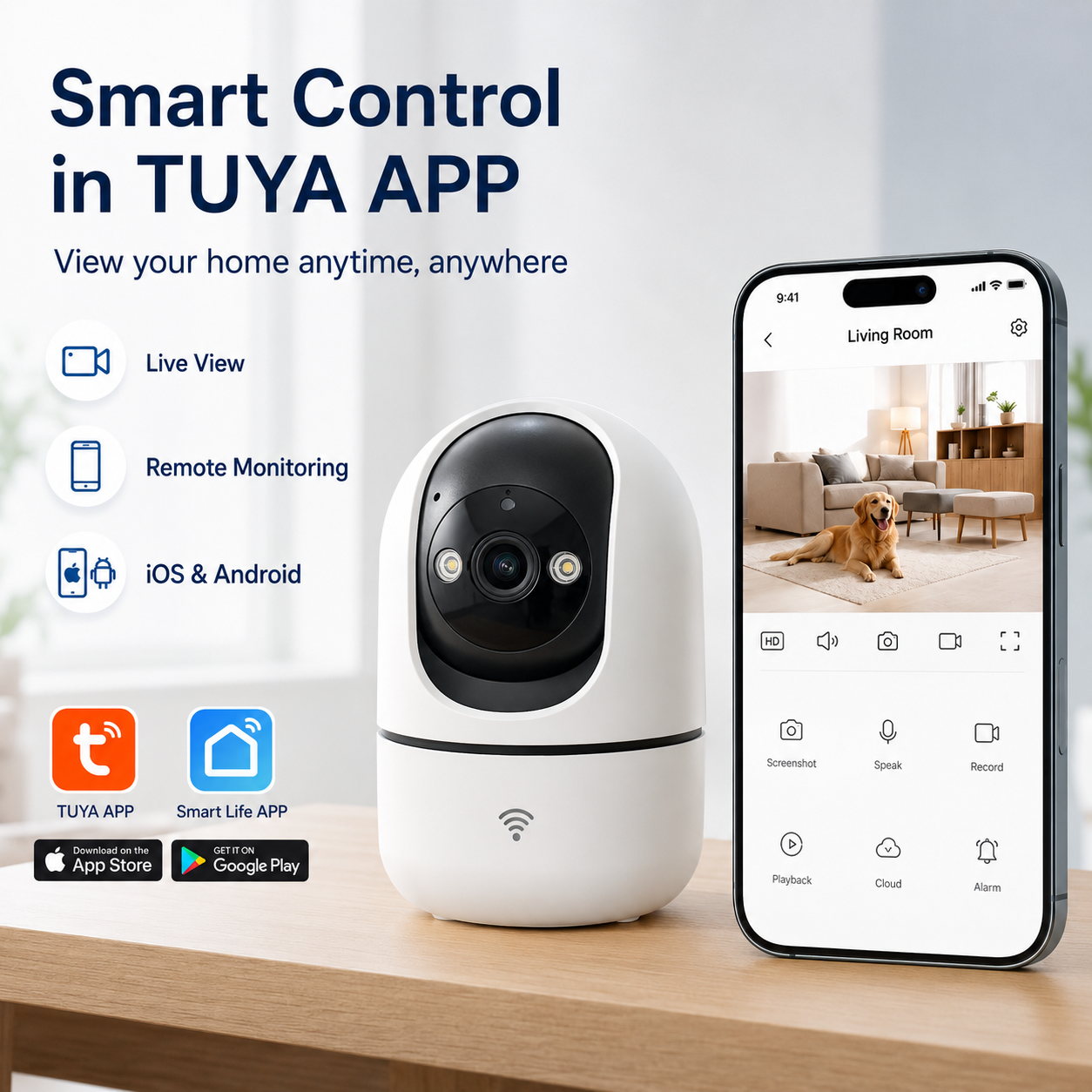
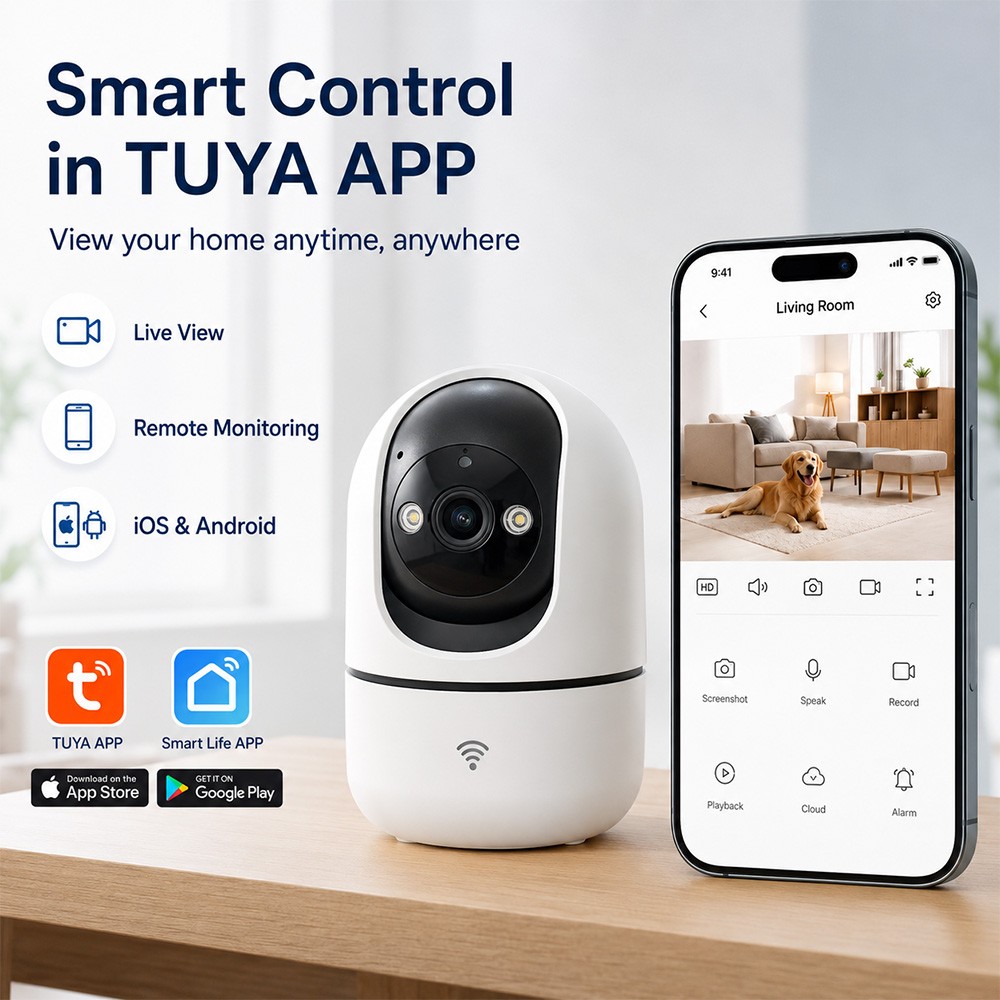
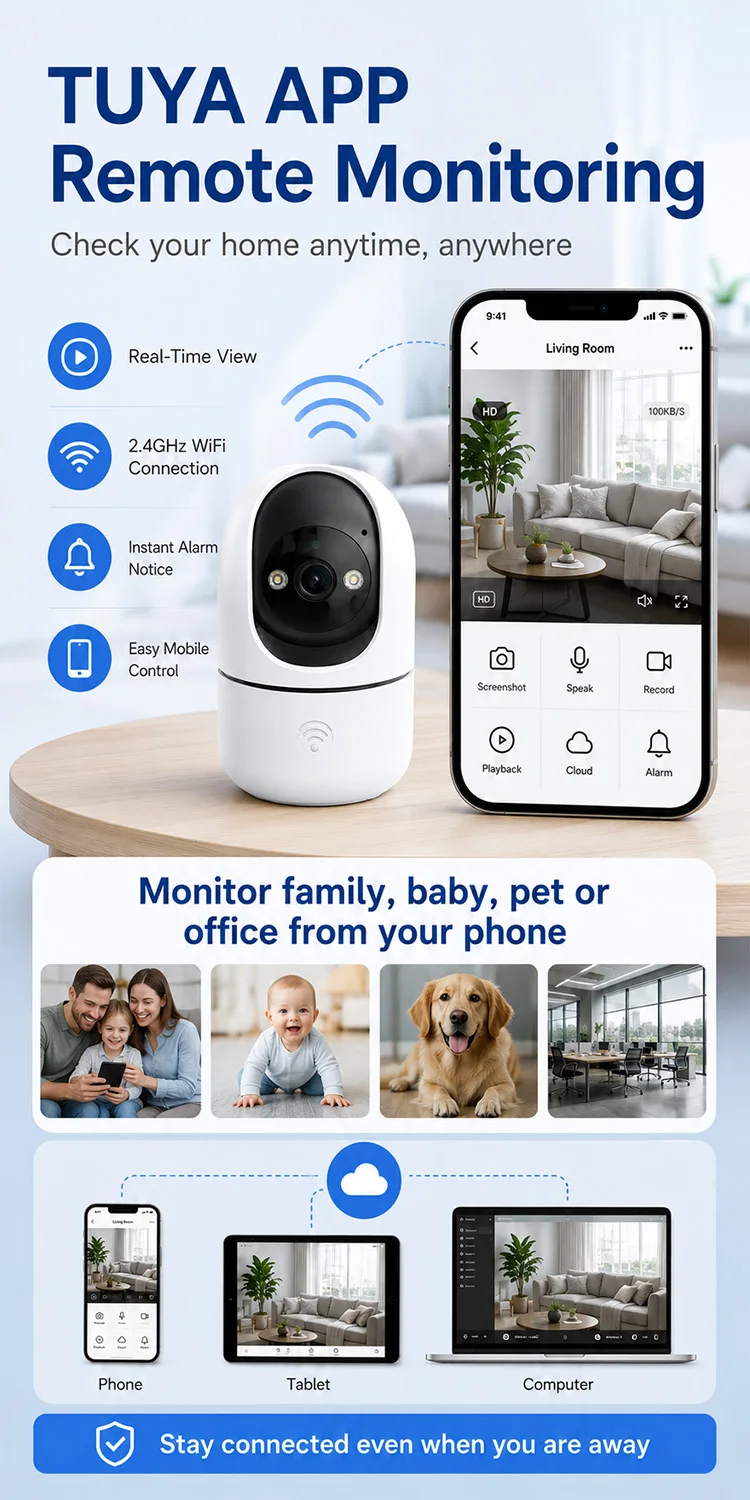
TUYA APP Remote Monitoring View your home anytime, anywhere from your phone.
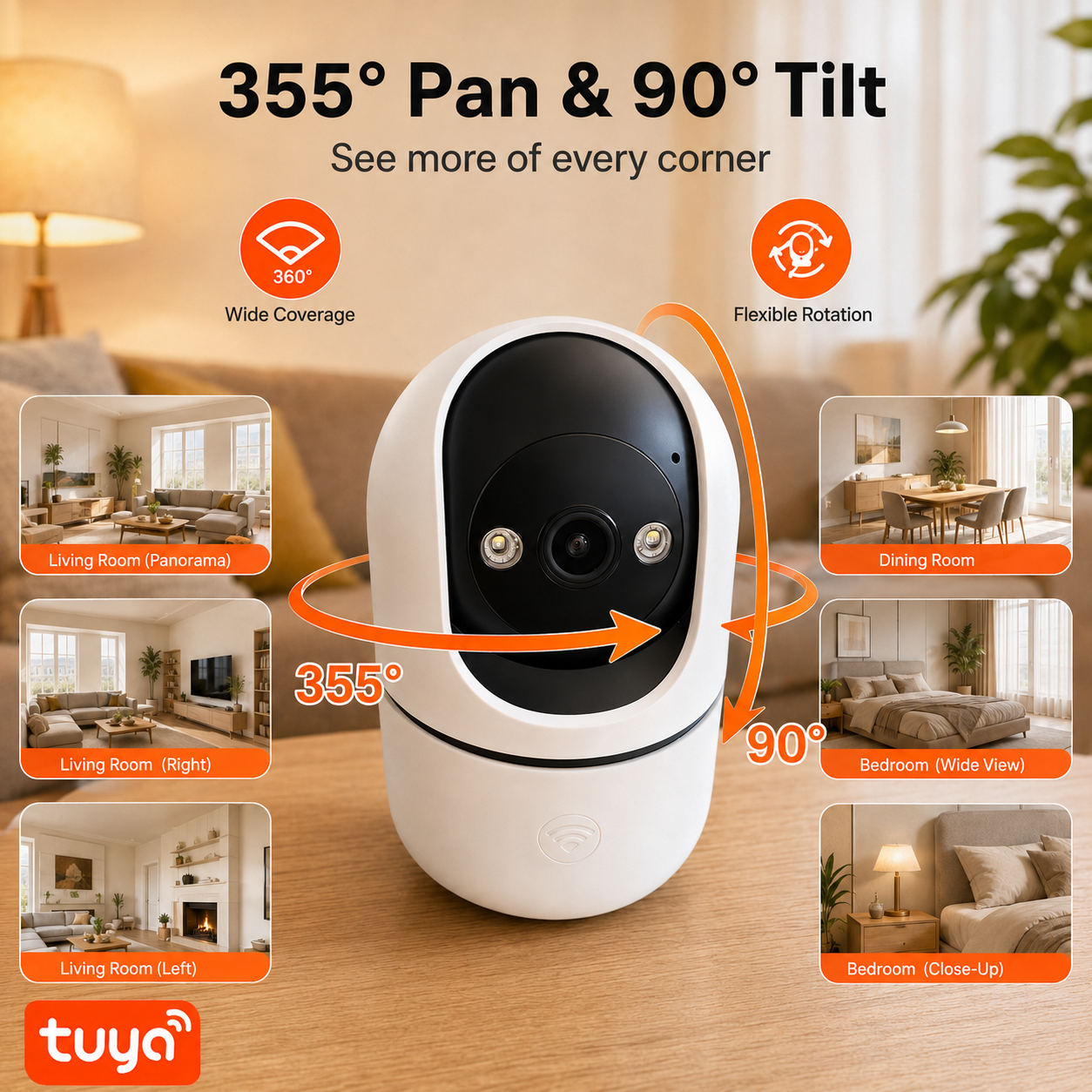
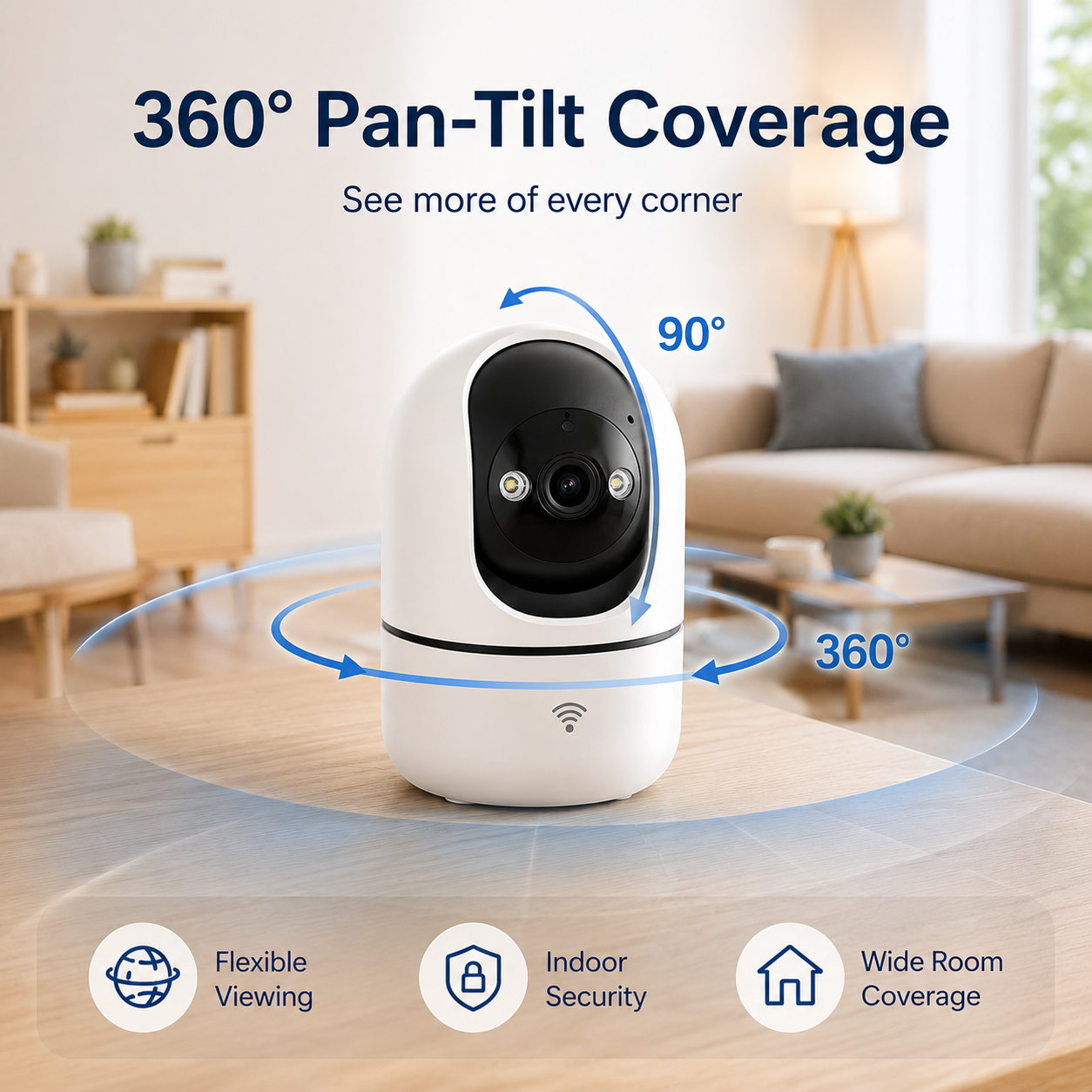
Connect the camera with the TUYA APP to watch live video, adjust the view, and stay connected while you are at work, traveling, or away from home.
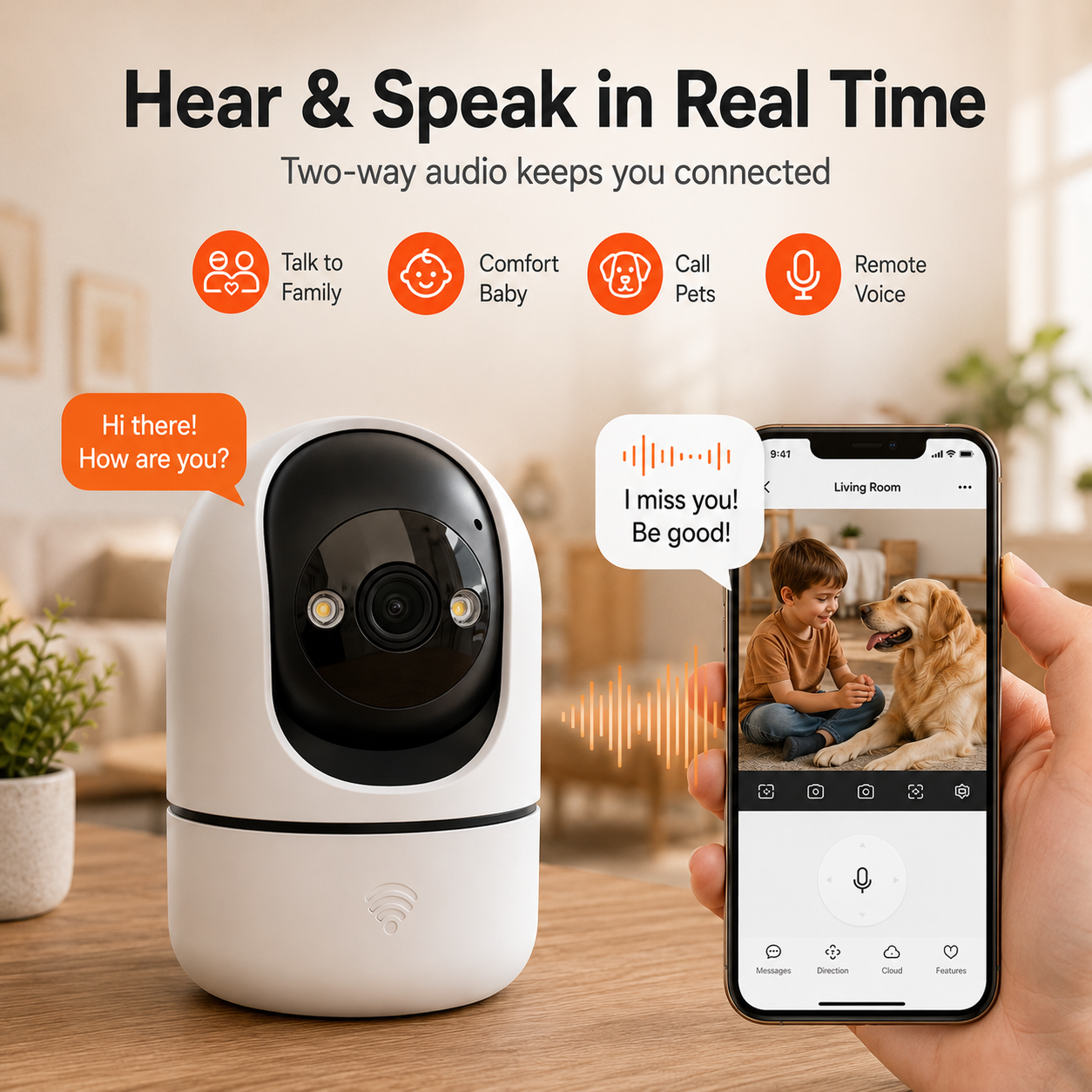
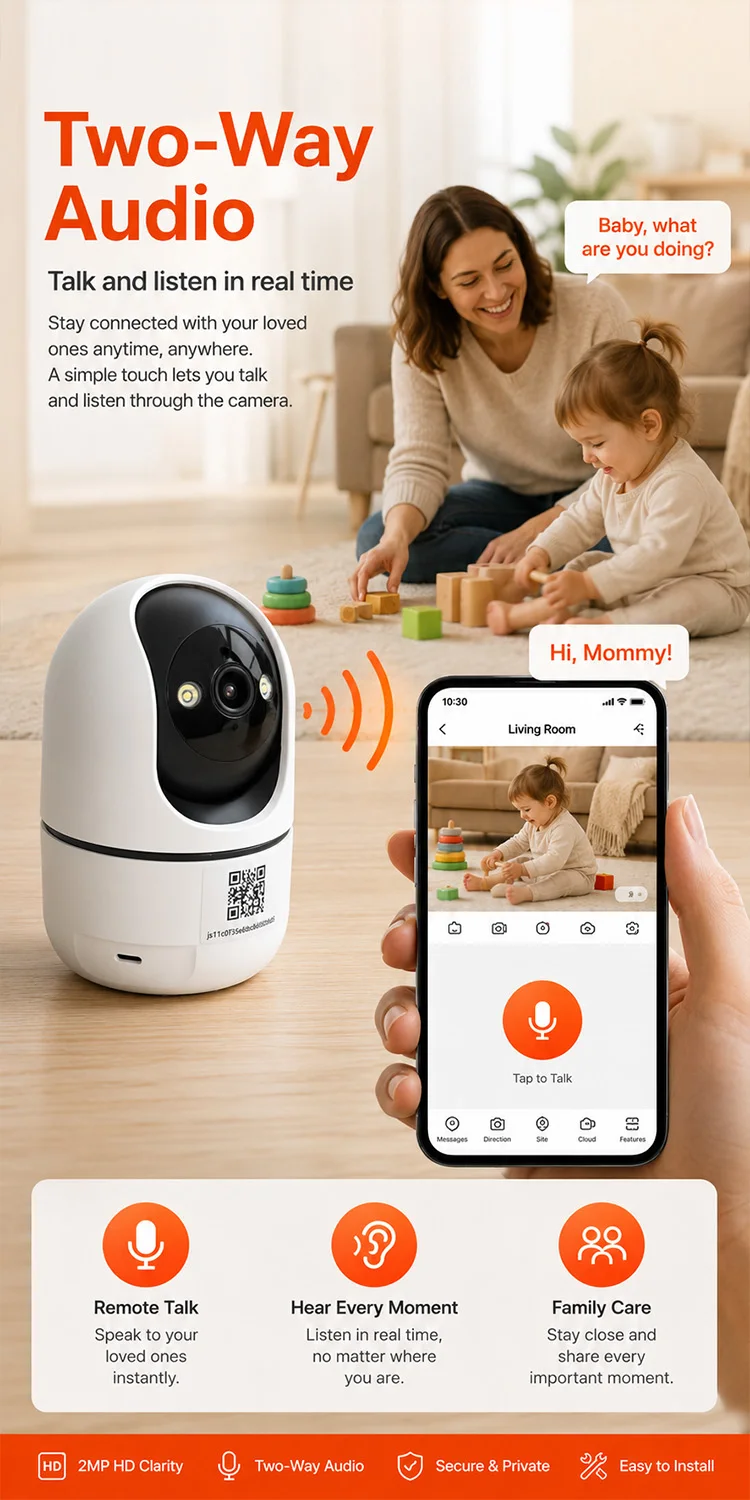
Two-Way Audio&Talk and listen in real time through the camera.
Use the built-in microphone and speaker to comfort your baby, talk to family members, check on pets, or respond quickly from anywhere.
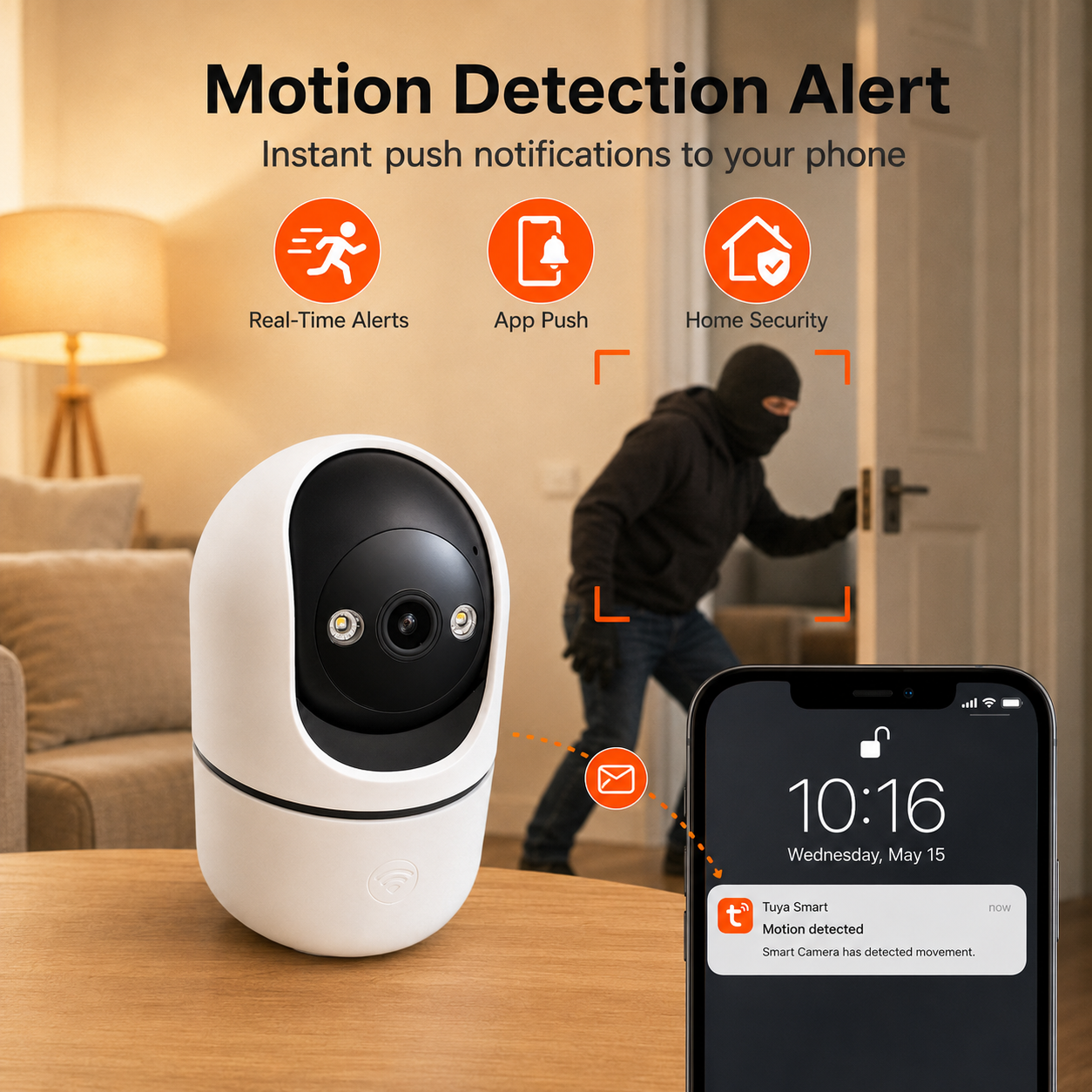
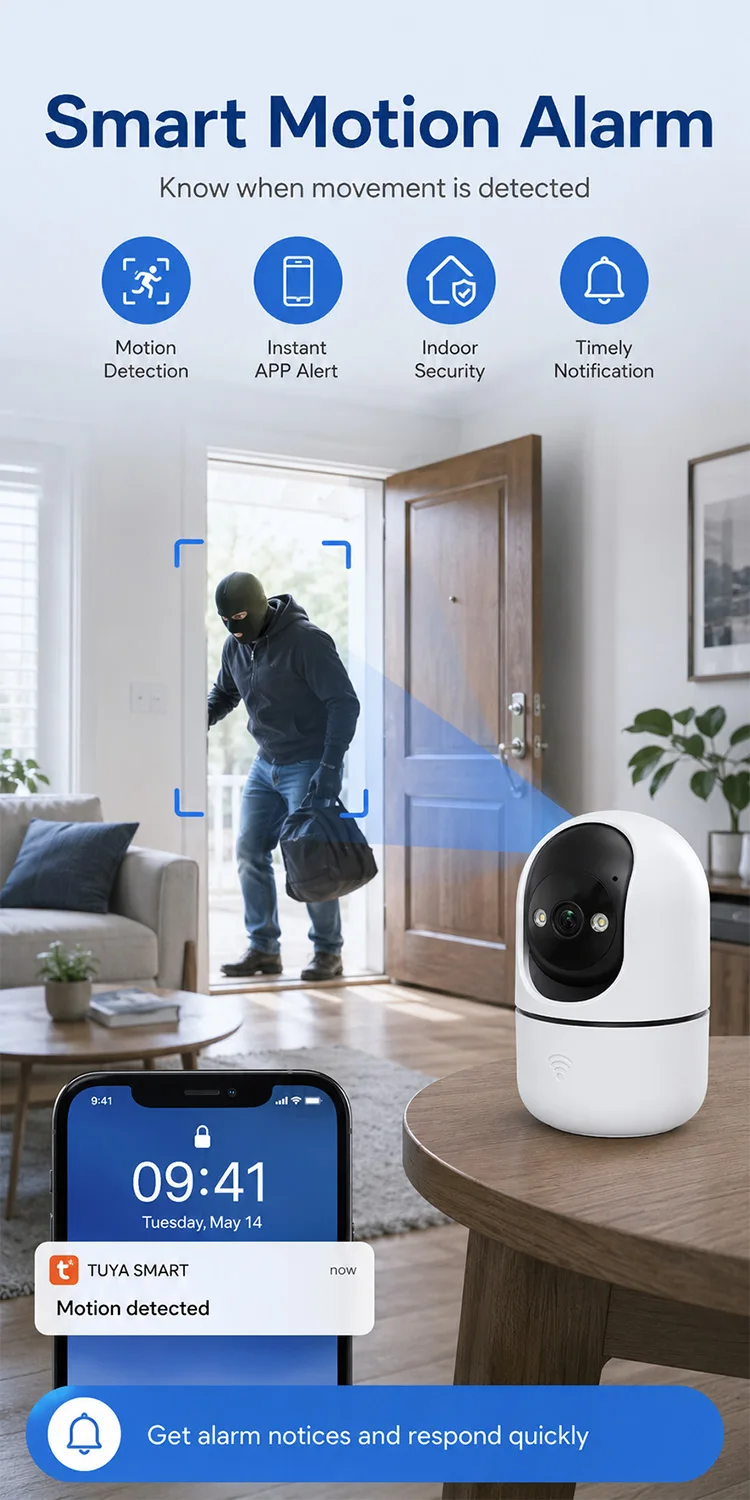
Motion Detection Alert&Get instant phone alerts when movement is detected.
When the camera detects motion, it can send push notifications through the app, helping you notice unexpected activity faster.
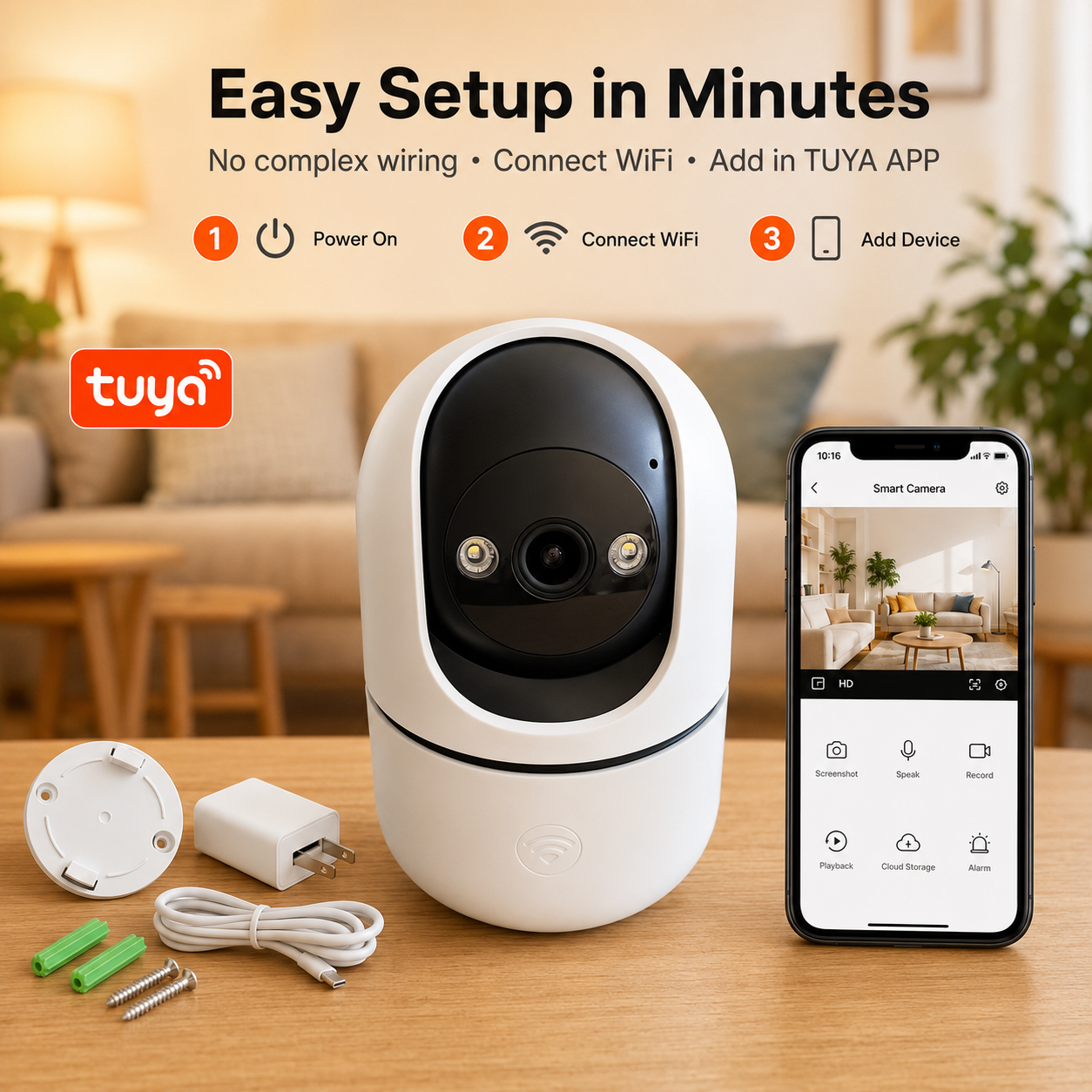
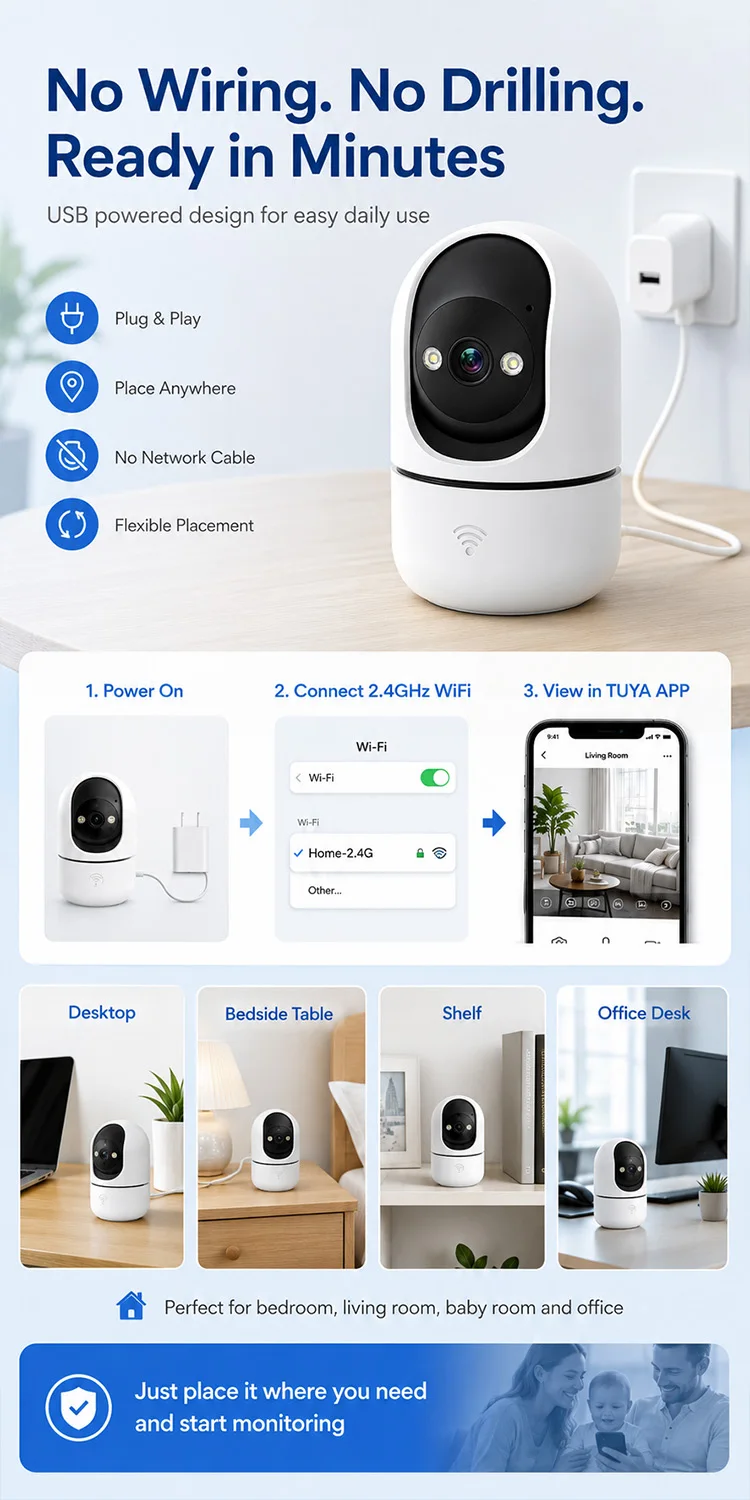
Easy Setup in Minutes&No complex wiring, no difficult installation required.
Simply power on the camera, connect to 2.4GHz WiFi, add it in the TUYA APP, and start monitoring in just a few simple steps.
Product Description
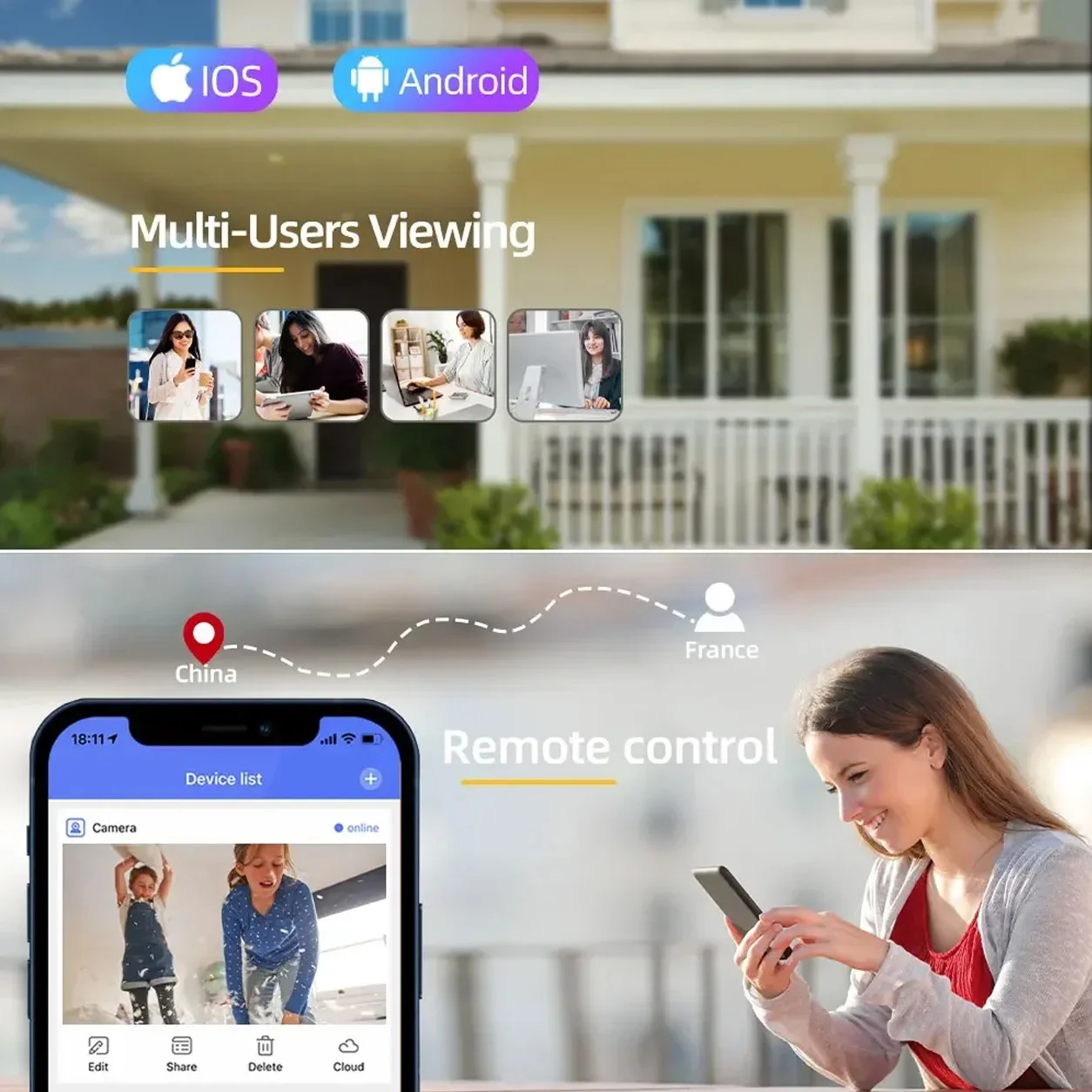
Multiple Users Access
This ip camera can be shared to your family or friends, ask them to register account to receive the shared camera permission. Supporting Multiple Users watching live video at the same time via phone APP.
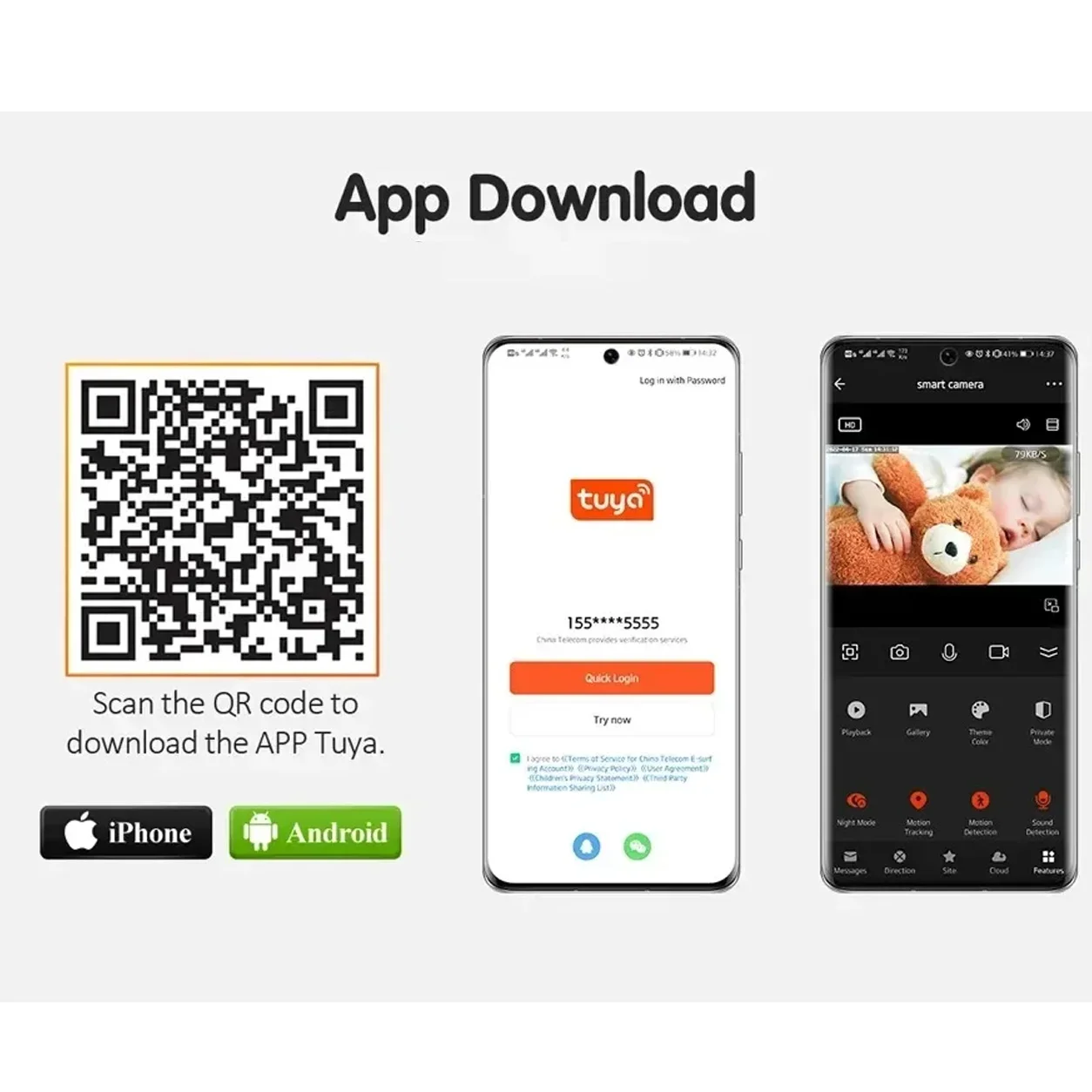
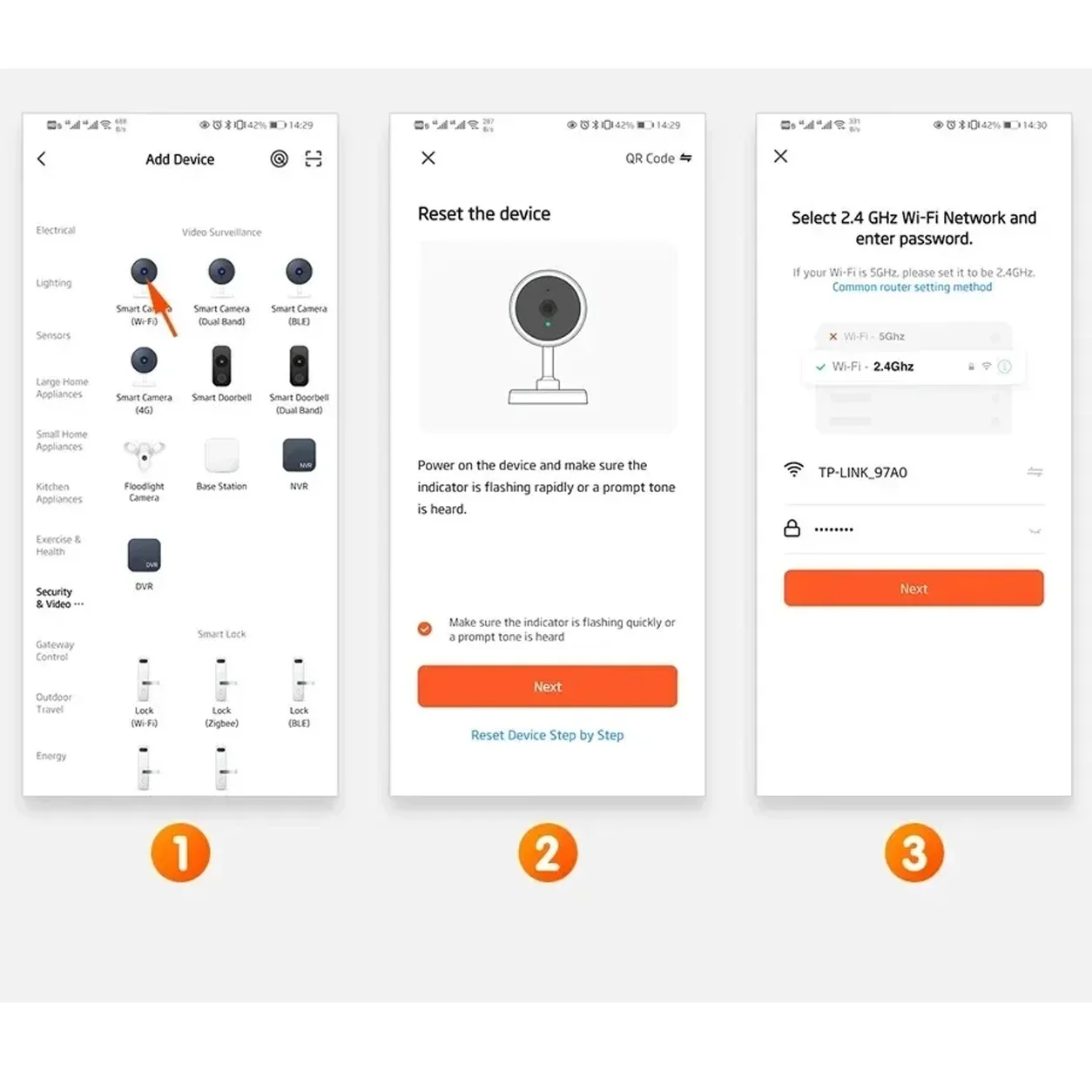
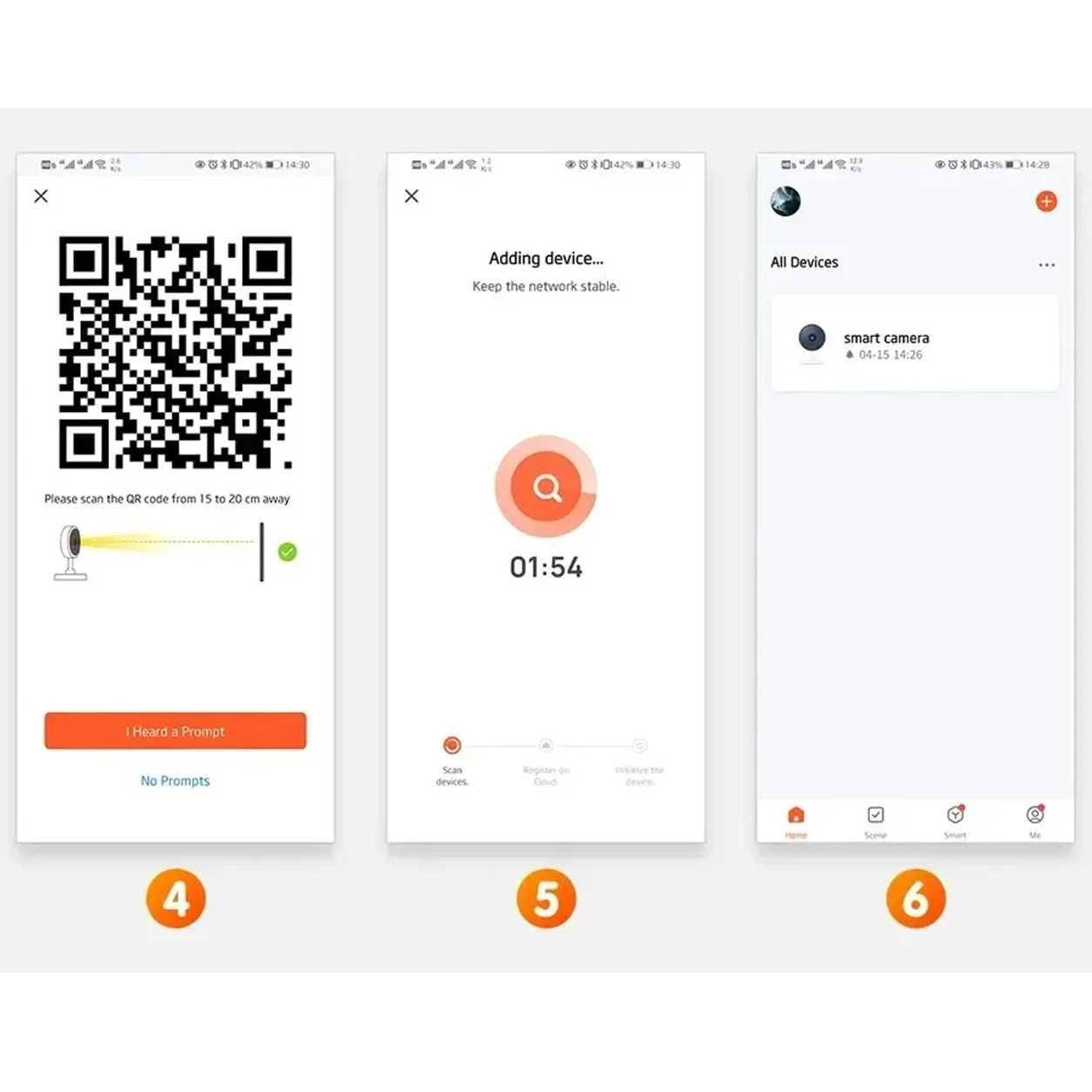
How to connect to Tuya App
Product source
We are the original factory. If you need customization, please message the store customer service. The larger the quantity, the greater the discount.


Warranty and Service About Shipping
Q1: How fast do you ship? A: Within 1-3 working days after payment is confirmed by China warehouse B: Within 1-3 working days for overseas warehouse, and can be received within 7 working days Q2: Can I receive the package quickly? A: Yes. Please confirm that your contact number/zip code/city is correct About Warranty Q: How about the warranty? A: 12-month warranty? During the warranty period, we will provide free repair service, and you need to pay us for shipping The warranty does not cover any incidental, accidental or indirect losses arising from use. About Customs Duties Q: Who is responsible for import taxes? Seller or buyer? A: The product price and shipping cost do not include any import taxes. The buyer should be responsible for all additional customs duties. If you need a customs clearance invoice, please contact us. About Feedback and Ratings Q: After using the product, I feel good. How can I recommend it to others? A: Thank you very much for your recommendation. If you are satisfied, please leave us positive feedback and 5-star rating. Your recognition will make us more confident to develop our business and serve you better. If you have any problems with the product, please feel free to contact us to solve the problem. We will provide 7/24 technical support services. ① Download the tuya application from Google Store or other software stores ② There is a reset button at the bottom of the camera. Press and hold the reset button for 10 seconds. When you hear the sound of successful reset, the camera has been successfully reset. ③ Connect the camera via the 2.4G HZ Wifi network band, follow the 6 steps in the figure to connect, and it can be successfully configured.

Related products



Contact Info
- Address: Victoria Noble Cente, Plot No. 89, Block No. 45B, Kijitonyama, Dar es SalaamTanzania, Dar es Salaam, China Road & Bridge Corporation Tower, 1503
- Phone: +255756661888
- Email: ccomtv@126.com