






TUYA Bulb Camera Security E27 1080P HD WiFi Smart CCTV Light Socket Night Vision Motion Detection Remote Wireless Monitor Indoor
湖北虹瞳视讯科技有限公司




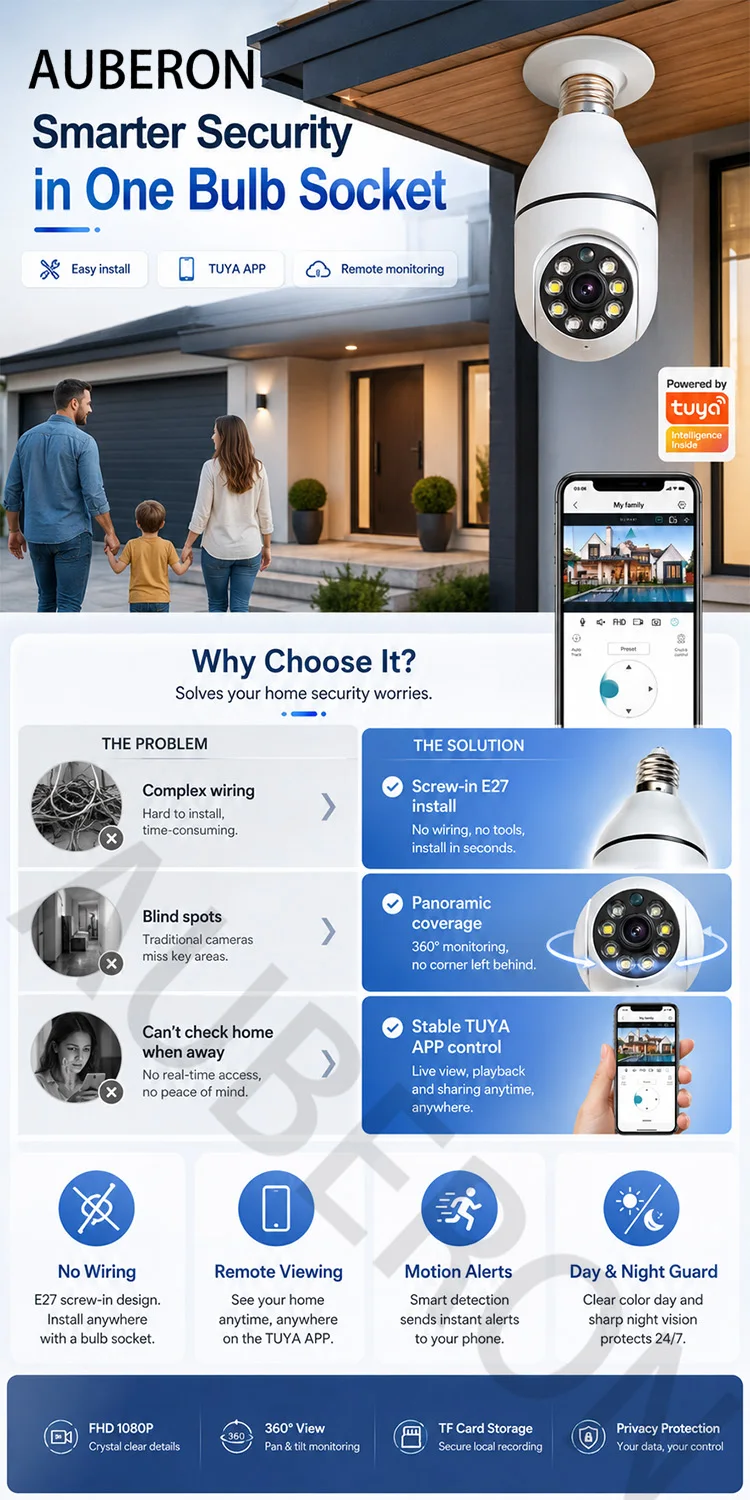
AUBERON SMART BULB SECURITY CAMERA &All-in-One Home Surveillance in a Light Bulb
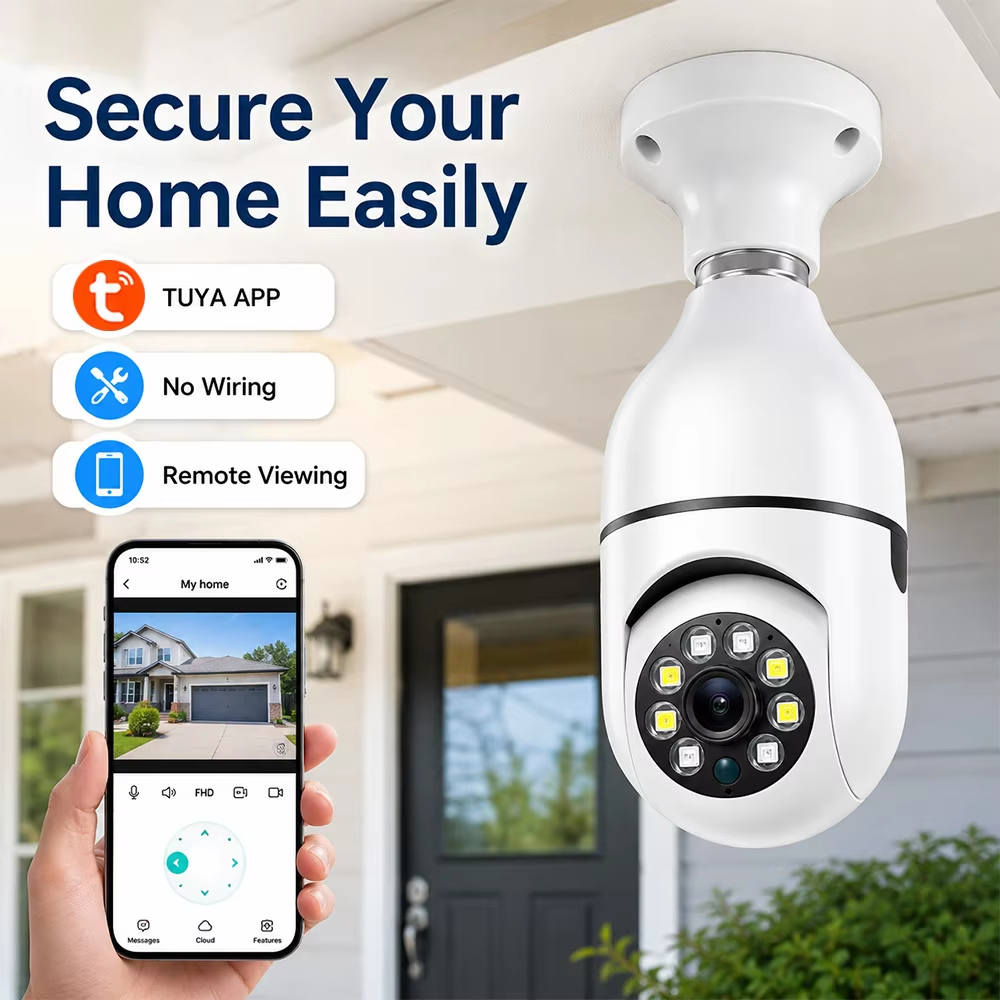
-Transform any standard E27 light socket into a smart security camera.
-No wiring required
-Easy screw-in installation
-TUYA Smart App control
-Wireless WiFi connection
-Upgrade your home security in minutes without any technician.
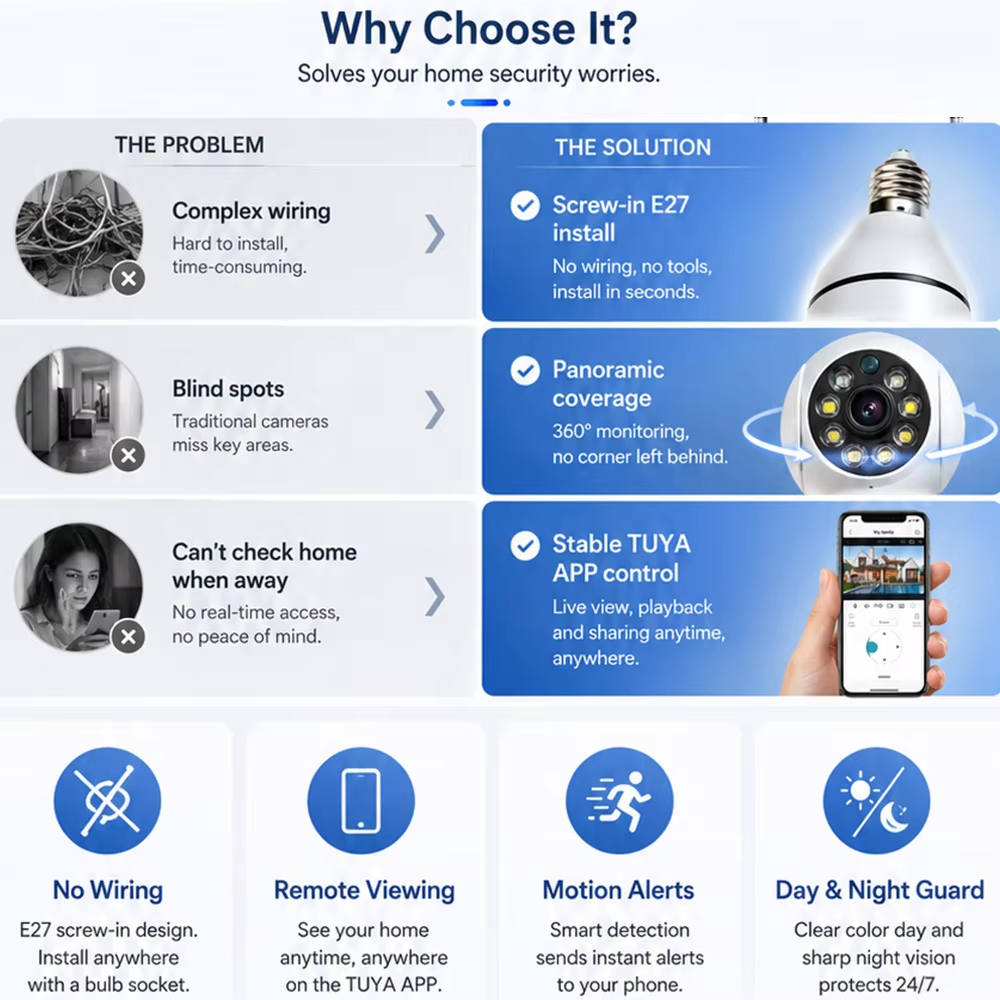
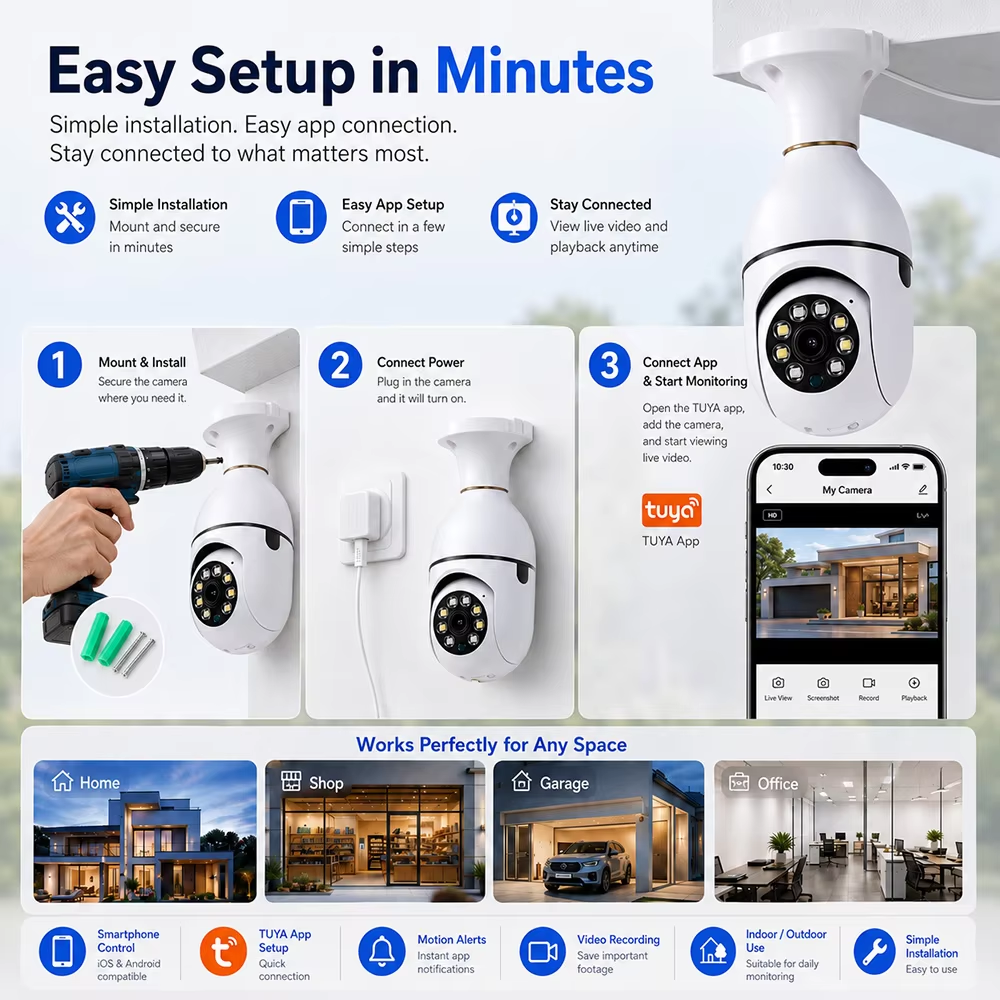
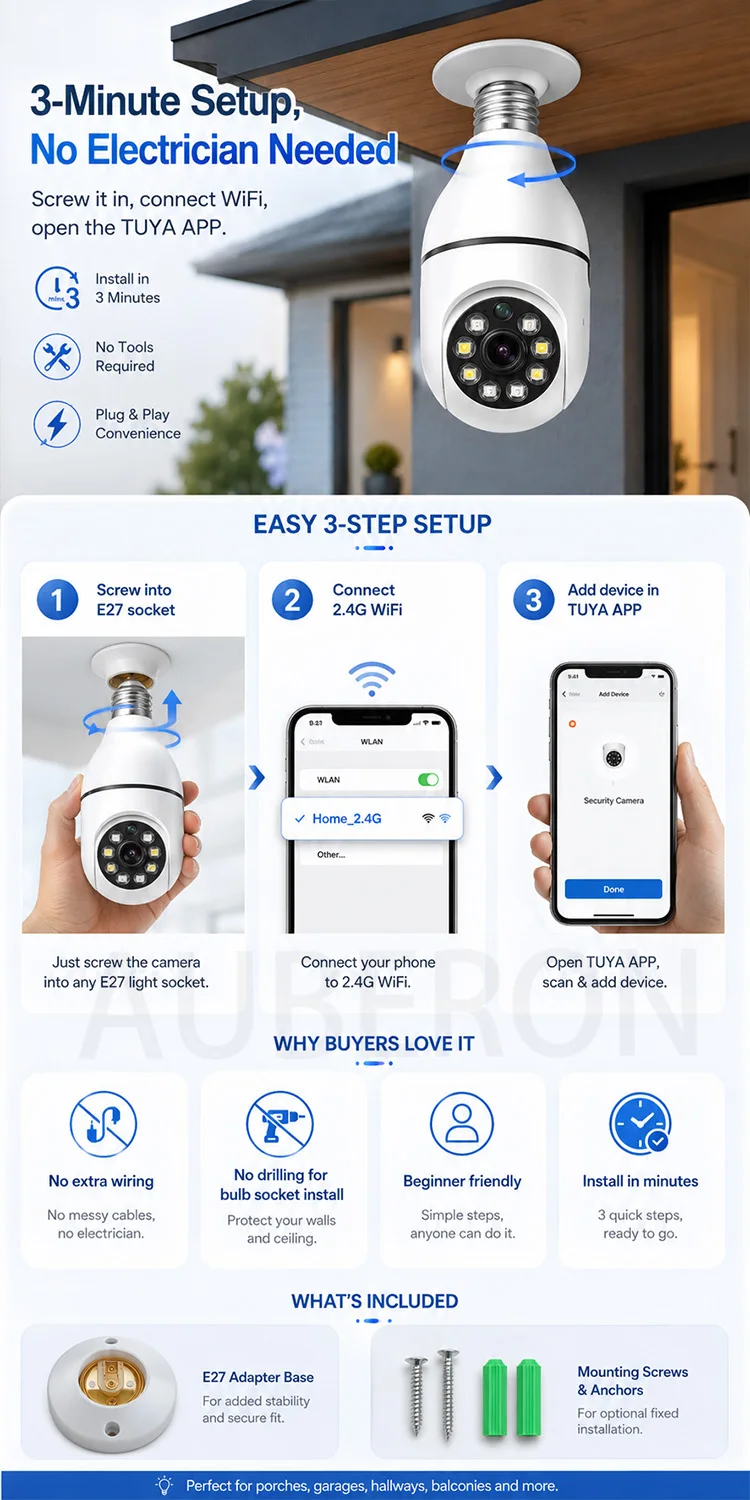
EASY INSTALLATION&3-MINUTE QUICK SETUP
Install in three simple steps:
Screw into E27 standard socket
Connect to 2.4GHz WiFi
Add device in TUYA Smart App
No drilling required
No cables needed
No electrician required
Simple and beginner-friendly installation process.
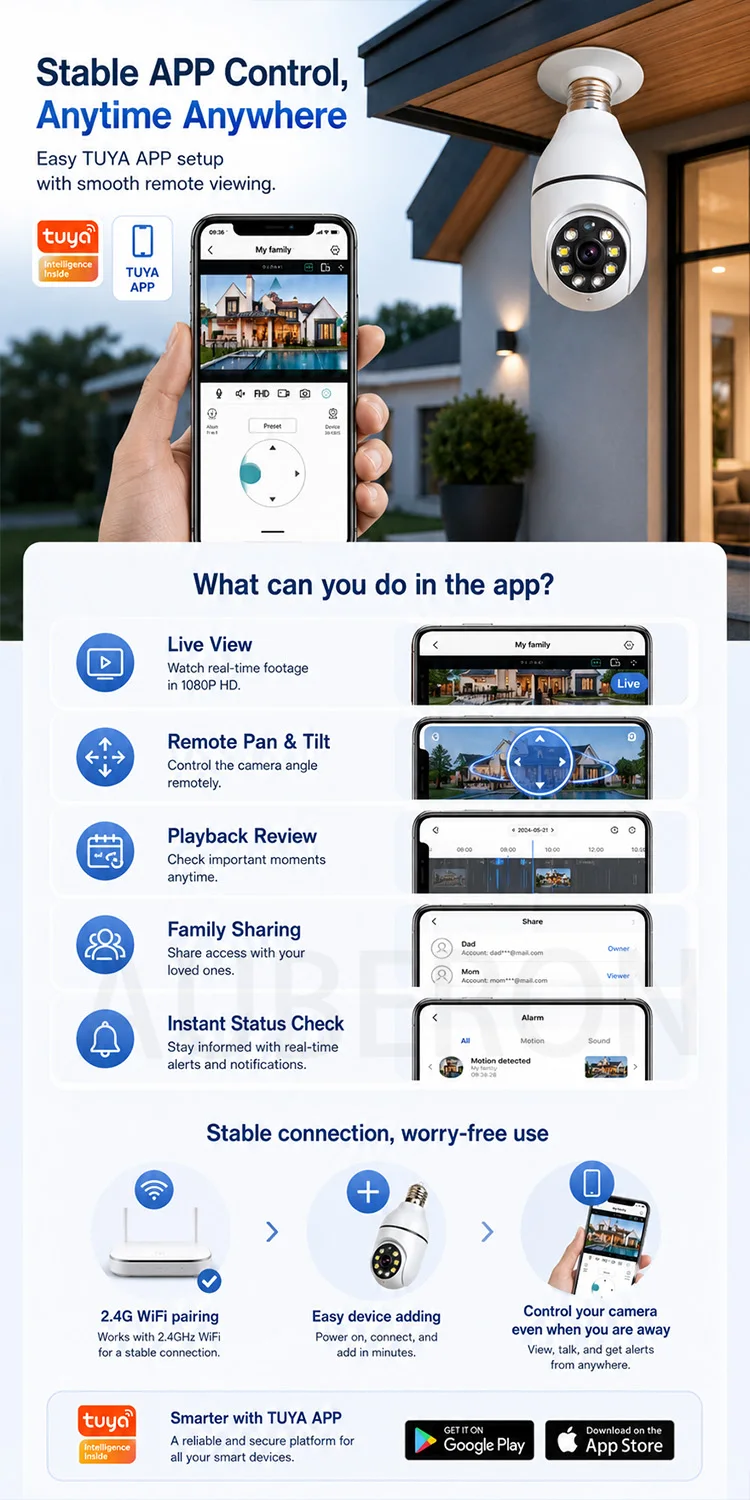
SMART APP CONTROL&REMOTE ACCESS ANYTIME, ANYWHERE
Control and monitor your camera through TUYA Smart App.
Live real-time viewing
Remote camera control
Video playback history
Multi-user device sharing
Stay connected to your home even when you are away.
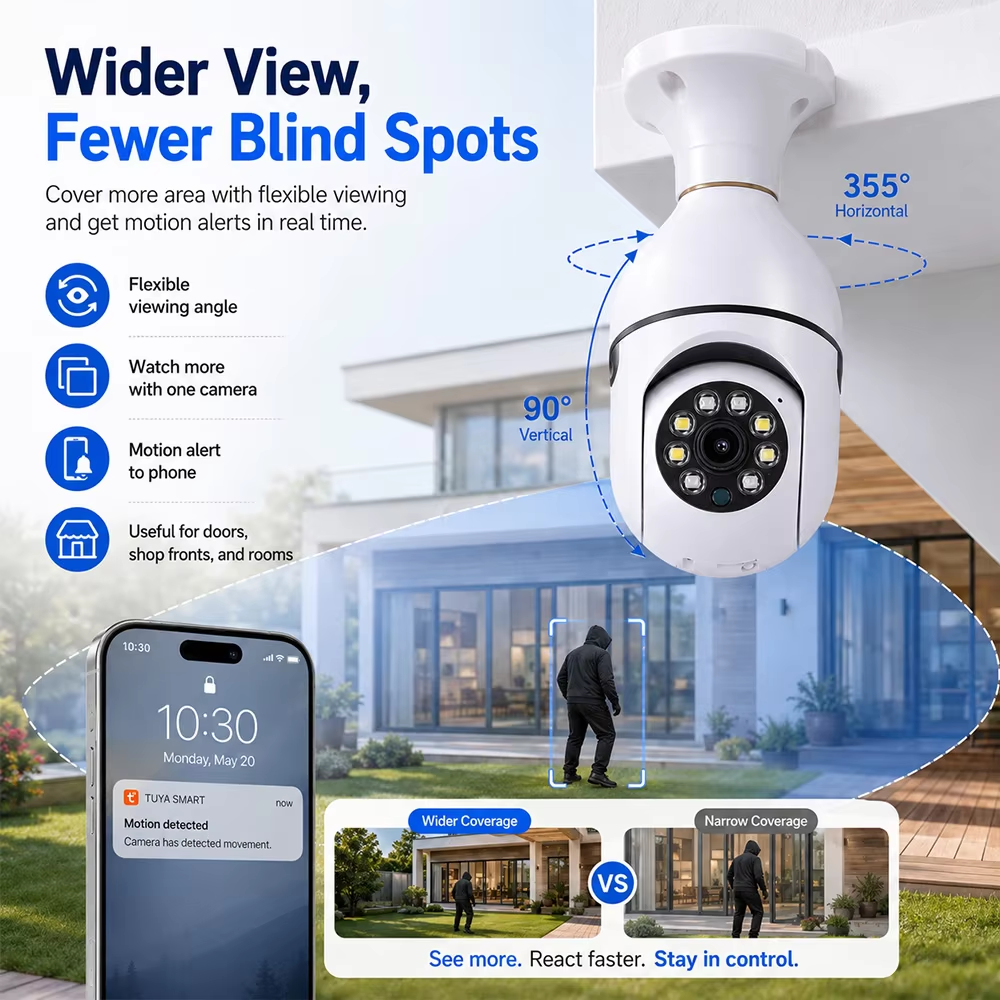
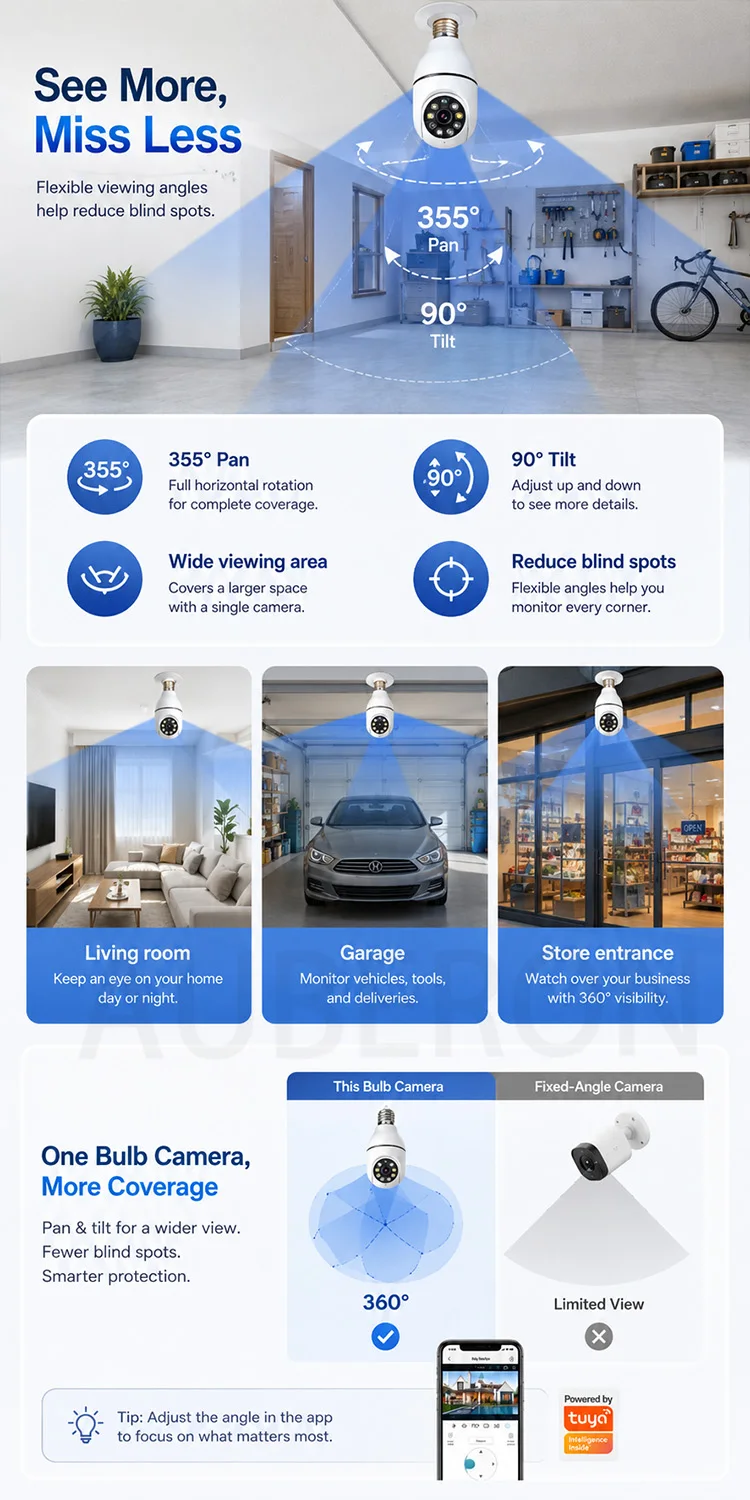
PANORAMIC MONITORING&WIDER COVERAGE, FEWER BLIND SPOTS
Advanced viewing coverage improves security efficiency.
355° horizontal rotation
90° vertical tilt
Wide-angle surveillance view
One camera provides coverage comparable to multiple fixed cameras.
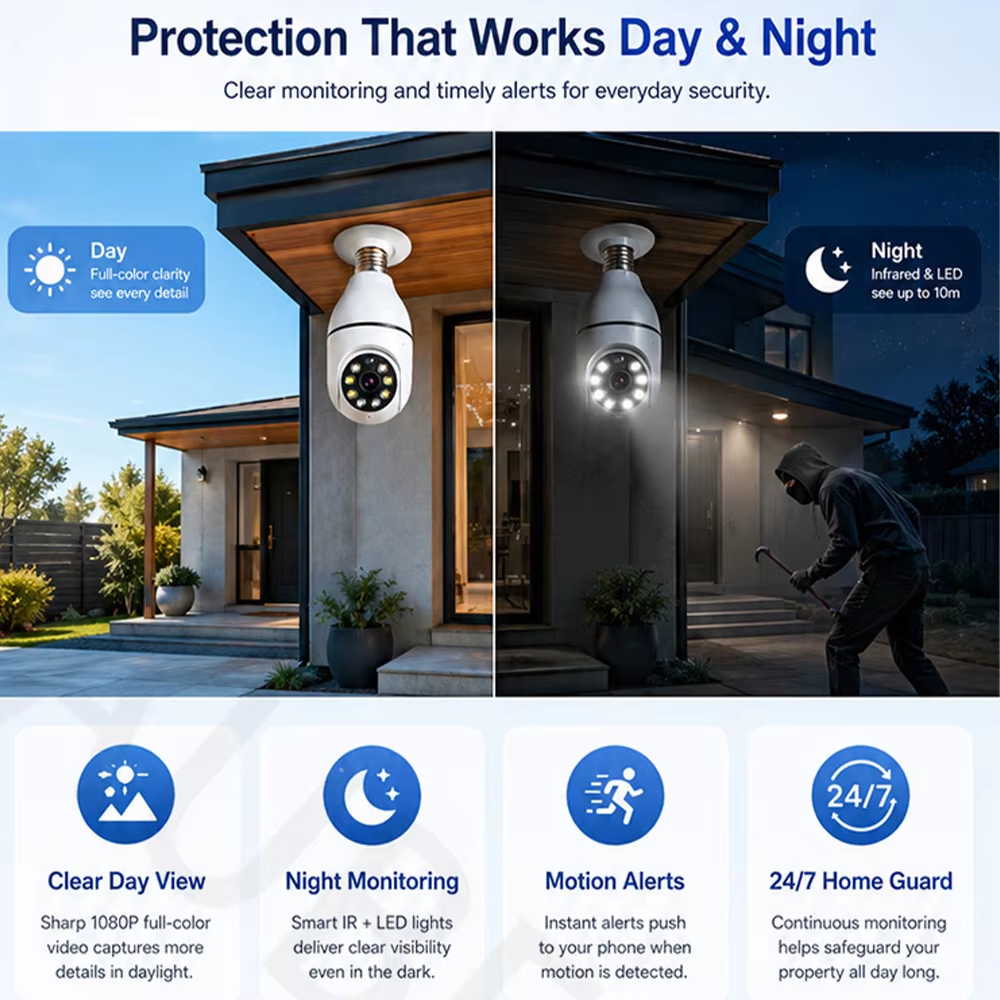
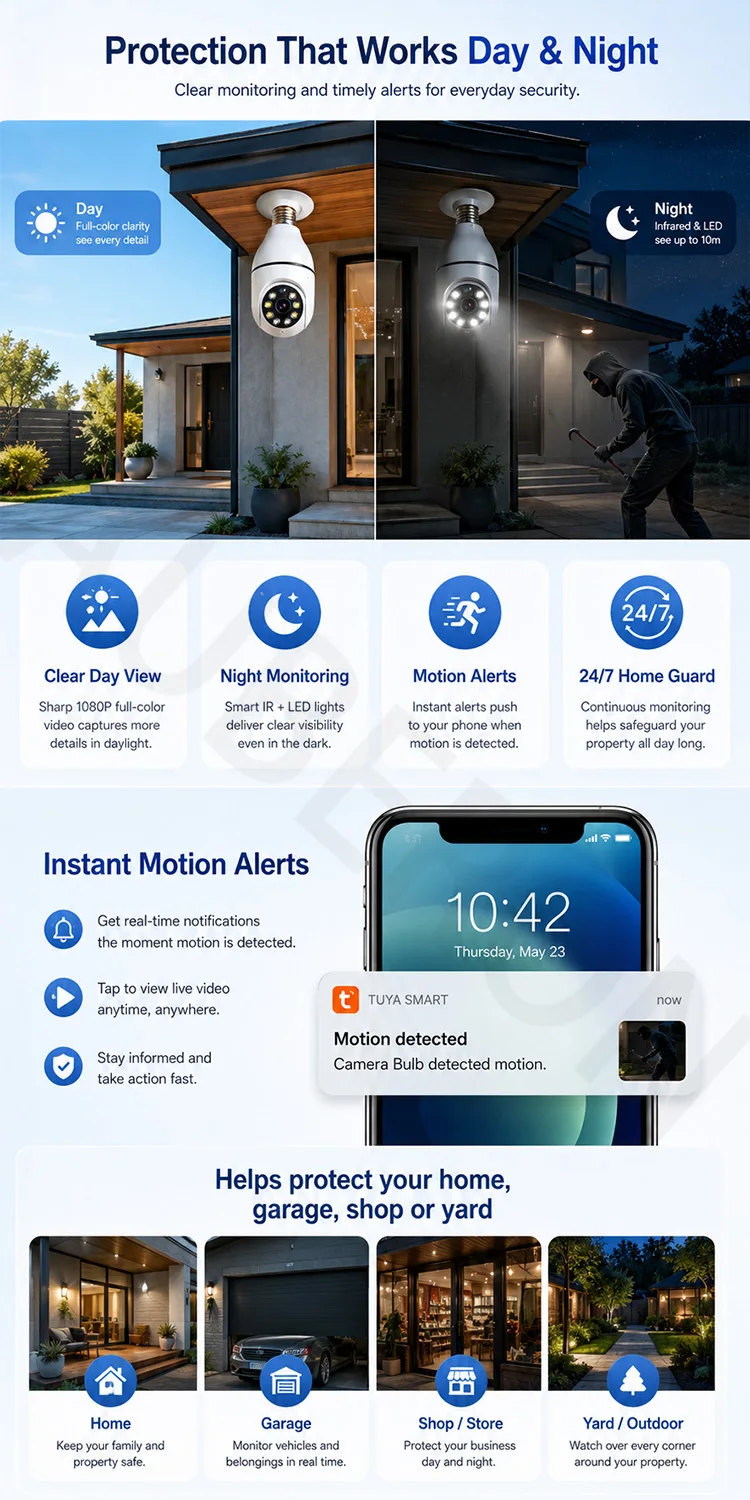
DAY & NIGHT PROTECTION 24/7 CONTINUOUS MONITORING
Reliable protection both day and night.
Infrared night vision
Automatic low-light switching
Continuous 24-hour recording
Motion detection alerts
Ensures your property is always monitored.
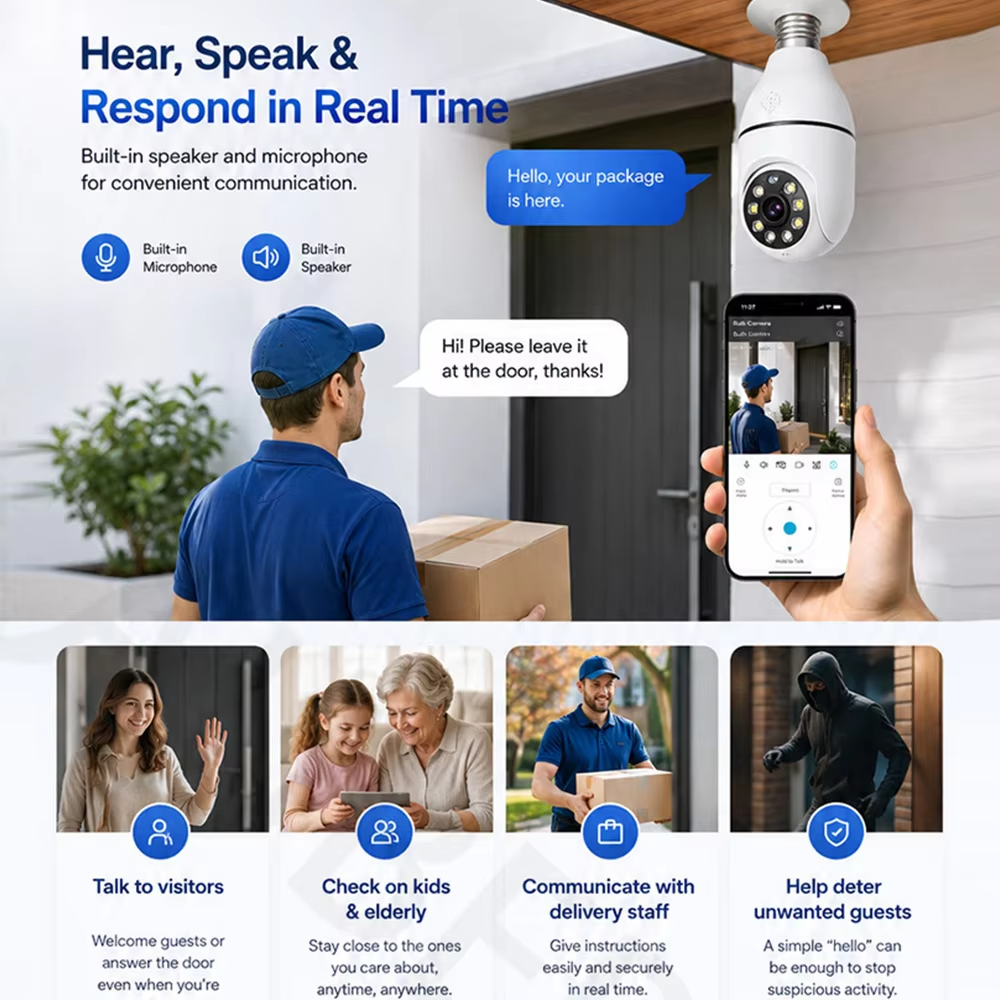
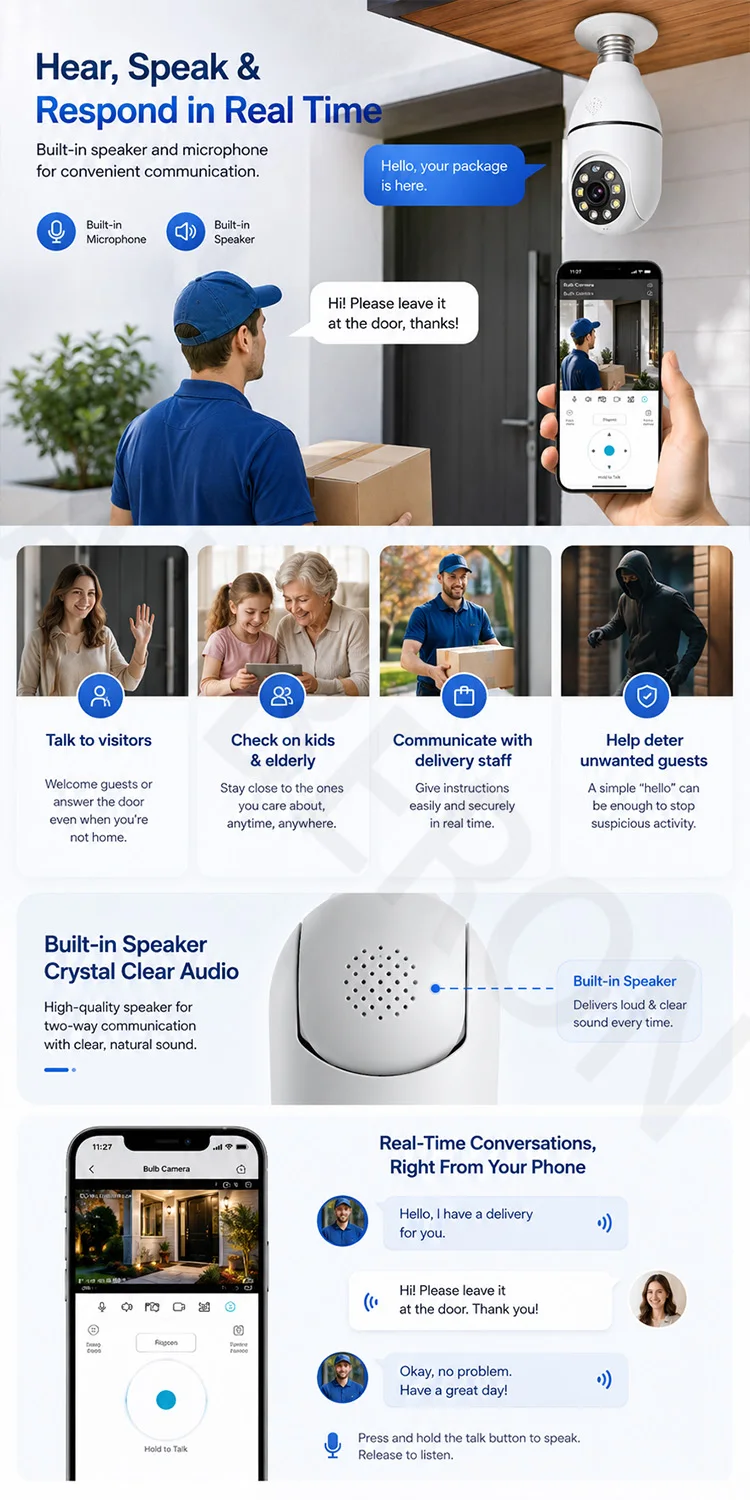
TWO-WAY AUDIO&REAL-TIME COMMUNICATION
Speak and listen through the camera anytime.
Built-in microphone
High-quality speaker
Real-time voice interaction
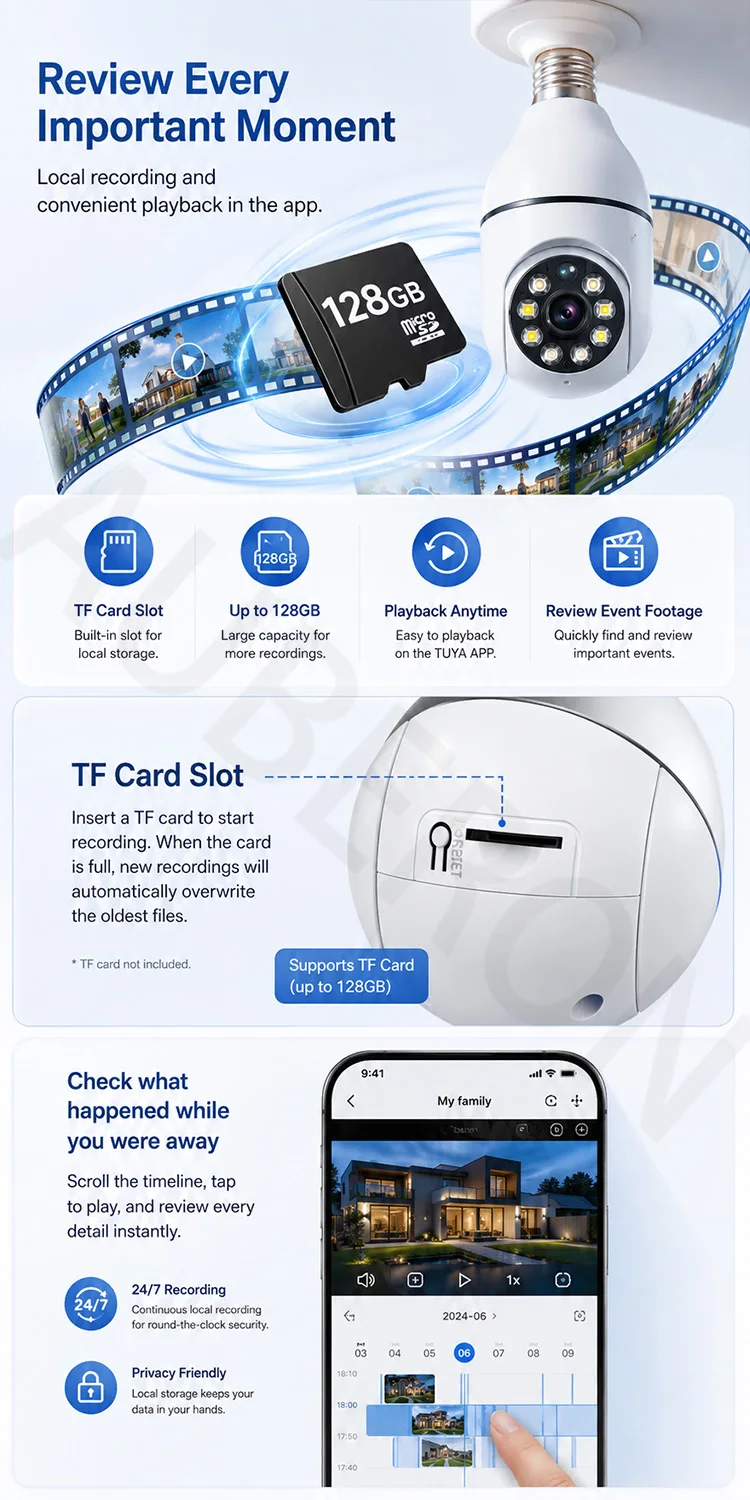
Store recordings safely without cloud
Supports TF card up to 128GB
Loop recording function
Playback anytime via app
No mandatory cloud subscription
Your data remains fully under your control.
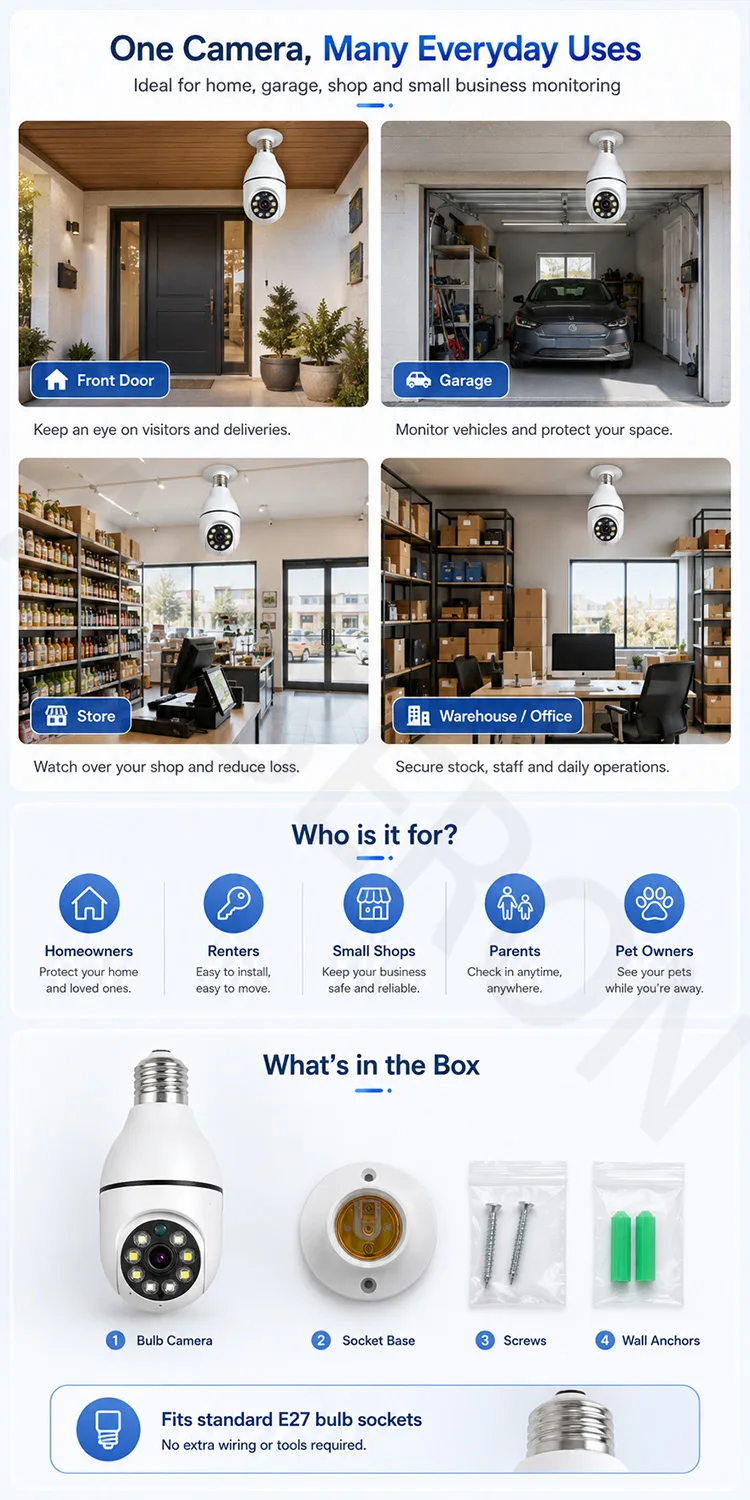
MULTI-SCENE USE&ONE DEVICE, MULTIPLE APPLICATIONS
Suitable for various environments:
Front door monitoring
Garage surveillance
Retail store security
Warehouse and office monitoring
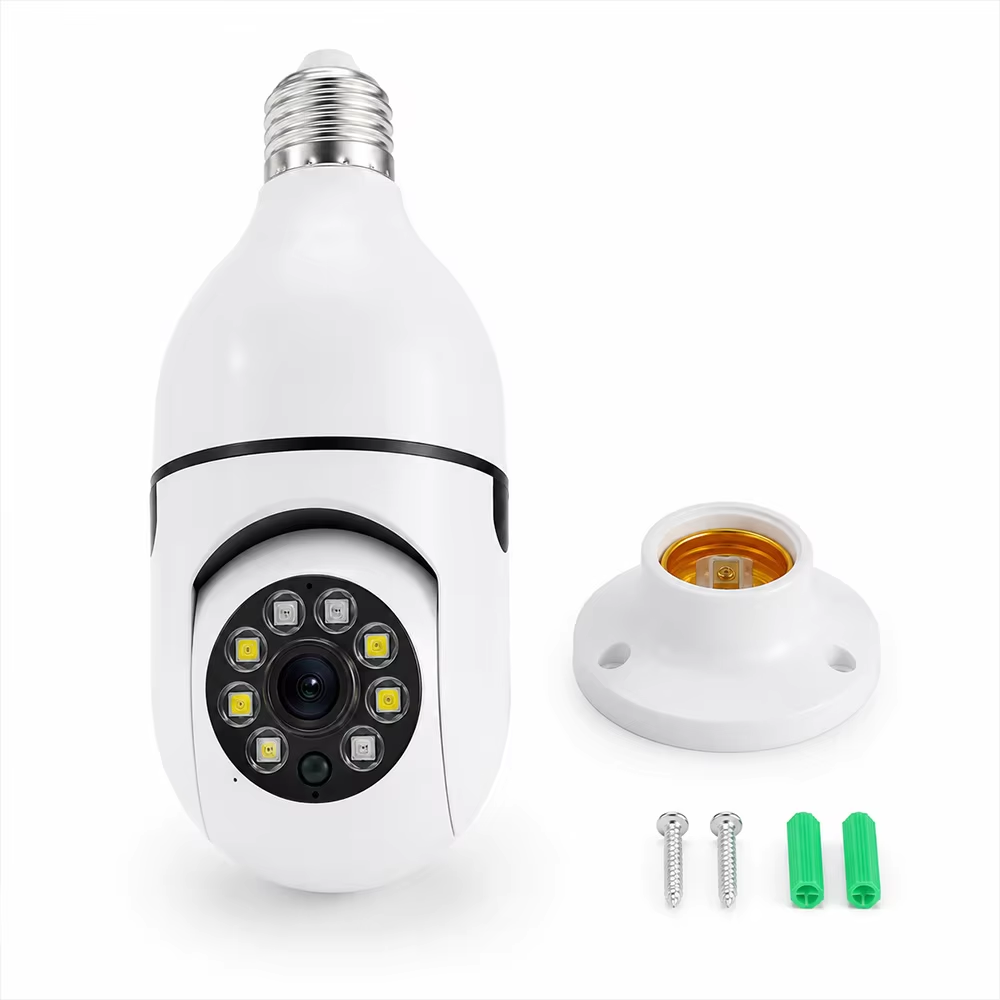
WHAT’S IN THE BOX
Bulb security camera*1
E27 socket base*1
Mounting screws*1
Wall anchors*1
Easy installation and ready to use out of the box.
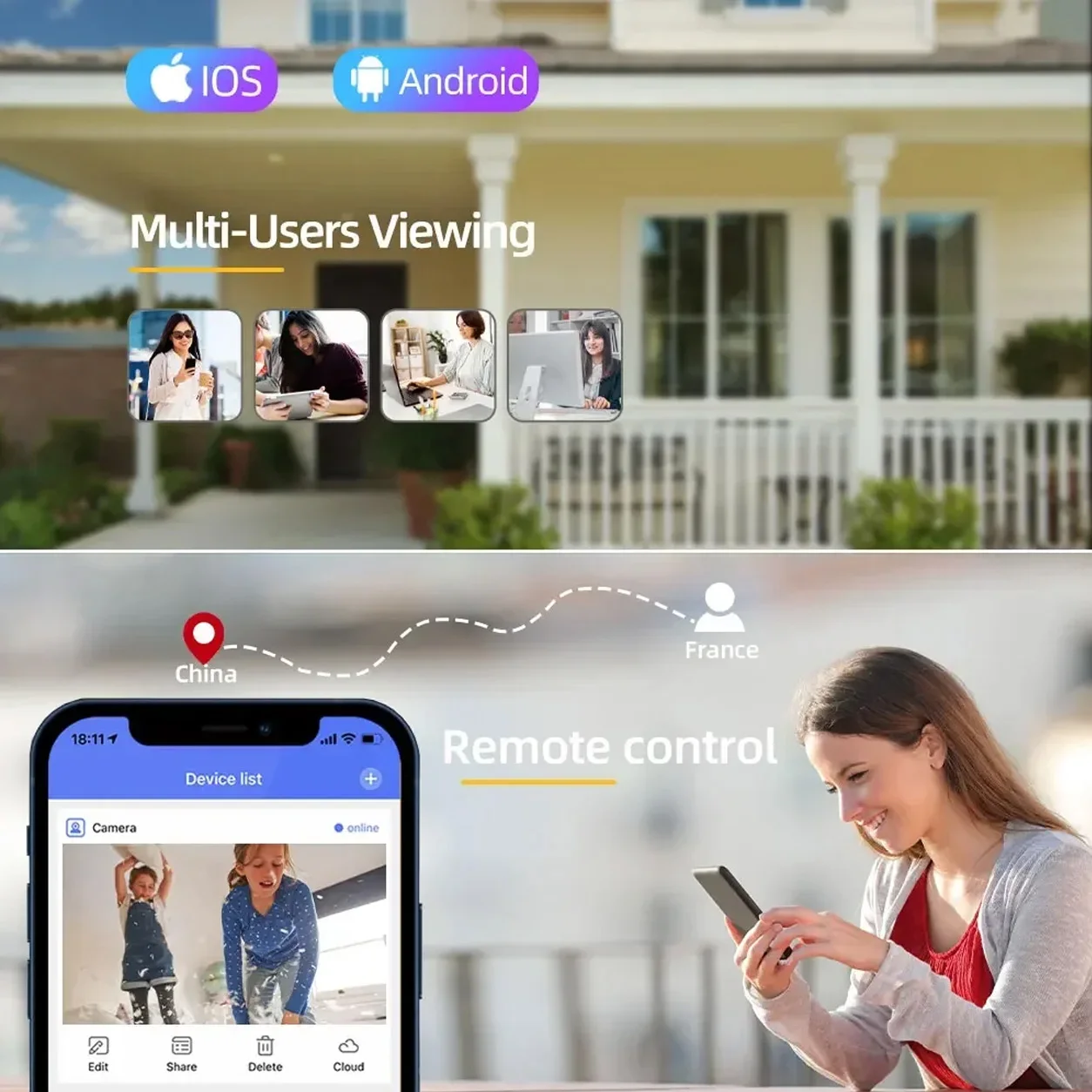
Multiple Users Access
This ip camera can be shared to your family or friends, ask them to register account to receive the shared camera permission. Supporting Multiple Users watching live video at the same time via phone APP.
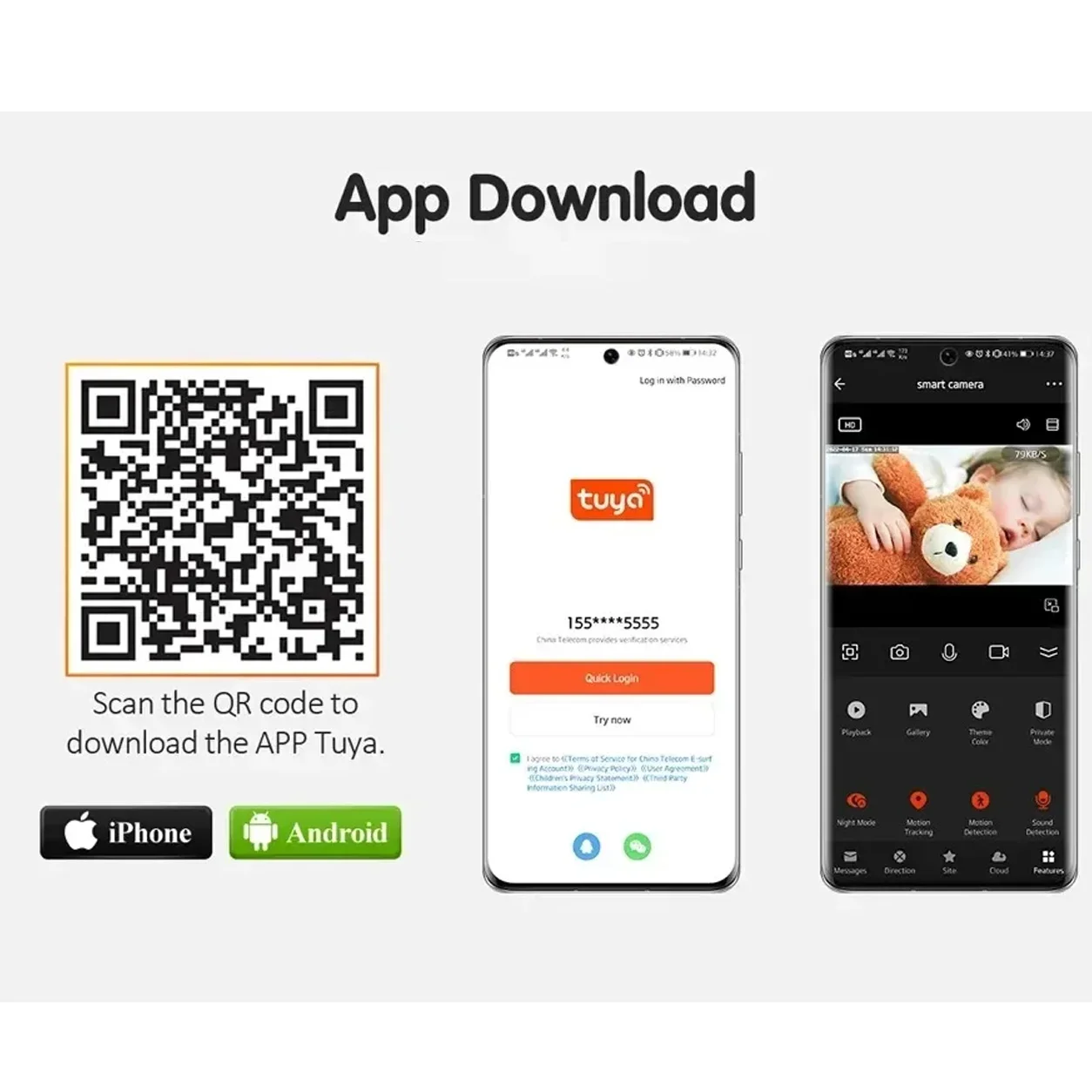
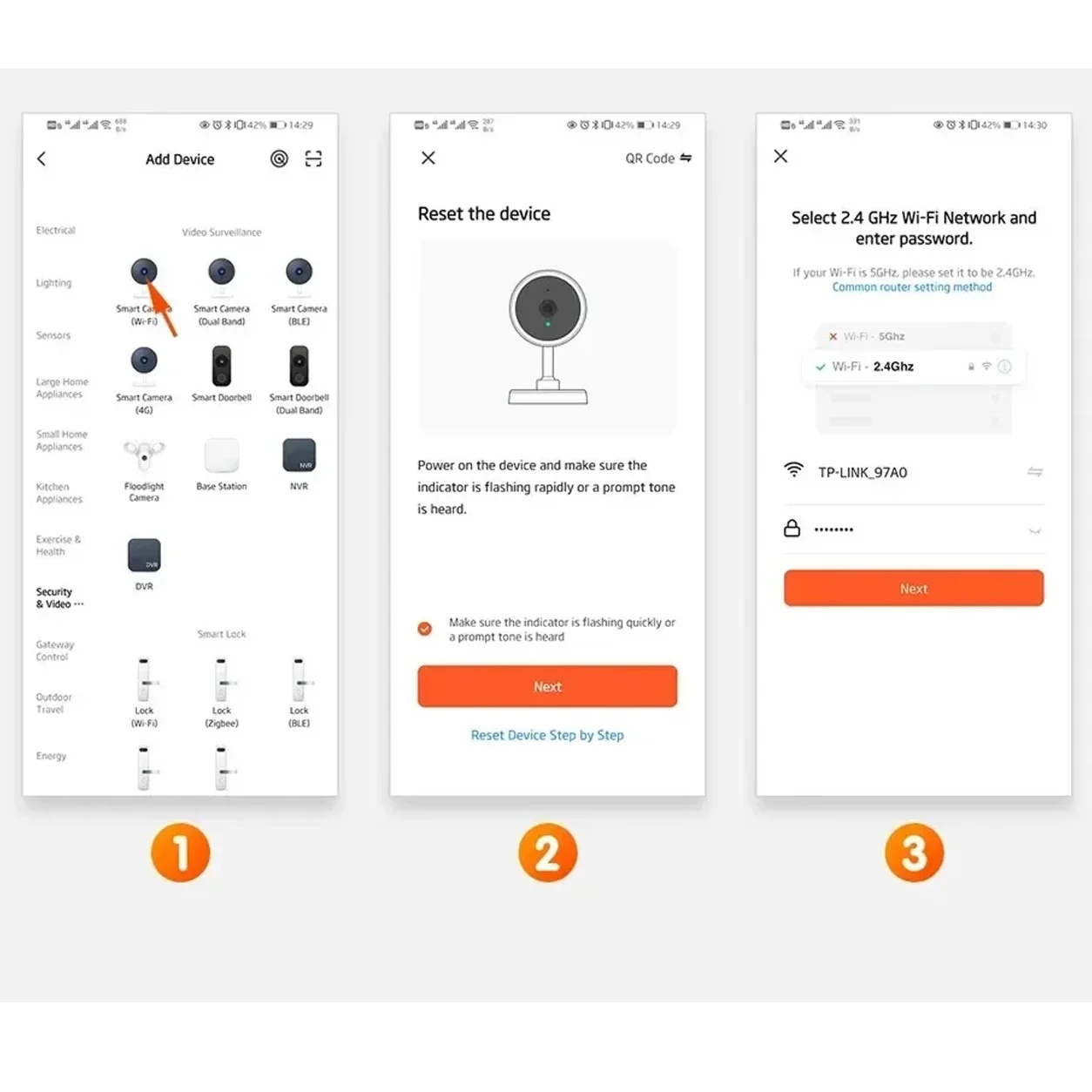
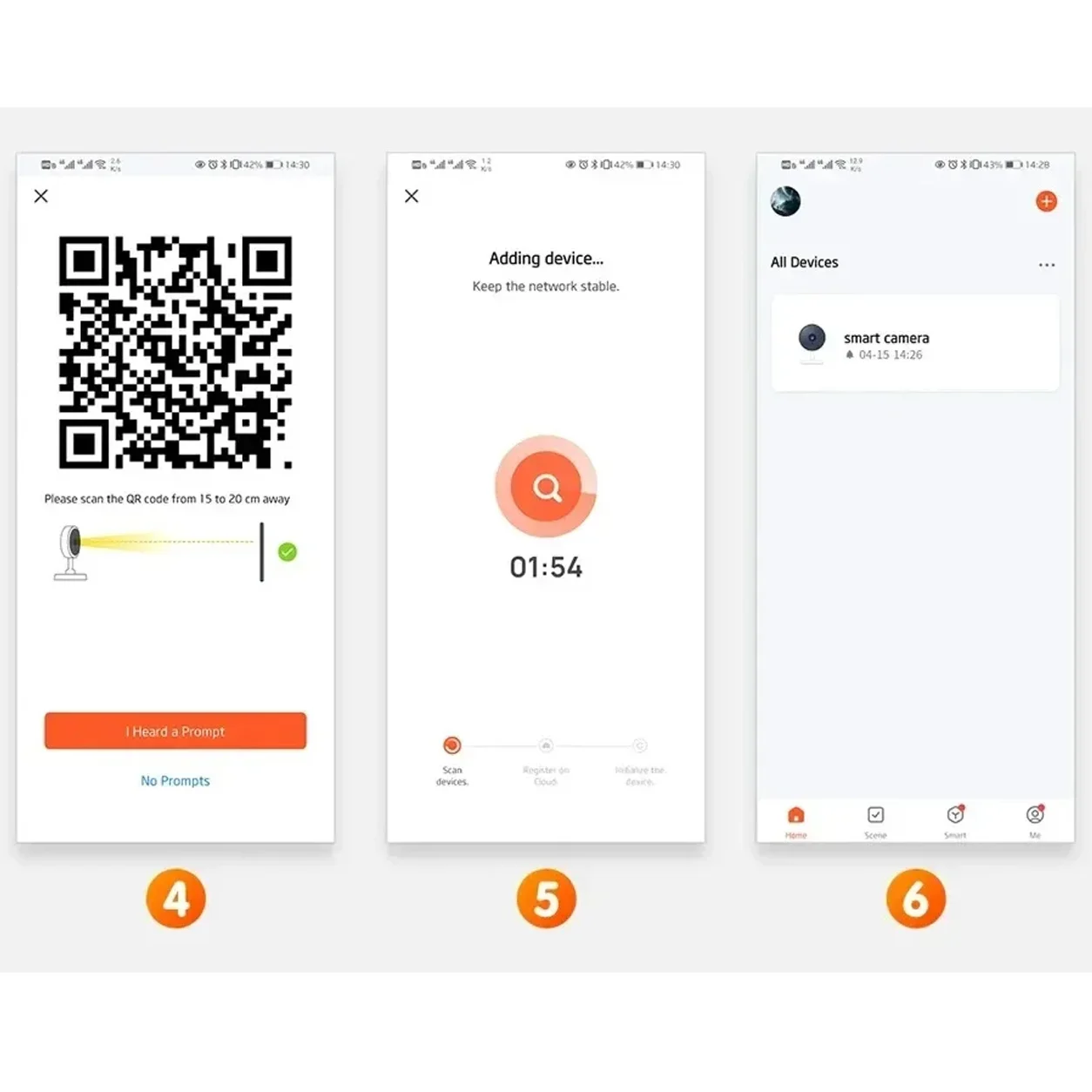
How to connect to Tuya App
Product source
We are the original factory. If you need customization, please message the store customer service. The larger the quantity, the greater the discount.
Warranty and Service About Shipping
Q1: How fast do you ship?
A: Within 1-3 working days after payment is confirmed by China warehouse
B: Within 1-3 working days for overseas warehouse, and can be received within 7 working days
Q2: Can I receive the package quickly?
A: Yes. Please confirm that your contact number/zip code/city is correct
About Warranty
Q: How about the warranty?
A: 12-month warranty?
During the warranty period, we will provide free repair service, and you need to pay us for shipping
The warranty does not cover any incidental, accidental or indirect losses arising from use.
About Customs Duties
Q: Who is responsible for import taxes? Seller or buyer?
A: The product price and shipping cost do not include any import taxes. The buyer should be responsible for all additional customs duties.
If you need a customs clearance invoice, please contact us.
About Feedback and Ratings
Q: After using the product, I feel good. How can I recommend it to others?
A: Thank you very much for your recommendation.
If you are satisfied, please leave us positive feedback and 5-star rating.
Your recognition will make us more confident to develop our business and serve you better. If you have any problems with the product, please feel free to contact us to solve the problem.
We will provide 7/24 technical support services.
① Download the tuya application from Google Store or other software stores
② There is a reset button at the bottom of the camera. Press and hold the reset button for 10 seconds. When you hear the sound of successful reset, the camera has been successfully reset.
③ Connect the camera via the 2.4G HZ Wifi network band, follow the 6 steps in the figure to connect, and it can be successfully configured.
Related products



Contact Info
- Address: Victoria Noble Cente, Plot No. 89, Block No. 45B, Kijitonyama, Dar es SalaamTanzania, Dar es Salaam, China Road & Bridge Corporation Tower, 1503
- Phone: +255756661888
- Email: ccomtv@126.com