






4MP WiFi IP Camera Outdoor Security Dual Screens CCTV Surveillance AI Auto Tacking PTZ Color Night Vision Cameras Audio ICSee
东莞市隆欣达光电科技有限公司

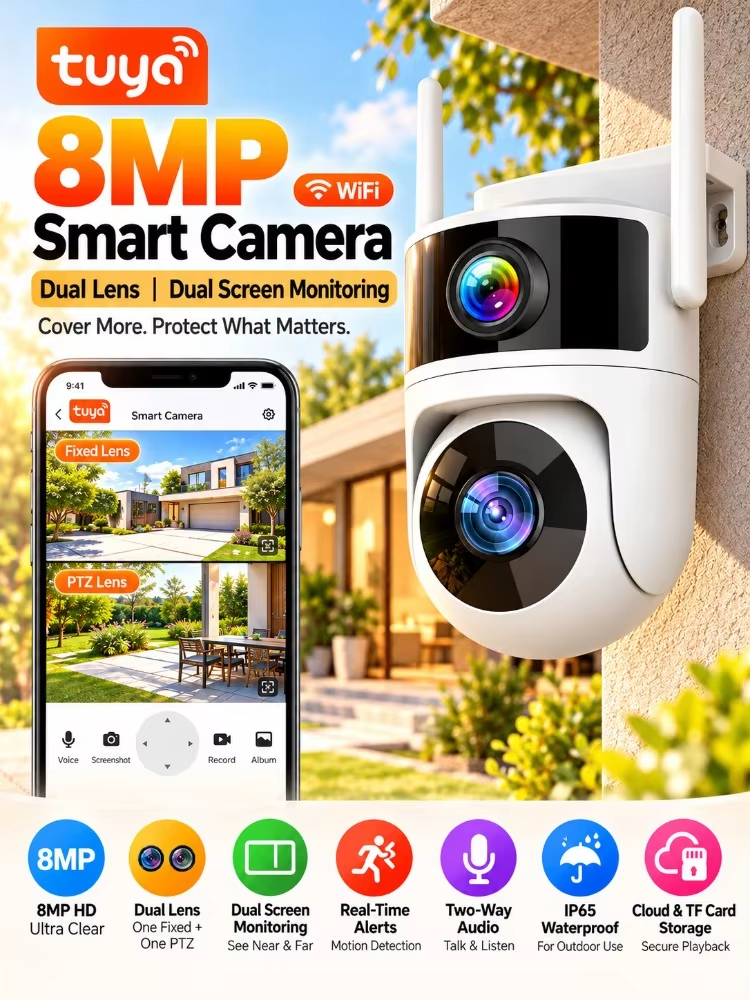
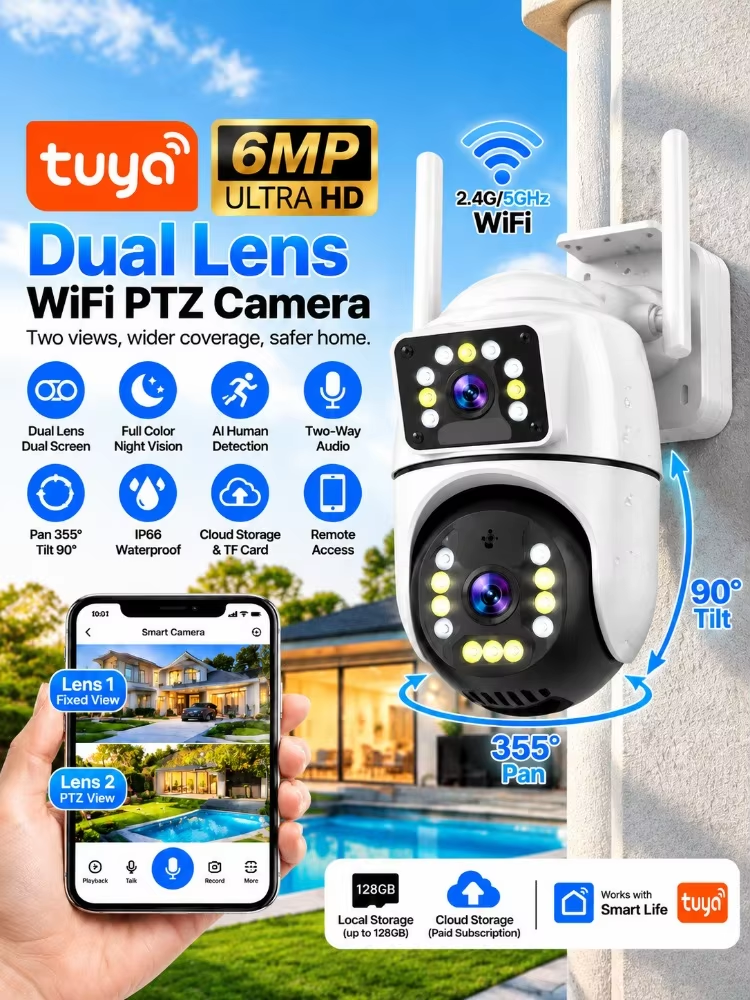
Dual Screen Auto Tracking Wifi Camera
描述
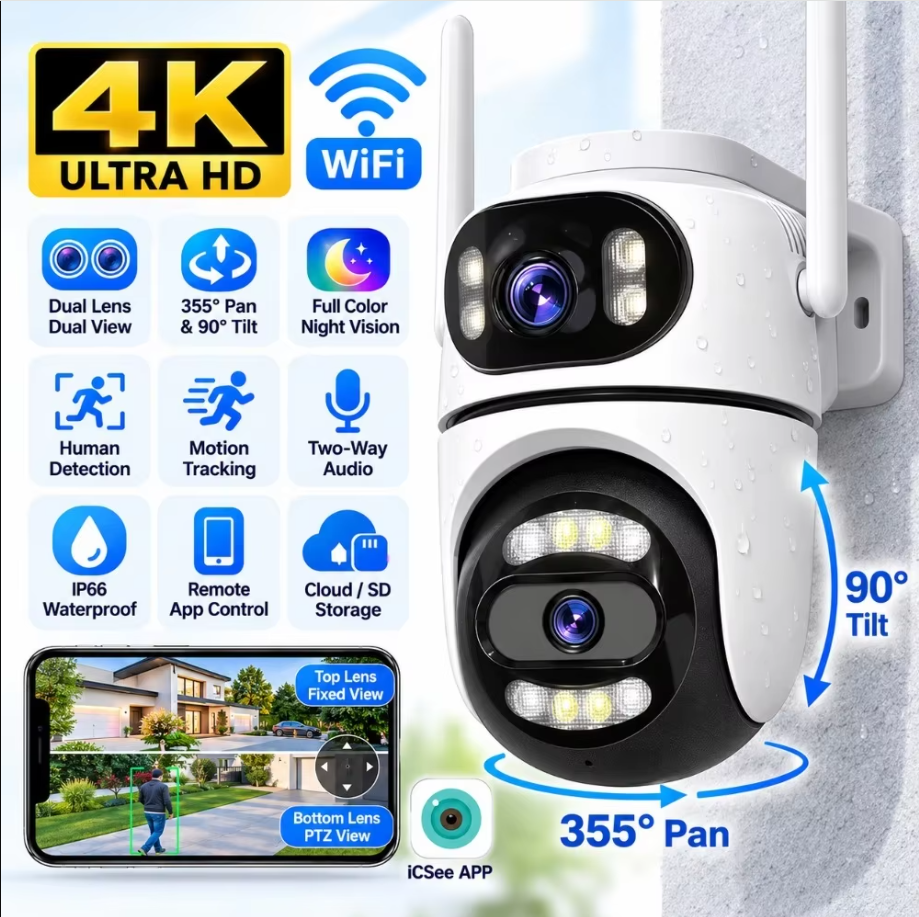
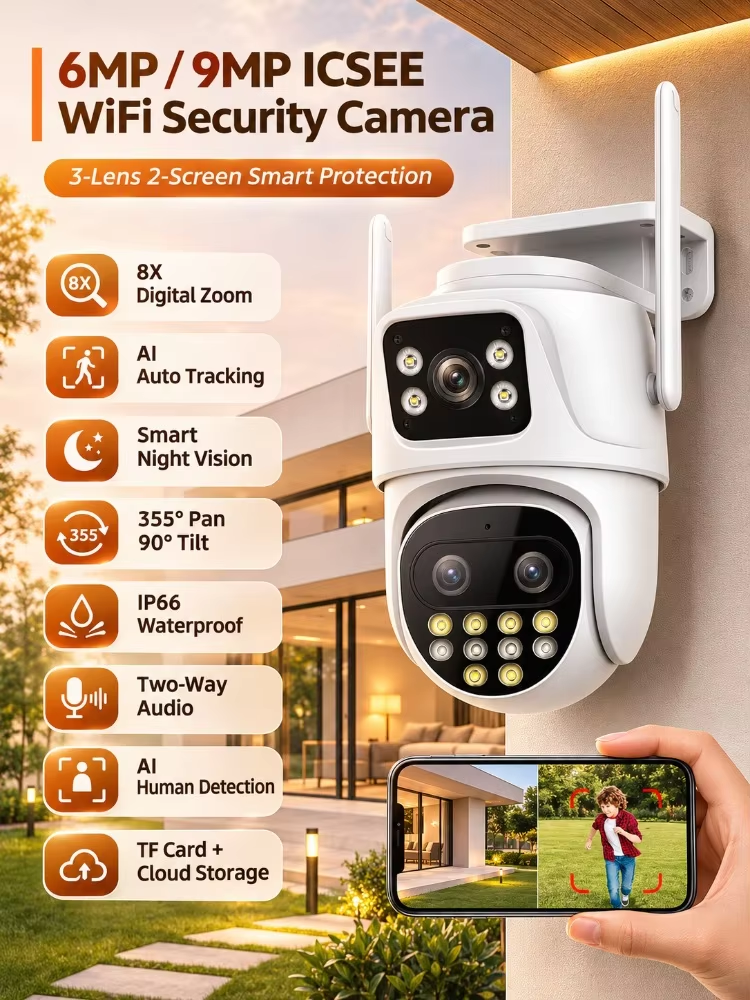
●APP: iCSee APP / XMeye App ●The camera supports 2 screens ●Support Onvif protocol and RTSP protocol ●IP66 Camera support indoor and outdoor use ●Night vision: full-color night vision, black and white night vision, starlight night vision; ●Connection Method:2.4G HZ WIFI && Bluetooth Connection ●Support H.265 video compression format, saving storage space, reducing video quality loss, and providing high-definition pictures ●Support C10 memory card storage or cloud storage recording ●Support humanoid detection and movement tracking ●Support Two-Way Audio Talk Speak Real Time; ●Support all kinds of mobile phone remote monitoring (IOS,Android); ●Detection range: Horizontal :355 ° ,Vertical :90 °; ●After the camera is successfully configured, you can share the camera with your family Type C Interface 2.4G HZ Dual Screens WIFI Camera Human Detection / Auto Tracking / Night Vision / PTZ Camera
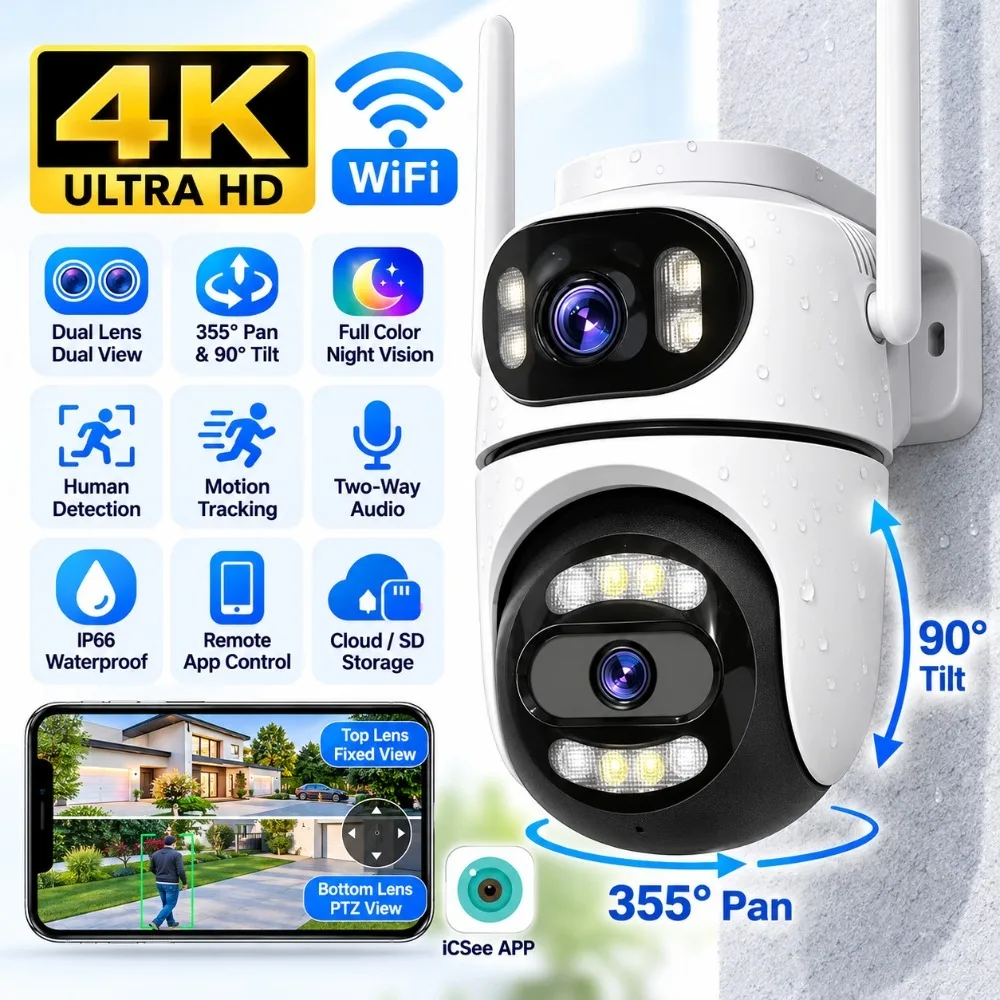
Dual Screen Wifi Camera
2 lenses are equipped with 2 screens, which can monitor real-time screens in 2 different directions at the same time

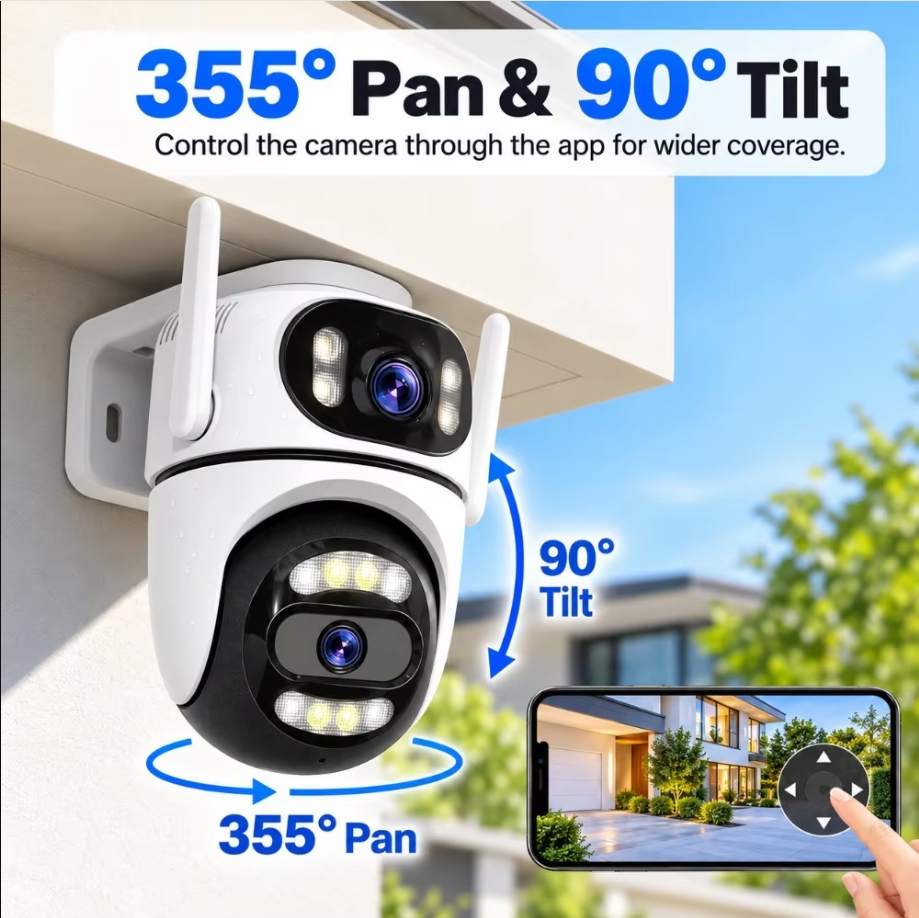
PTZ Control
Pan 355°, Tilt 90°. Camera features pan and tilt control via the icsee app or automatic pan and tilt to follow motion

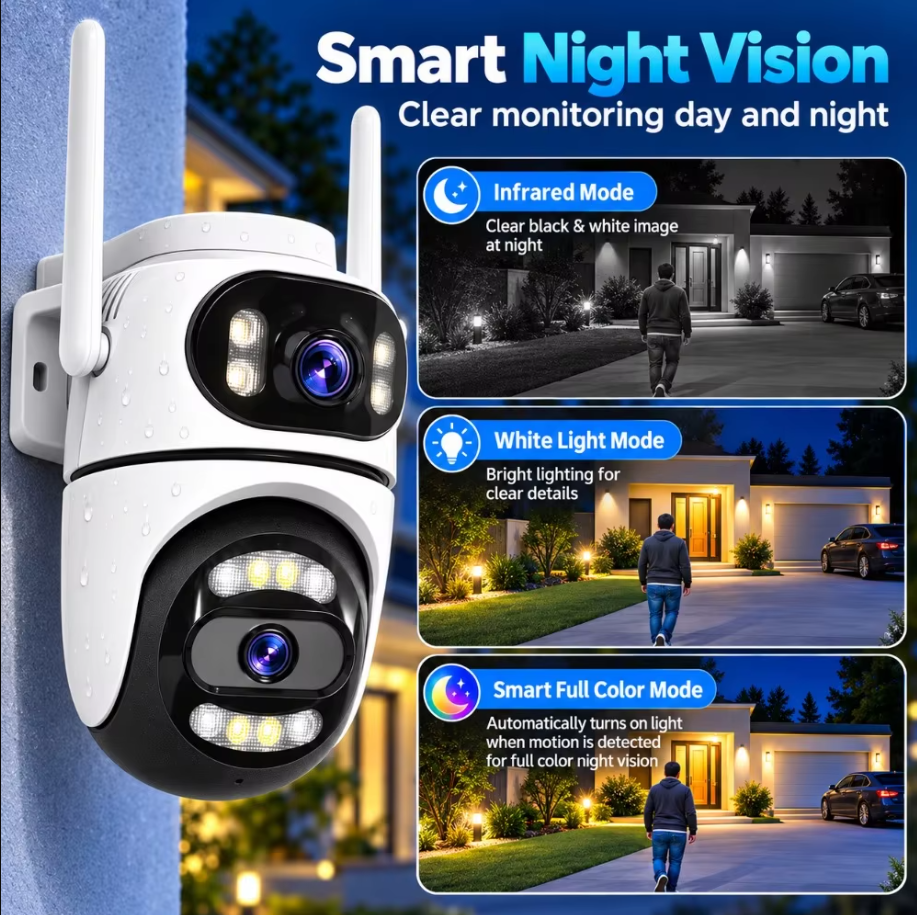
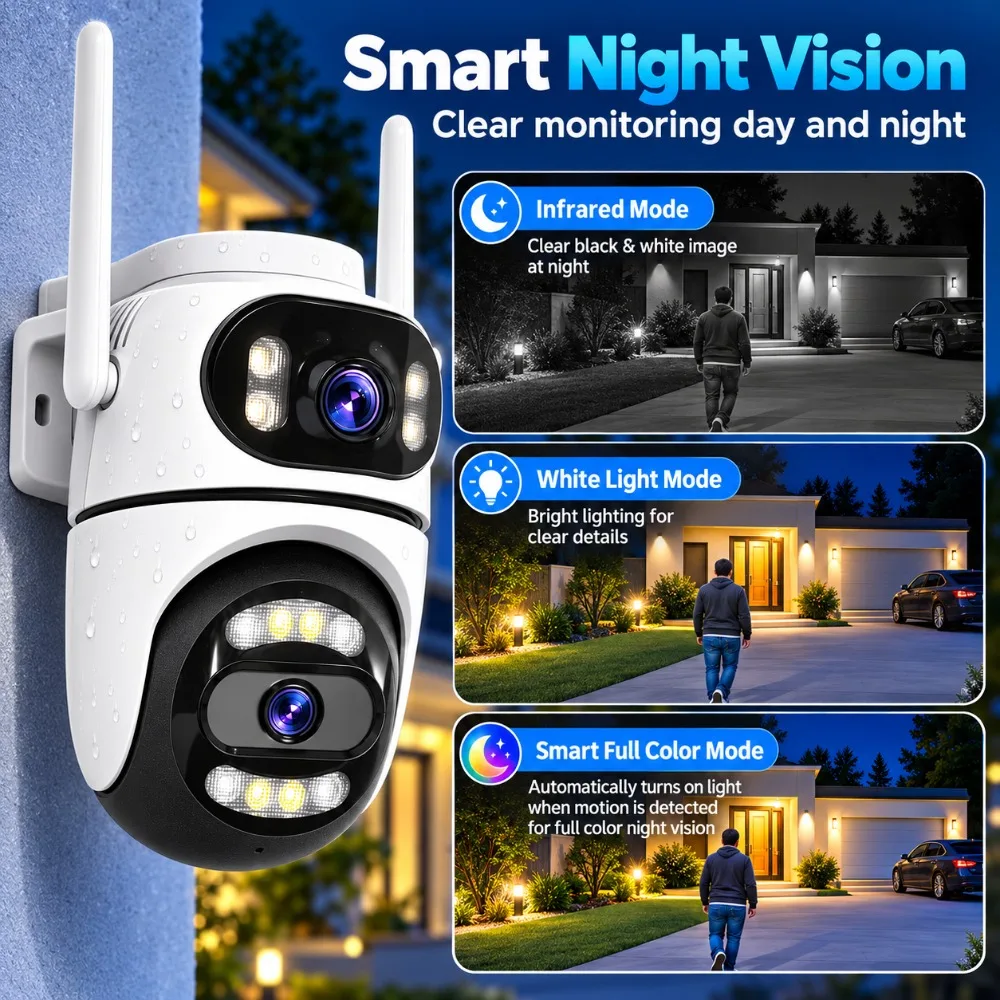
Night vision mode
The camera supports Infrared Night Vision, Full Color Night Vision, Double Light Alert. Three night vision modes to choose from iCSee App
Smart Motion Tracking
When someone enters the camera's monitoring line of sight, the camera will track the person's movement throughout the process until the person leaves the monitoring line of sight.

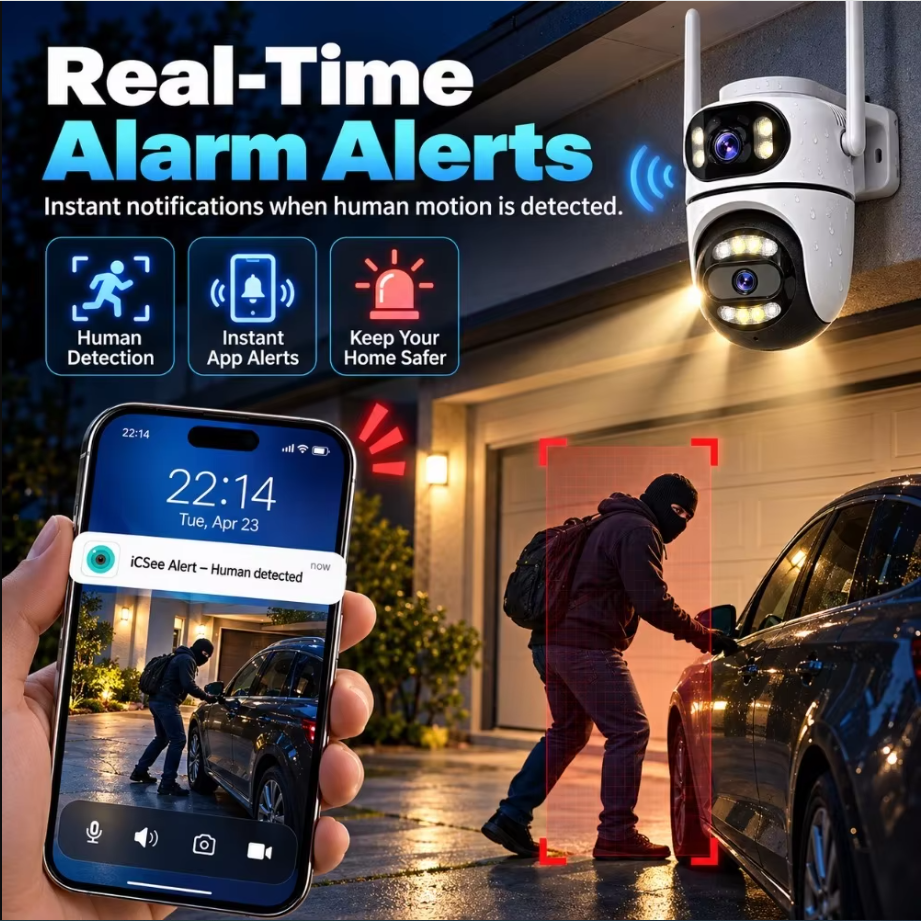
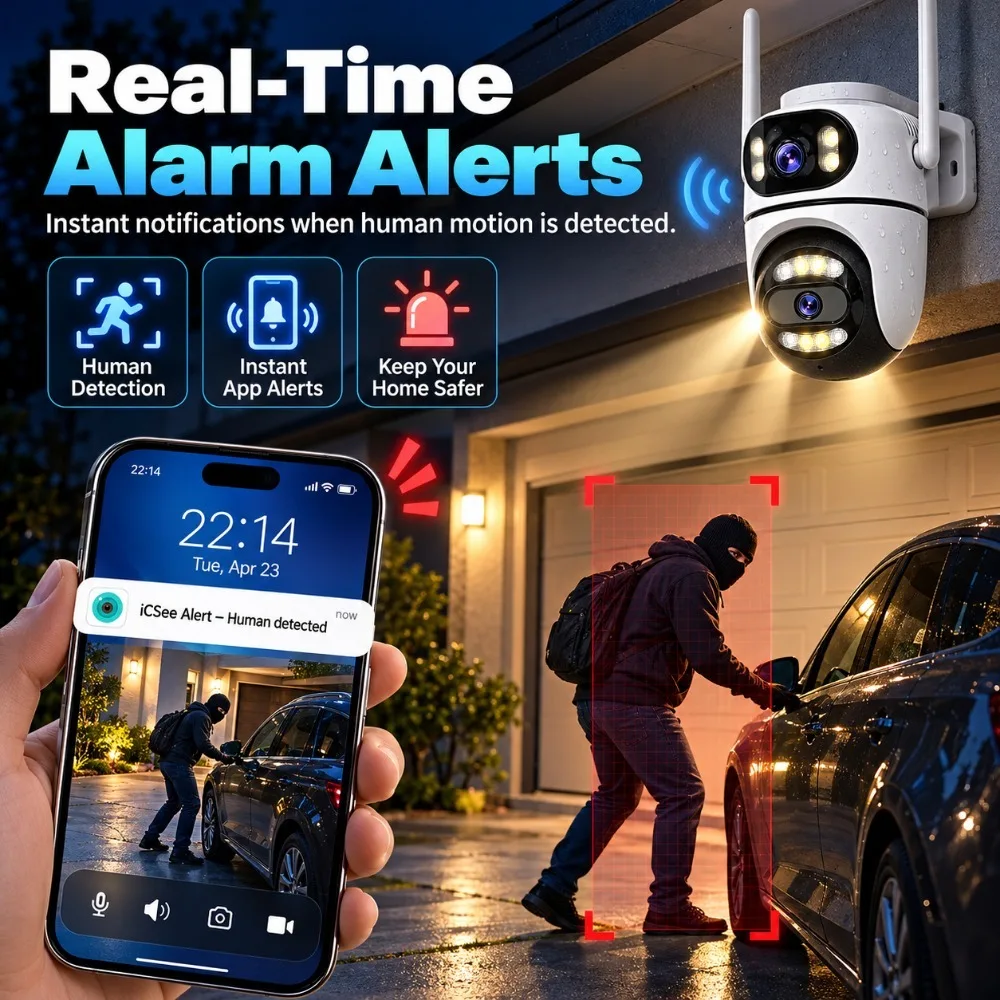
Real-Time Alarm Alerts
Quickly finds human targets and immediately sends App notifications to your phone so you can see what's happening anywhere.
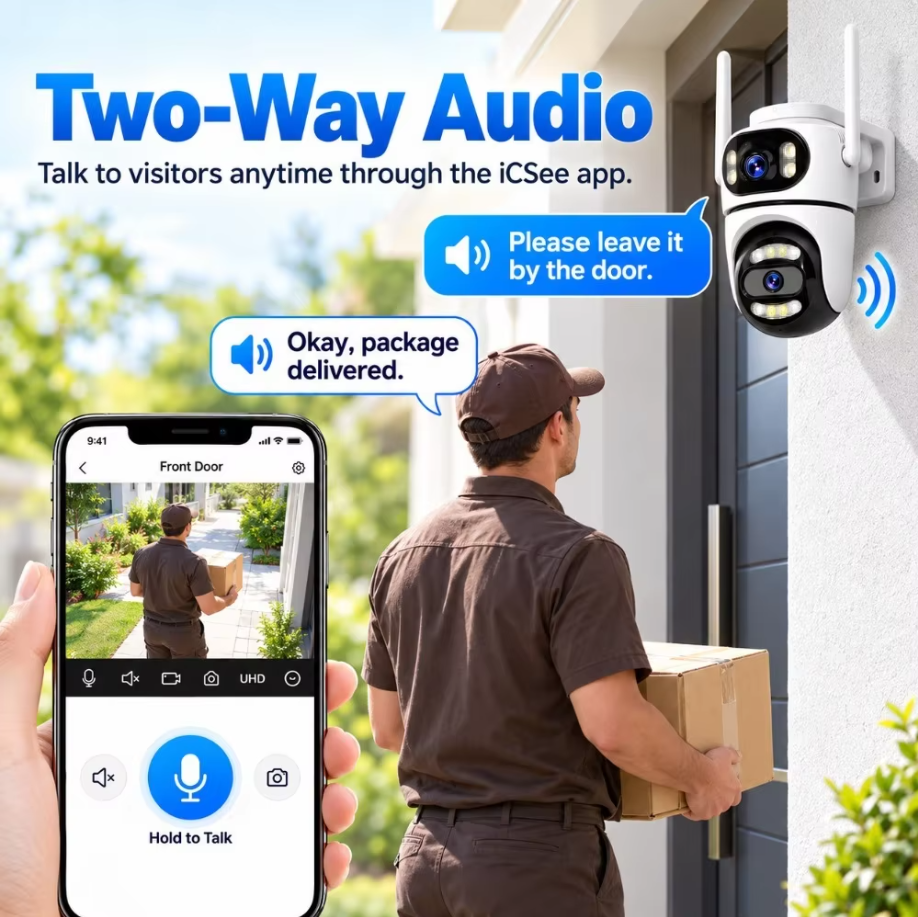
Two Way Audio
Built in microphone and speaker,support real time video,which allows you talk with your visitor in real time wherever you are.

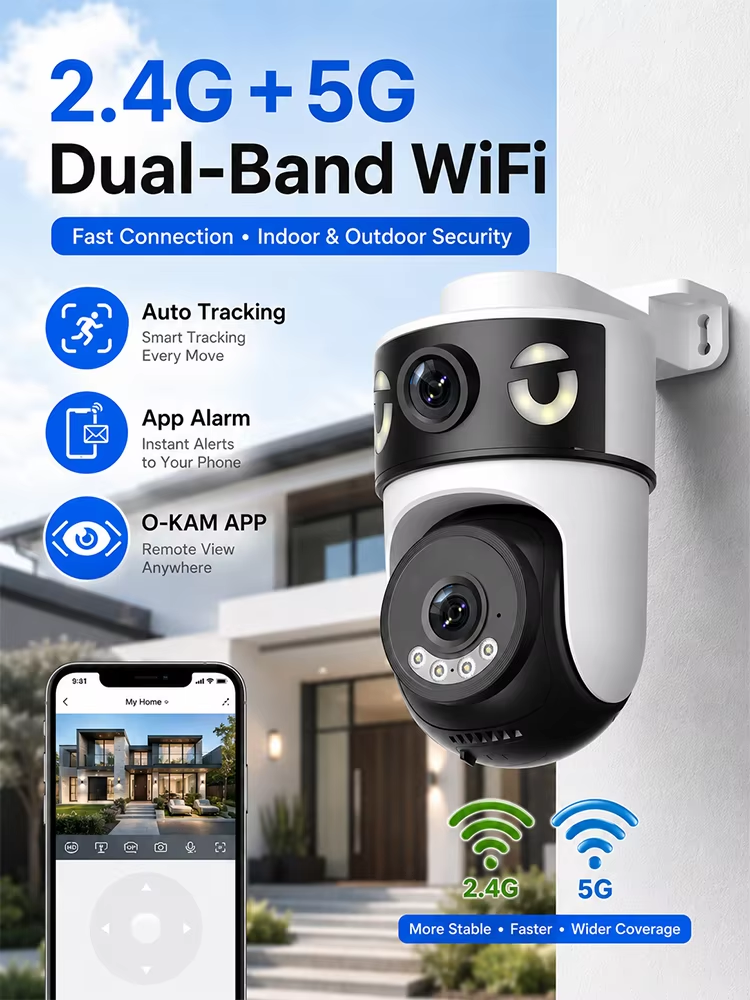
Connection method The camera supports Bluetooth connection and 2.4G HZ WIFI connection

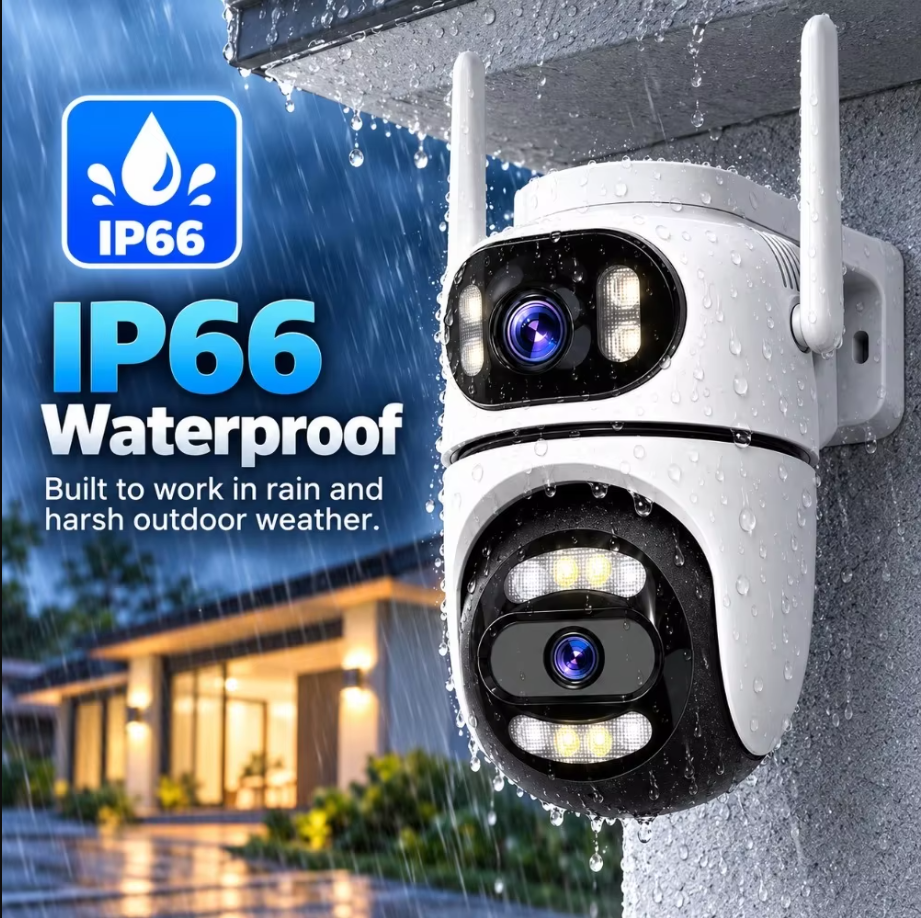
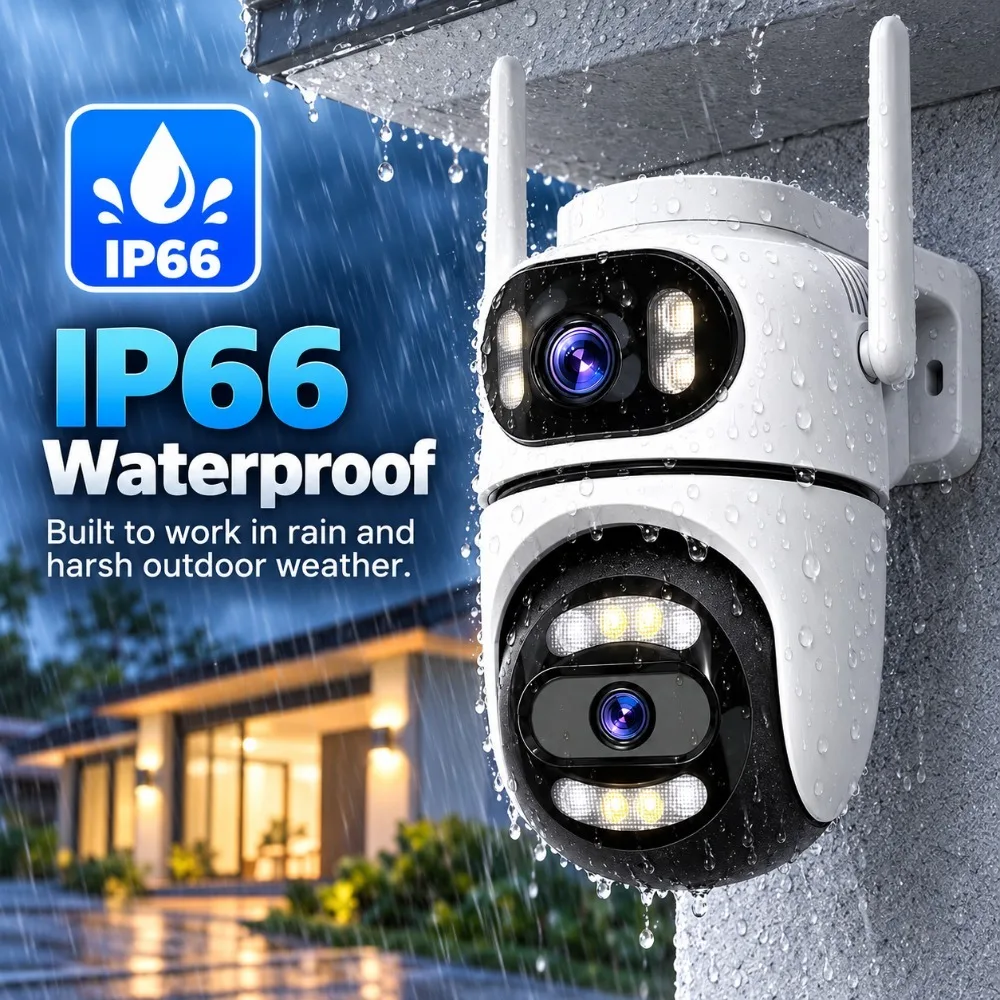
Outdoor Waterproof Camera
Camera supports indoor and outdoor use, waterproof, dustproof, cold and high temperature resistant
Two Storage Methods
The camera supports C10 memory card or cloud server to store videos

Multiple installation methods
Camera can be installed on the wall or on the ceiling

Smart H.265 Video Compression Save you 50% of storage space. Provide you with up to 50% excellent bandwidth improvement, faster image transmission speed, and enjoy smoother video playback speed

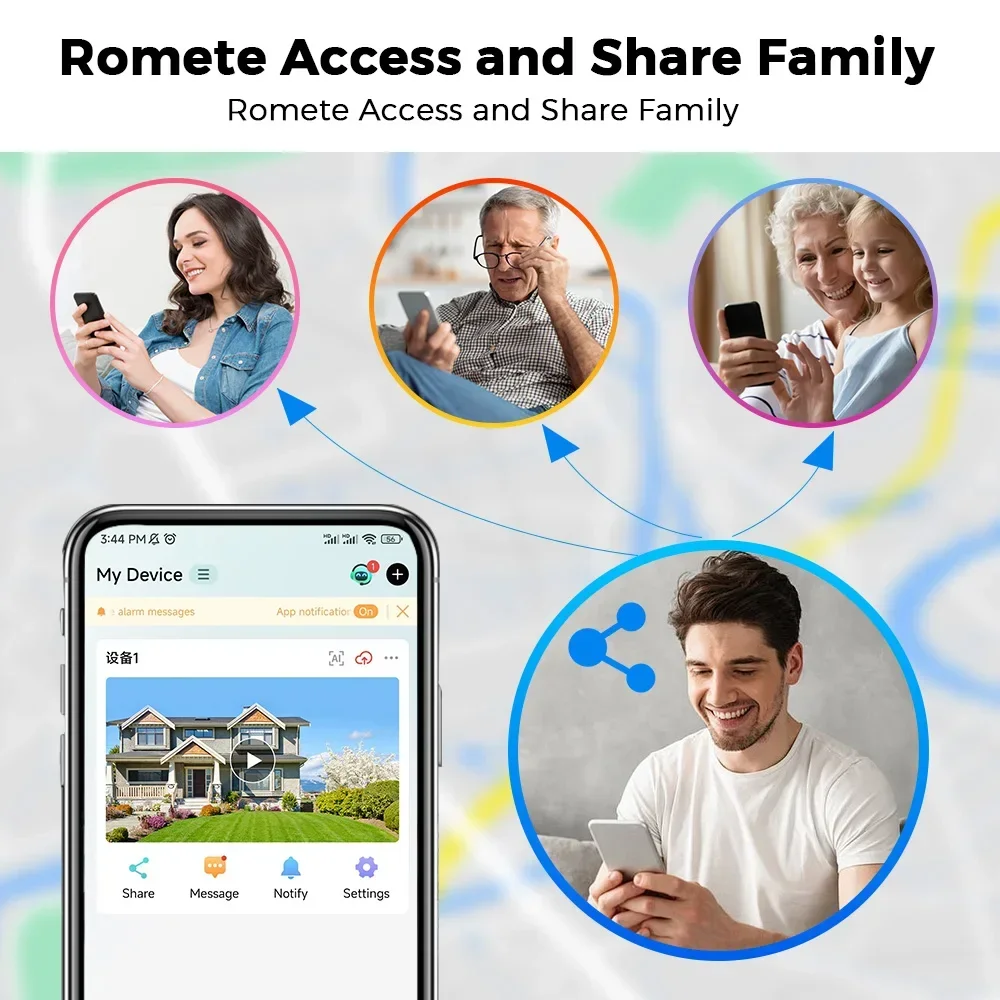
Shared Camera Equipment
After the camera is successfully configured in the first step of the phone, you can share it with your family by sharing and scanning the QR code.
Camera / Power Adapter / Manual / Installation Accessories


How to find the Alexa configuration portal in the icsee app

How to Configure the Camera in the iCSee App ① Download icsee app from Google Mall or other software malls ② There is a reset button at the bottom of the camera. Press and hold the reset button for 10 seconds. When you hear the sound of a successful reset, the camera has been reset successfully. ③ Connect the camera through the 2.4G HZ Wifi network band, follow the 6 steps in the picture to connect, and you can configure it successfully.

Related products



Contact Info
- Address: Victoria Noble Cente, Plot No. 89, Block No. 45B, Kijitonyama, Dar es SalaamTanzania, Dar es Salaam, China Road & Bridge Corporation Tower, 1503
- Phone: +255756661888
- Email: ccomtv@126.com